
If your Instant Pot displays a burn error, it can be frustrating and interrupt your meal prep. This guide provides clear, step-by-step instructions to identify causes and safely resolve the issue, ensuring your cooking continues smoothly.
Understanding why the burn error occurs and how to fix it can save you time and prevent damage to your appliance. Follow these practical tips to troubleshoot effectively and keep your Instant Pot in optimal condition.
Key Takeaways
| Common Cause | Food sticking or burning at the bottom |
| Important Step | Ensure proper sealing and enough liquid |
| Cleaning Needed | Regularly clean the inner pot and sealing ring |
| Prevention Tip | Avoid overfilling and stirring before sealing |

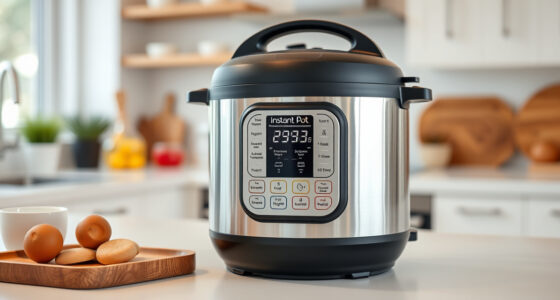
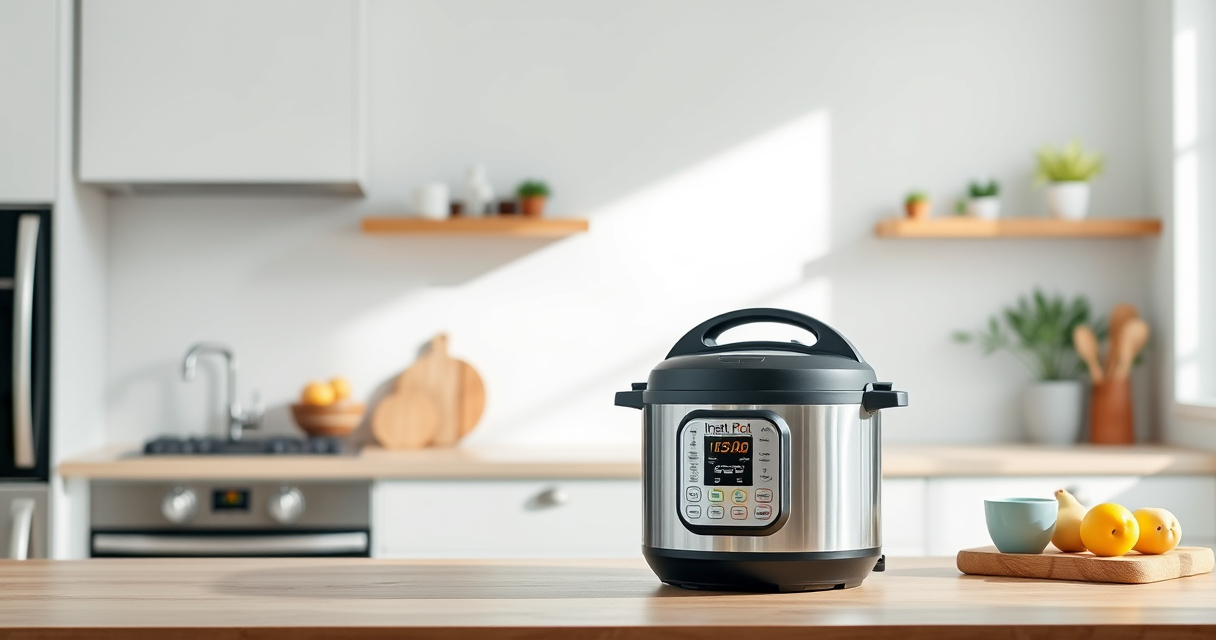
Instant Pot 4QT RIO Mini 7-in-1 Multi-Cooker, Pressure Cooker, Slow cook, Sauté, Steam, Rice Maker, Yogurt, & Warmer, Black, 4 Quarts
7 Cooking Functions: Pressure cook, slow cook, sauté, steam, cook rice, make yogurt, or keep your meals warm,...
As an affiliate, we earn on qualifying purchases.
Identify the Cause of the Burn Error
The burn error usually occurs when food sticks to the bottom of the inner pot or when there isn’t enough liquid to generate steam. Check for burnt food residue or insufficient liquid in the pot before starting your cooking cycle.
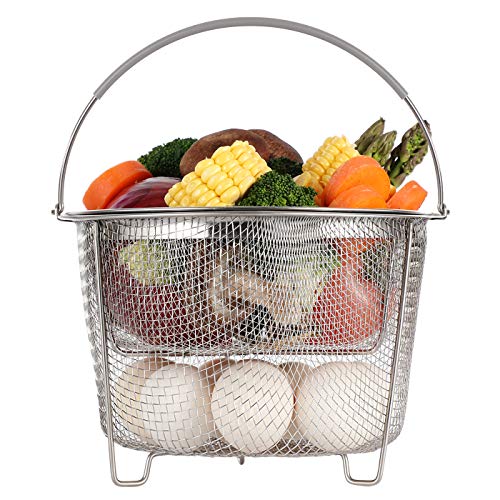
AOZITA Steamer Basket for Instant Pot Accessories 6 qt or 8 quart - 2 Tier Stackable 18/8 Stainless Steel Mesh - Silicone Handle - Vegetable Steamer Insert, Egg Basket, Pasta Strainer,Silver
2-TIER STACKABLE BASKET – Make the best out of your instant pot with our steel mesh steamer pot...
As an affiliate, we earn on qualifying purchases.
Prepare Your Instant Pot for Fixing
- Turn off and unplug the Instant Pot to ensure safety.
- Open the lid carefully and remove the inner pot.
- Inspect the bottom for burnt food or residue. Clean thoroughly if needed.
- Check the sealing ring for proper placement and cleanliness.
Fix the Burn Error Step-by-Step
- Remove the inner pot and clean it with warm, soapy water. Use a soft brush or sponge to remove any stuck food.
- Ensure the sealing ring is correctly seated in the lid, free of debris or tears.
- Refill the inner pot with at least 1 cup of liquid (water or broth) to ensure proper pressure buildup.
- Secure the lid firmly, making sure the steam valve is in the sealing position.
- Set your desired cooking program and start again.
Tips and Warnings for Prevention
- Avoid overfilling the inner pot—fill no more than 2/3 full.
- Stir ingredients before sealing to prevent sticking.
- Use enough liquid to generate sufficient steam.
- Regularly clean the sealing ring and inner pot to prevent residue buildup.
- Never force the lid closed if it doesn’t close properly.
Additional Troubleshooting Tips
If the burn error persists after cleaning and refilling, try replacing the sealing ring or checking the vent for blockages. Refer to your user manual for specific model instructions.
The Products in This Guide

Instant Pot 4QT RIO Mini 7-in-1 Multi-Cooker
- ✔ Model: B0F9B923NC
- ✔ Capacity: 4QT
- ✔ Functions: 7-in-1

AOZITA Steamer Basket
- ✔ Type: 2-tier
- ✔ Material: Stainless Steel
- ✔ Compatibility: 6 & 8 qt
Instant Pot 4QT RIO Mini 7-in-1 Multi-Cooker
The Instant Pot 4QT RIO Mini 7-in-1 Multi-Cooker offers multiple cooking functions in a compact size, making it ideal for small households and quick meals. Its anti-spin design helps prevent operational issues like the burn error, and proper maintenance ensures years of reliable use.
Pros:
- 7-in-1 functionality including pressure cooking
- Compact size fits small kitchens
- Easy to clean and use
- Progress indicator for monitoring
Cons:
- Limited capacity for larger families
- Requires careful sealing to prevent errors
- Not suitable for large batch cooking
Best for: Small families or individuals seeking versatile, space-saving cooking
Not ideal for: Cooking for large groups or extensive meal prep
Bottom line: A compact, multi-functional cooker perfect for small households with easy-to-use features.
AOZITA Steamer Basket
The AOZITA Steamer Basket adds extra functionality to your Instant Pot, allowing you to steam vegetables, eggs, and more simultaneously. Its two-tier design maximizes space and efficiency, making it a great addition for busy cooks.
Pros:
- Two-tier stackable design
- Made of durable stainless steel
- Compatible with 6 and 8 qt models
- Easy to clean
Cons:
- Requires additional space inside the pot
- Does not include a lid
- May need careful handling for stacking
Best for: Cooking multiple food items at once or steaming large quantities
Not ideal for: Single-item steaming or small servings
Bottom line: A versatile steamer basket that maximizes your Instant Pot’s steaming capabilities.
Frequently Asked Questions
What causes the burn error on my Instant Pot?
The burn error typically occurs due to food sticking to the bottom, insufficient liquid, or overfilling. Proper cleaning and ensuring enough liquid can prevent it.
How can I prevent the burn error?
Use enough liquid, avoid overfilling, stir ingredients before sealing, and keep the inner pot and sealing ring clean.
Is it safe to continue cooking after a burn error?
No, always turn off, unplug, and clean the device thoroughly before attempting to cook again to prevent damage or safety hazards.
How often should I replace the sealing ring?
Check the sealing ring regularly for tears or deformation and replace it if it smells or becomes damaged to maintain a proper seal.
Mastering Your Instant Pot for Smooth Cooking
Understanding and troubleshooting the burn error ensures your Instant Pot remains a reliable kitchen helper. Regular maintenance, proper filling, and careful sealing are key to preventing errors and enjoying delicious, fuss-free meals every time.
Affiliate disclosure: As an Amazon Associate we earn from qualifying purchases. Prices and availability are accurate as of the time of publishing.