
TL;DR
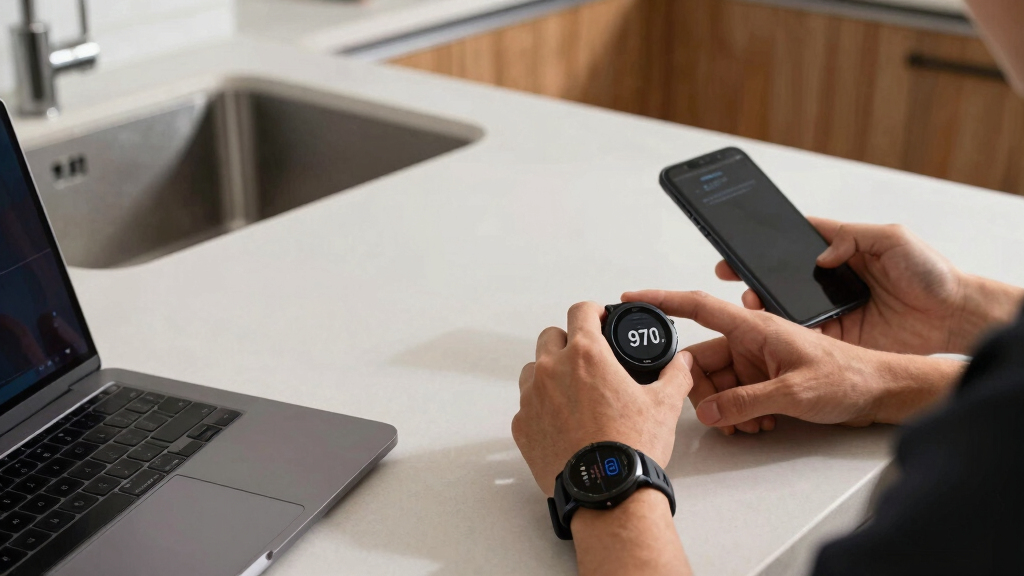
This article reveals five practical hacks for Garmin Forerunner 970 users to enhance usability and performance. These tips include customizing controls, managing data screens, delaying Strava uploads, calibrating health metrics, and conserving battery life.
Garmin Forerunner 970 users can now unlock more effective use of their watches by applying five underrated tips, enhancing data clarity, control, and battery management, according to recent user insights and Garmin’s features.

Get home appliances delivered free with Prime
- Fast, free delivery on millions of items
- Prime Video, Amazon Music and more included
- Member-only deals all year
These tips include customizing button functions for specific workout needs, simplifying data screens to avoid information overload during intense runs, delaying Strava uploads to improve GPS accuracy, calibrating health metrics like lactate threshold over time, and using ‘Record Only’ mode to extend battery life on unfamiliar routes.
Sources from Garmin user communities and expert reviews confirm these strategies can make the device more user-friendly and performance-oriented. For example, reassigning buttons helps streamline workout transitions, while managing data screens reduces cognitive load during high-effort segments.
Additionally, waiting a few minutes before syncing with Strava ensures more accurate GPS data, and using ‘Record Only’ mode conserves battery without sacrificing essential navigation when needed.
Why These Hacks Improve Your Running Experience
Implementing these five hacks can lead to more accurate training data, better device control, and longer battery life, which are critical for serious runners relying on the Garmin Forerunner 970. These adjustments help users get the most out of their device, turning it from a data tracker into a true performance tool.
Products Worth Considering

Ring Alarm 14-Piece Security Kit

Ring Alarm 8-Piece Home Security System Kit

Philips Hue Bridge Pro Starter Kit with 4 A19 E26 Color Smart Bulbs
As an affiliate, we earn on qualifying purchases.
Background on Garmin Forerunner 970 Features and Challenges
The Garmin Forerunner 970 is equipped with advanced sensors and metrics, making it a powerful training companion. However, its complexity can overwhelm users, leading to underutilization of key features. Previous reviews have highlighted the device’s extensive capabilities but also noted usability hurdles, such as data overload and battery drain during navigation.
Recent user feedback and Garmin’s updates emphasize the importance of customizing controls and managing data to optimize performance. These hacks build on existing features, helping users tailor the device to their specific training routines.
“Customizing button functions and simplifying data screens can significantly enhance the user experience and training accuracy.”
— Garmin expert review
Unclear Aspects of Long-Term Effectiveness and Updates
It is not yet confirmed whether these hacks will be universally effective for all users or if future firmware updates might change some features’ behavior. Additionally, the long-term impact of calibration and battery-saving techniques remains to be fully tested across diverse usage scenarios.
Next Steps for Garmin Users and Firmware Improvements
Garmin is expected to release firmware updates that may incorporate some of these tips into default settings or improve functionality further. Users should stay informed through Garmin’s official channels and community forums for upcoming updates and additional tips.
Key Questions
Can customizing buttons impact other functions?
Yes, reassigning buttons can streamline your workouts but should be done carefully to avoid losing access to essential features.
How long should I wait before syncing with Strava?
Experts recommend waiting at least two to three minutes after finishing your run to ensure GPS data is fully processed before uploading.
Will these hacks work with older Garmin models?
Some tips, like customizing buttons and managing data screens, are applicable to other Garmin watches, but features like ‘Record Only’ mode are specific to the Forerunner 970.
Is delaying GPS calibration necessary?
While not mandatory, running several workouts with auto-detect features enabled helps improve the accuracy of health metrics over time.
Does using ‘Record Only’ mode affect navigation?
No, it only records your route passively, making it suitable for retracing your steps without active turn-by-turn guidance.
Source: Lifehacker