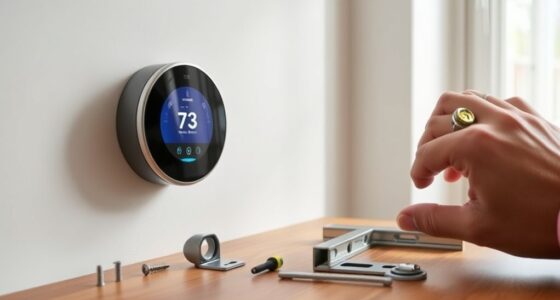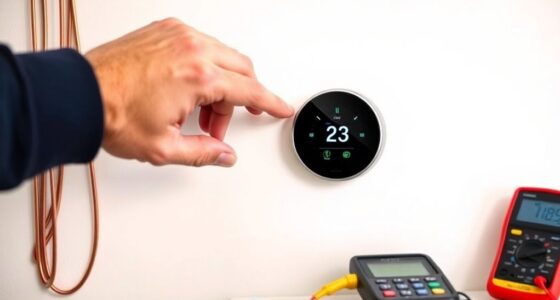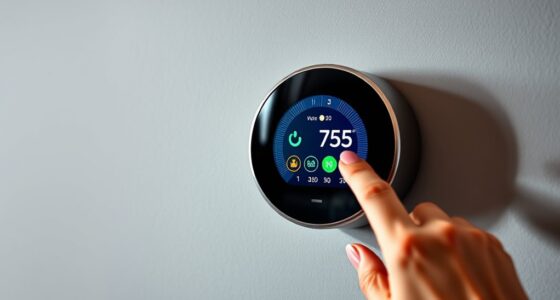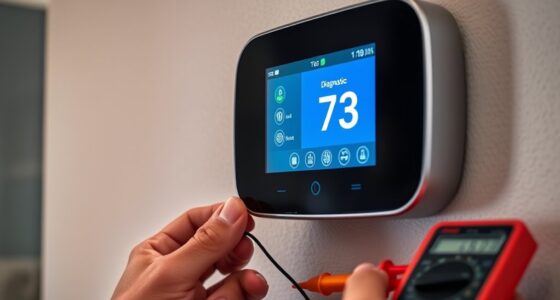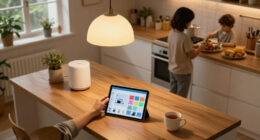
To set up energy monitoring on your smart thermostat, make certain it’s connected to your Wi-Fi following the manufacturer’s instructions, and download the related app on your smartphone or tablet. Open the app and locate the energy or power consumption feature, then activate it with the provided toggle or permissions. Once set up, you can track real-time and historical energy data, helping you optimize your home’s climate control. Keep exploring to discover more ways to maximize your system’s efficiency.

Get home appliances delivered free with Prime
- Fast, free delivery on millions of items
- Prime Video, Amazon Music and more included
- Member-only deals all year
Key Takeaways
- Connect the thermostat to Wi-Fi following the manufacturer’s setup instructions.
- Download and install the associated mobile app for your smart thermostat.
- Enable energy monitoring features within the app, ensuring proper permissions are granted.
- Verify real-time power consumption and energy data are visible in the app interface.
- Review and customize settings or schedules to optimize energy use based on monitoring data.
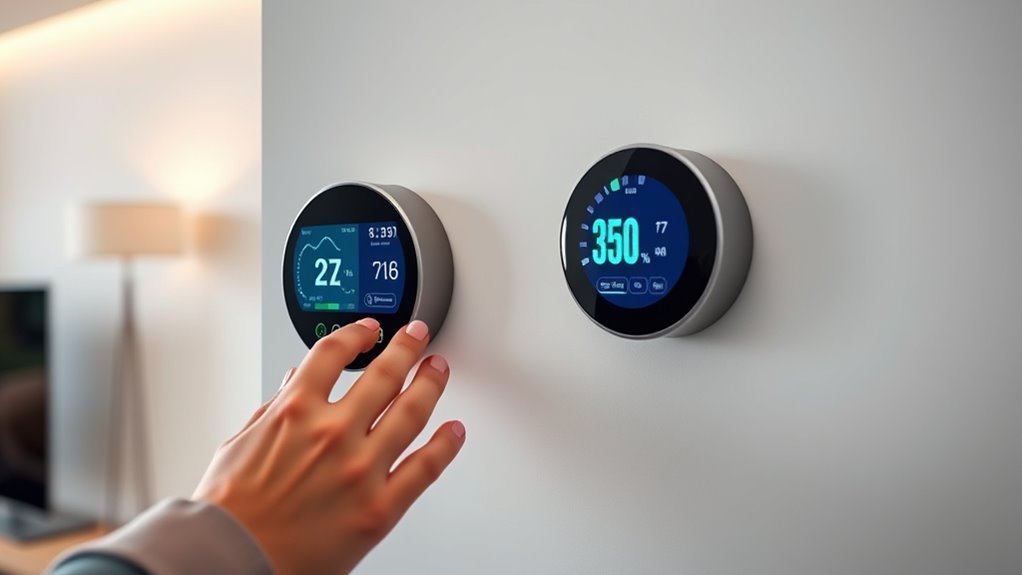
Smart thermostats have revolutionized how you manage your home’s energy use by offering real-time monitoring capabilities. With these devices, you can easily track your power consumption, enabling you to make smarter decisions about heating and cooling. Setting up energy monitoring features is straightforward, and doing so allows you to gain valuable insights into how your habits impact your energy bills. Once configured, your thermostat continuously collects data on your home’s temperature patterns, usage times, and system performance. This information is vital for conducting efficiency analysis, helping you identify areas where you can optimize your energy use. For example, if your system runs excessively during certain times, you can adjust schedules or settings to reduce waste.
Smart thermostats enable real-time energy monitoring to optimize your home’s efficiency and reduce costs.
To begin, make sure your smart thermostat is connected to your Wi-Fi network, as most models rely on internet access to sync data and provide detailed analytics. Follow the manufacturer’s instructions to complete the setup process, which typically involves downloading an app on your smartphone or tablet. Within the app, locate the energy monitoring or power consumption section—this is where you’ll access your home’s data. Some thermostats automatically start collecting data once connected, but it’s good practice to verify that the feature is enabled. You might need to toggle certain settings or grant permissions for the device to collect and transmit data effectively.
Once active, the energy monitoring feature displays real-time power consumption, allowing you to see how much energy your heating and cooling systems are using at any given moment. Many apps also offer historical data, showing you how your power use varies throughout the day, week, or month. Use this information to analyze your efficiency, pinpointing patterns that lead to higher energy use. For instance, you might discover that your system consumes more power during specific hours or when certain settings are active, guiding you to fine-tune your schedule or thermostat settings for better efficiency.
Some smart thermostats provide detailed reports and recommendations based on your data, helping you understand your efficiency analysis better. These insights can drive smarter adjustments, such as lowering temperatures when you’re away or programming the thermostat to operate less intensively during unoccupied periods. Over time, monitoring your power consumption and conducting regular efficiency analysis allows you to refine your home’s climate control, ultimately reducing energy waste and lowering costs. By setting up and leveraging energy monitoring features effectively, you turn your smart thermostat into a powerful tool for sustainable living and financial savings.
smart thermostat energy monitoring
As an affiliate, we earn on qualifying purchases.
As an affiliate, we earn on qualifying purchases.
Frequently Asked Questions
Can Energy Monitoring Be Integrated With Existing Home Automation Systems?
Yes, you can integrate energy monitoring with your existing home automation systems. Check the integration compatibility of your smart thermostat with your automation platform, ensuring it supports energy data sharing. Once integrated, you can set automation triggers based on energy consumption patterns, helping you optimize efficiency. This seamless connection lets you monitor energy use in real-time and automate actions, making your home smarter and more energy-efficient.
What Privacy Measures Are in Place for Energy Usage Data?
Think of your energy data as a secret recipe—you want it protected. Your smart thermostat uses data encryption and user anonymization to keep your energy usage private. These measures prevent unauthorized access, just like a vault guards valuables. Rest assured, your information stays secure, and only you control who sees it, ensuring your privacy remains intact while you enjoy smarter energy management.
How Accurate Is the Energy Consumption Data Collected?
You’ll find that energy consumption data is quite accurate if your smart thermostat’s sensors are properly calibrated. Regular sensor calibration guarantees data accuracy, reflecting real energy use. High-quality devices typically have precise sensors, but you should check calibration settings periodically. When properly maintained, your thermostat provides reliable energy monitoring, helping you optimize your usage and save on costs. Trust the system’s data, and keep calibration up-to-date for the best accuracy.
Is There a Cost Associated With Enabling Energy Monitoring Features?
You might think enabling energy monitoring in your smart thermostat costs extra, but often it’s included at no additional charge. However, some models or advanced features could have cost implications or feature limitations that require a subscription or upgrade. Always check your specific device’s details, as certain functionalities might be restricted without a fee. This way, you can enjoy energy insights without surprises or hidden costs.
Can Energy Data Be Accessed Remotely via Smartphones or Tablets?
Yes, you can access energy data remotely via smartphones or tablets. Most smart thermostats offer remote access through mobile integration, allowing you to monitor your energy usage anytime, anywhere. Simply open the app on your device, and you’ll see real-time data and insights. This feature helps you stay informed and make adjustments on the go, ensuring efficient energy use without needing to be physically near your thermostat.
Wi-Fi enabled smart thermostat app
As an affiliate, we earn on qualifying purchases.
As an affiliate, we earn on qualifying purchases.
Conclusion
By embracing energy monitoring in your smart thermostat, you gently steer towards more efficient habits without feeling overwhelmed. It’s a subtle nudge that helps you understand your energy use, making conservation feel natural and manageable. Over time, these small adjustments can lead to significant savings and a greener lifestyle. So, consider this a friendly invitation to optimize your comfort and efficiency effortlessly—your future self will thank you for the thoughtful choice.
energy monitoring smart thermostat
As an affiliate, we earn on qualifying purchases.
As an affiliate, we earn on qualifying purchases.
As an affiliate, we earn on qualifying purchases.
Cold & flu season Picks
humidifiers
As an affiliate, we earn on qualifying purchases.