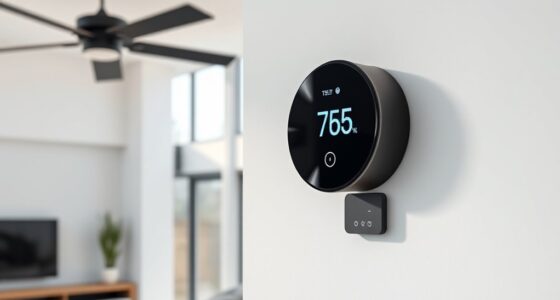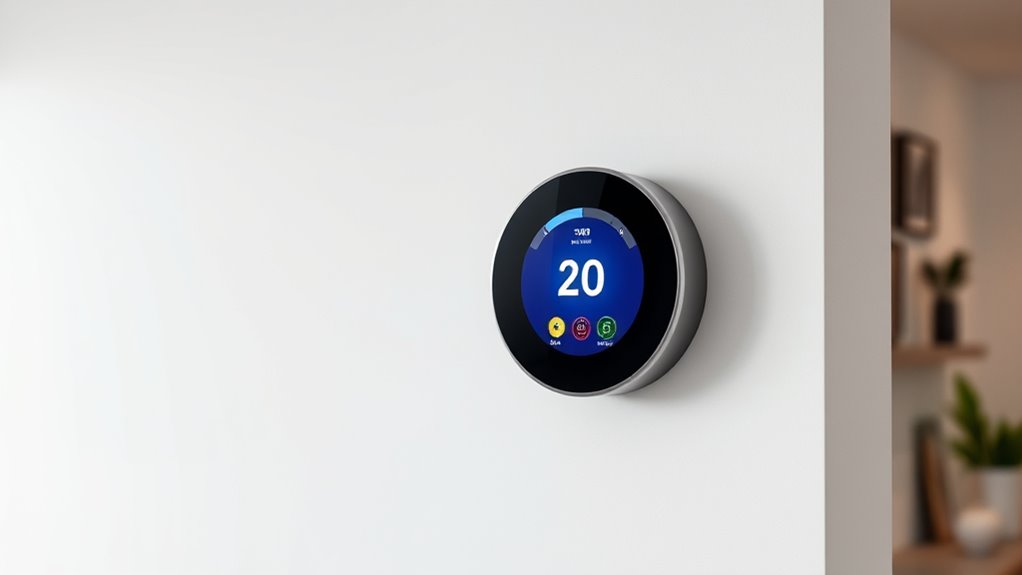

Using smart thermostats to trigger home automation scenes allows you to easily create a more comfortable and energy-efficient home. You can set scenes for specific times, activities, or weather conditions, and let your thermostat respond automatically. For example, it can lower the temperature at bedtime or warm up before you arrive home. This seamless integration helps balance comfort and savings, and exploring further will show you how to customize and optimize these scenes for your lifestyle.
Key Takeaways
- Program smart thermostats to activate specific scenes based on time, occupancy, or location triggers.
- Integrate thermostats with other smart devices to coordinate scene activation for comprehensive automation.
- Use weather data to automatically adjust scenes, optimizing comfort and energy efficiency.
- Create personalized scenes such as “Good Morning” or “Leaving Home” that adjust temperature settings accordingly.
- Enable continuous learning features to adapt scene triggers based on user routines and preferences.
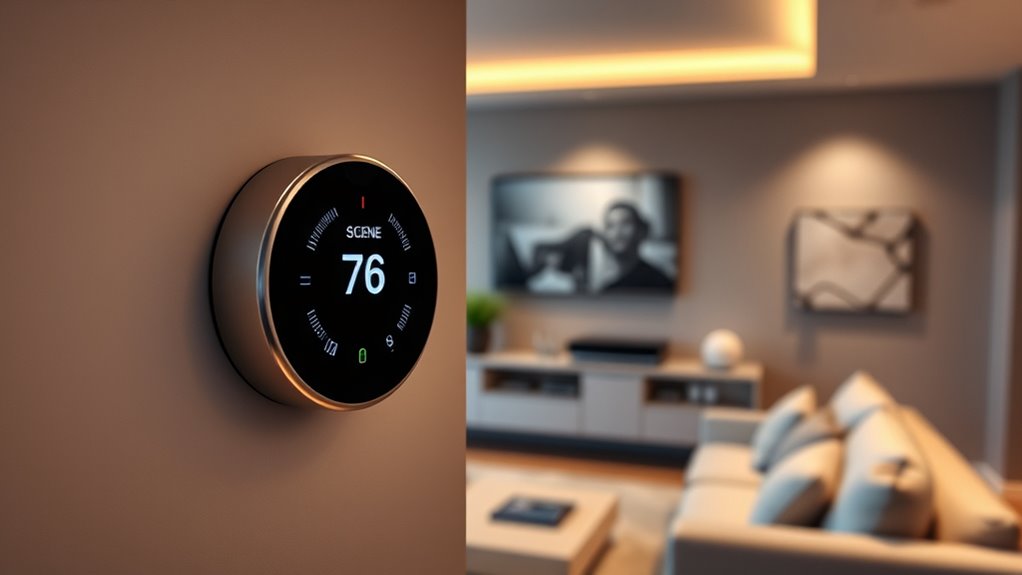
Smart thermostats are transforming the way you manage your home’s climate by offering seamless control, energy savings, and enhanced comfort. With these devices, you can easily automate your heating and cooling systems to respond to your daily routines and preferences. When you set your smart thermostat to trigger specific home automation scenes, you create a more efficient and personalized environment. For example, as you prepare to arrive home, your thermostat can activate a scene that adjusts the temperature to your preferred level, ensuring your space is cozy the moment you walk in. This proactive approach not only boosts user comfort but also helps you save energy by avoiding unnecessary heating or cooling when you’re away or asleep.
By integrating your smart thermostat with other smart home devices, you can orchestrate complex scenes that enhance your lifestyle. Imagine a “Good Morning” scene that gradually raises the temperature and turns on your coffee maker, or a “Good Night” scene that lowers the temperature and switches off unnecessary lights. These scenes can be activated automatically based on time, occupancy, or your location, making your home smarter and more responsive. When your thermostat triggers these scenes, you optimize energy use, reducing waste and lowering utility bills without sacrificing comfort. This means you’re not just saving money but also contributing to a more sustainable environment.
Integrate your smart thermostat with other devices to create automated scenes that save energy and enhance comfort effortlessly.
Additionally, smart thermostats allow you to customize scenes for different seasons and weather conditions, ensuring your home stays comfortable year-round. During hot summer days, you can trigger a scene that cools your home efficiently before you arrive, preventing energy spikes while maintaining a pleasant environment. In winter, scenes can activate to retain warmth and reduce heating costs. These automation capabilities give you control over your home’s climate with minimal effort, ensuring you get the perfect balance between energy savings and user comfort.
Using your smart thermostat to trigger home automation scenes also means you can set up routines that adapt over time. Many systems learn your habits and suggest new scenes to optimize comfort and save energy even further. This continuous adjustment means your home becomes more efficient without requiring constant manual input. Understanding home automation infrastructure is key to making the most of these capabilities, as it allows seamless integration and reliable operation. Overall, integrating smart thermostats into your home automation scenes enhances your lifestyle by providing comfort on demand and reducing energy waste. It’s a simple yet powerful way to make your home smarter, more responsive, and more economical.

Google Nest Thermostat – Smart Thermostat for Home – Programmable Wifi Thermostat – Charcoal
- Energy Star Certified: Helps save energy and stay comfortable
- Wi-Fi Connectivity: Supports 2.4 GHz and 5 GHz networks
- Bluetooth Low Energy: Wireless interconnect for easy setup
As an affiliate, we earn on qualifying purchases.
As an affiliate, we earn on qualifying purchases.
Frequently Asked Questions
Can Smart Thermostats Learn My Schedule Automatically?
Yes, smart thermostats can learn your schedule automatically. They use learning algorithms to analyze your habits and adapt to your user preferences over time. By tracking when you’re home or away, these thermostats optimize temperature settings for comfort and energy efficiency. As you interact with them, they refine their understanding, making automatic adjustments that match your routine without needing manual input constantly.
How Secure Are Smart Thermostats From Hacking?
Your smart thermostat isn’t an open book for hackers if you stay vigilant. It’s protected by encryption protocols that keep your data safe and firmware updates that patch security flaws. But don’t rest on your laurels—regularly update the device and use strong, unique passwords. Think of it as locking your front door; it’s your best defense against potential threats. With these precautions, your smart thermostat can be quite secure.
Do Smart Thermostats Work With All Home Automation Systems?
Smart thermostats don’t work with all home automation systems, but many are compatible thanks to learning algorithms and open standards. You’ll need to check device compatibility before purchasing, as some systems require specific protocols or hubs. If your home automation system supports common platforms like Zigbee, Z-Wave, or Wi-Fi, chances are your smart thermostat will integrate smoothly, allowing you to optimize comfort and energy savings effortlessly.
What’s the Cost Difference Between Smart Thermostats and Traditional Ones?
Smart thermostats typically cost more upfront than traditional ones, but they can lead to substantial energy savings over time. You might pay between $100 and $250 for a smart thermostat, whereas traditional models are usually $20 to $60. While the initial investment is higher, the energy savings and added convenience make smart thermostats a smart choice for your home. Over time, they can help reduce your energy bills considerably.
How Do I Troubleshoot Connectivity Issues With My Smart Thermostat?
You should first check your Wi-Fi connectivity—make sure your thermostat is within range and your internet is working properly. Then, verify if there are any pending firmware updates, as these can fix bugs and improve connection stability. Restart your thermostat and router to refresh the connection. If issues persist, reset your thermostat’s network settings and reconnect, ensuring your device’s software is up to date for peak performance.

Wireless Zigbee Smart Button, 4-Way Remote Switch and Scene Controller
- Wireless Zigbee Control: Reliable remote control for smart devices
- 4-Button Customization: Supports single, double, and long press actions
- Scene and Device Activation: Trigger scenes, adjust blinds, and more
As an affiliate, we earn on qualifying purchases.
As an affiliate, we earn on qualifying purchases.
Conclusion
By using smart thermostats to trigger home automation scenes, you can seamlessly enhance comfort and energy efficiency. Did you know that smart thermostats can reduce heating and cooling costs by up to 12%? This not only saves you money but also contributes to a greener environment. Integrating these devices allows you to create a more responsive, personalized home that adapts effortlessly to your lifestyle. Embrace smart thermostat technology today and enjoy a smarter, more efficient living space.

Govee Indoor Hygrometer Thermometer 3Pack H5075 with Bluetooth App Control
- Easy App Setup: Pair in one minute via Bluetooth
- Large Bright Display: 3-inch LCD with max/min records
- Accurate & Fast Readings: Temperature ±0.54°F, Humidity ±3%RH, 2s refresh
As an affiliate, we earn on qualifying purchases.
As an affiliate, we earn on qualifying purchases.

Amazon Smart Thermostat, Save money and energy, Works with Alexa and Ring, C-wire required
- Smart Alexa Thermostat: Easy upgrade from traditional thermostats
- Automated Comfort Zones: Adjusts heating and cooling automatically
- Energy and Cost Savings: Includes rebate information from energy providers
As an affiliate, we earn on qualifying purchases.
As an affiliate, we earn on qualifying purchases.