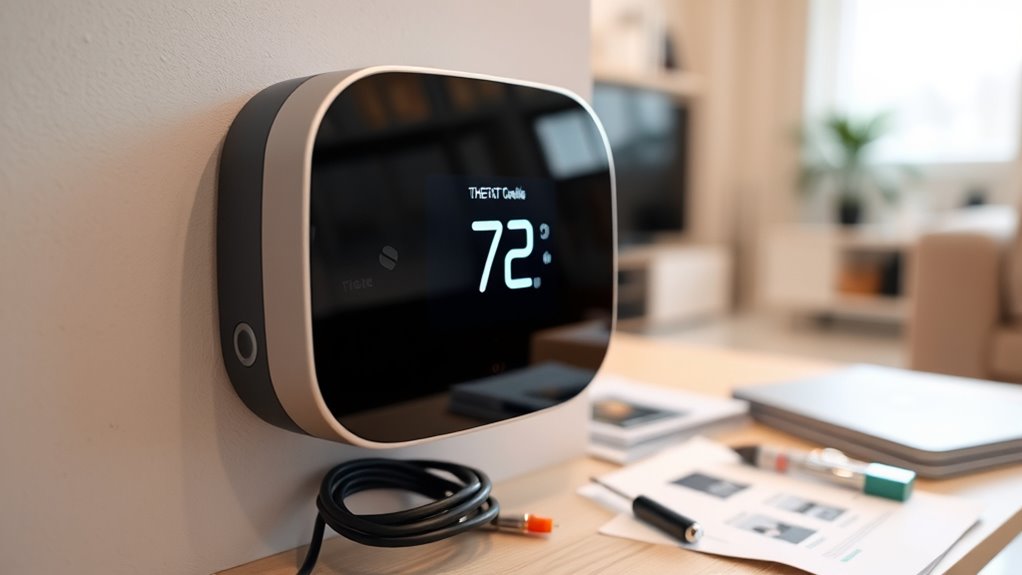

When buying a used smart thermostat, guarantee it’s compatible with your HVAC system and check that wiring matches the model’s requirements. Inspect the device for damage, corrosion, and missing parts, and ask about firmware updates to keep it functioning properly. Confirm the seller’s reputation and warranty options to protect your investment. Choosing a trusted source can save you future headaches. For tips on finding the best options and avoiding pitfalls, keep exploring this helpful guide.
Key Takeaways
- Verify compatibility with your HVAC system and ensure wiring matches the thermostat’s requirements.
- Inspect the unit for damage, corrosion, missing parts, and confirm it has the latest firmware updates.
- Check the seller’s reputation and ask about warranty coverage or return policies before purchasing.
- Confirm the display readability, interface clarity, and app compatibility for ease of use.
- Purchase from trusted sources or certified refurbishers to ensure device quality and support.

Used smart thermostats offer an affordable way to upgrade your home’s heating and cooling system without sacrificing advanced features. While buying pre-owned might seem risky at first, with the right approach, you can enjoy the benefits of a smart thermostat without overspending. To start, it’s essential to consider installation tips that guarantee the device works smoothly once you set it up. First, double-check compatibility with your HVAC system. Many used thermostats may not support certain heating or cooling setups, so reviewing the model’s specifications helps prevent surprises. During installation, verify your wiring matches the thermostat’s requirements. If you’re unsure, consult online guides or seek help from a professional to avoid damaging the device or your system. Proper installation not only ensures maximum performance but also helps you maintain any warranty options associated with the product.
Speaking of warranties, it’s vital to understand what coverage is available when purchasing a used smart thermostat. Many older models may no longer come with manufacturer warranties, but some sellers offer limited guarantees, especially if you buy from reputable sources like certified refurbishers or authorized resellers. Always ask about warranty options before completing your purchase. These warranties can protect you against potential defects or malfunctions that might not be immediately apparent. If the seller doesn’t offer any warranty, consider buying from trusted platforms that provide buyer protection policies or opting for a refurbished unit with a warranty included. This way, you reduce the risk of ending up with a faulty device and save yourself future repair costs.
Another key consideration is the condition of the thermostat. Inspect the unit for signs of damage, corrosion, or missing parts. Ask for detailed photos or descriptions if buying online, and confirm the return policy in case it doesn’t meet your expectations. Also, verify that the used device has the latest firmware or software updates to guarantee compatibility with your smartphone app and smart home ecosystem. Sometimes, older units might require firmware updates to function correctly or to access new features. Additionally, considering the color accuracy of the device’s display can help ensure the interface is easily readable in different lighting conditions.
Frequently Asked Questions
How Do I Verify a Used Thermostat’s Compatibility With My HVAC System?
You verify a used thermostat’s compatibility by checking its system requirements against your HVAC setup. Use a compatibility checklist to compare voltage, wiring, and control type. Make certain the thermostat supports your system’s heating and cooling functions. Additionally, consult your HVAC manual or contact an expert to confirm the model works with your equipment. This ensures seamless integration and avoids potential issues once installed.
Are There Risks of Firmware Issues With Used Smart Thermostats?
Did you know that over 60% of smart device users face firmware issues? Firmware stability can be a concern with used smart thermostats, as outdated firmware may lead to security vulnerabilities or malfunction. To minimize risks, make certain the device receives regular security updates and verify its firmware is up-to-date. This way, you can enjoy a secure and reliable smart thermostat experience without unexpected glitches.
Can I Reset a Used Thermostat to Factory Settings Easily?
Yes, you can typically reset a used thermostat to factory settings easily by following the reset procedures. Most smart thermostats have a dedicated option in the menu or a physical reset button. You just need to access the settings, select “factory reset,” and confirm. Keep in mind, resetting erases all custom settings and data, so guarantee you’re ready for a fresh start before proceeding.
What Should I Check for Battery Health in Used Models?
Did you know a flickering power indicator can hint at poor battery health? When checking a used smart thermostat, look for signs of declining battery life, like inconsistent operation or frequent resets. Test the power indicator to confirm it stays steady, indicating a healthy battery. If the battery seems weak, consider replacing it or find a model with better battery longevity to avoid surprises later.
Do Used Thermostats Support the Latest Smart Home Integrations?
Used thermostats may or may not support the latest smart home integrations. You should check if they are compatible with your existing smart home ecosystem, like Alexa or Google Assistant. Also, verify if the device can receive firmware updates, ensuring it stays current and secure. Older models might lack support for new features, so confirm compatibility and update options before purchasing to avoid future issues.
Conclusion
Buying a used smart thermostat can save you a ton of money, but don’t forget to check its compatibility and reset it properly. Think of it as discovering a hidden treasure—you’re revealing comfort and savings that can transform your home. Just remember, a well-chosen used thermostat can be the game-changer your heating and cooling system needs, making your energy bills shrink faster than a snowflake in July. Happy shopping, and enjoy the smart upgrade!