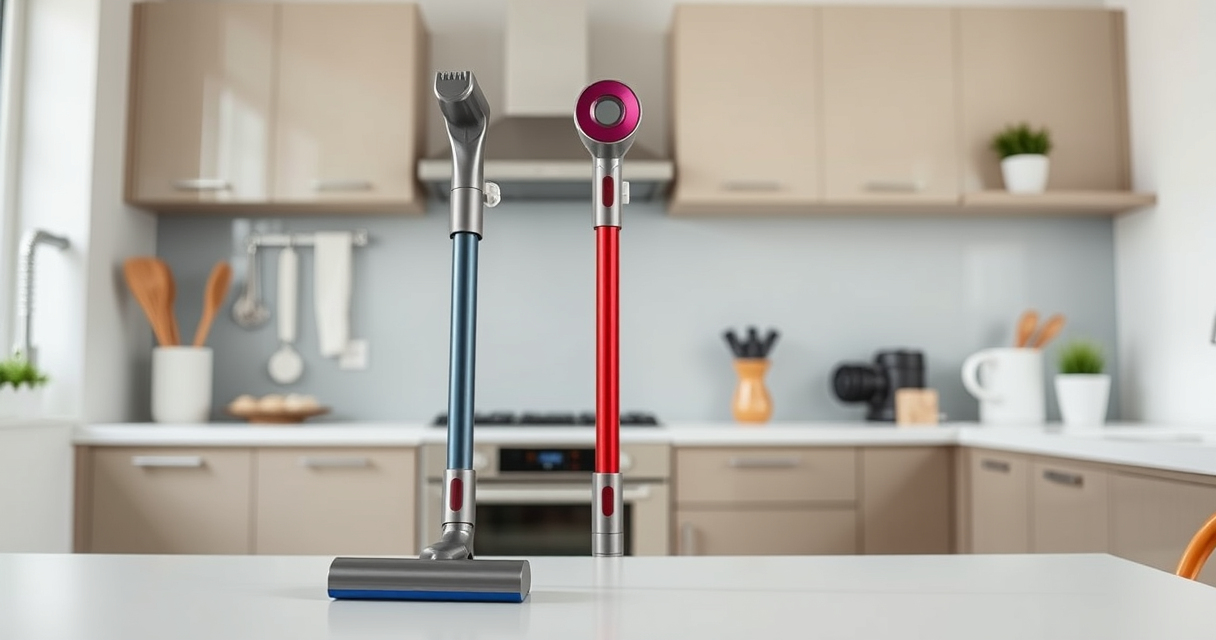

If your Dyson V15 Detect™ cordless vacuum isn’t providing adequate suction, it can be frustrating. Often, the issue stems from blockages, dirty filters, or a full dustbin. This guide walks you through practical, safe steps to identify and resolve common suction problems, helping you get back to deep cleaning with confidence.

Get home appliances delivered free with Prime
- Fast, free delivery on millions of items
- Prime Video, Amazon Music and more included
- Member-only deals all year
Follow these clear instructions and tips to troubleshoot your vacuum effectively, ensuring it operates at peak performance again.
Key Takeaways
| Check for blockages | Clear obstructions in the wand, cleaner head, and hose. |
| Clean or replace filters | Dirty filters reduce suction; replace or wash as needed. |
| Empty the dustbin | A full dustbin can hinder airflow and suction. |
| Inspect the brush bar | Remove debris and hair tangled in the brush. |
| Ensure proper assembly | Make sure all parts are correctly snapped together. |
1. Turn Off and Unplug Your Vacuum
Always ensure the vacuum is powered off and unplugged before inspecting or cleaning any components to avoid injury or damage.
2. Check for Obstructions
- Detach the wand and cleaner head from the main body.
- Inspect each part for blockages or debris, especially in the wand, cleaner head, and hose.
- Remove any debris using your fingers or a tool like a long, thin object.
3. Clean or Replace the Filters
- Remove the pre-filters and main filters from the vacuum.
- If washable, rinse them under water and let air dry completely for at least 24 hours before reinstalling.
- If non-washable or very dirty, replace with compatible filters like the 3Pack Pre Filters or V10 Filters.
4. Empty the Dustbin
Press the dustbin release button and empty the contents into a trash bin. Ensure the dustbin is fully sealed when reattached.
5. Inspect and Clean the Brush Bar
- Detach the cleaner head and remove tangled hair and debris from the brush bar.
- Use scissors or a seam ripper carefully to cut away hair if needed.
The Products in This Guide

Dyson V15 Detect™ Origin Cordless Vacuum
- ✔ Battery Life: 60 min
- ✔ Weight: 6.8 lbs
- ✔ Cleaning Modes: Multiple with LCD display

LANMU Crevice Tool Vacuum Attachments Compatible
- ✔ Length: Approximately 12 inches
- ✔ Material: Plastic
- ✔ Compatibility: Multiple Dyson models
Dyson V15 Detect™ Origin Cordless Vacuum
The Dyson V15 Detect™ Origin Cordless Vacuum excels in powerful, intelligent cleaning with features like laser dust detection and adaptive power. Regular maintenance is key to keeping its suction at peak performance.
Pros:
- Powerful suction with 100% more power
- Intelligent debris detection
- Long battery life of 60 minutes
- Multiple cleaning heads for versatile use
Cons:
- Can be heavy for extended use
- Filters require regular cleaning or replacement
- Price may be high for some budgets
Best for: Whole-home deep cleaning, including hard floors and carpets
Not ideal for: Light, quick cleanups or for users seeking a lightweight model
Bottom line: A powerful and smart vacuum ideal for thorough, whole-home cleaning.
LANMU Crevice Tool Vacuum Attachments Compatible
The LANMU Crevice Tool offers a flexible, narrow nozzle perfect for reaching tight spaces and corners. It enhances your Dyson’s capability to clean hard-to-access spots in your home or car.
Pros:
- Narrow, flexible design
- Compatible with many Dyson models
- Easy to maneuver
- Effective for detailed cleaning
Cons:
- Requires proper attachment fit
- Less effective for large debris
- May need additional accessories for broad cleaning
Best for: Cleaning tight corners, edges, and small spaces
Not ideal for: Large debris removal or broad surface cleaning
Bottom line: A versatile attachment that enhances precision cleaning in tight spaces.
Frequently Asked Questions
Why is my Dyson vacuum losing suction?
Common causes include clogged filters, blockages in the wand or hose, a full dustbin, or tangled debris in the brush bar. Regular maintenance can prevent this.
How often should I replace or clean the filters?
Filters should be washed every 1-3 months, depending on usage. Replace filters like the 3Pack Pre Filters or V10 filters every 2-3 months for optimal performance.
Can I wash the entire vacuum?
Only washable filters and certain parts should be washed. Do not immerse the motor or electronic components in water. Consult the user manual for specific cleaning instructions.
What should I do if cleaning doesn’t restore suction?
Check for internal obstructions, ensure filters are clean or replaced, and verify the dustbin is empty. If problems persist, contact Dyson customer support.
Keep Your Dyson V15 Detect Running at Peak
Regular maintenance and prompt troubleshooting can keep your Dyson cordless vacuum performing at its best. By following these steps, you can quickly resolve suction issues and enjoy powerful cleaning every time.
Always prioritize safety and consult your user manual for specific guidance on your model. Happy cleaning!
Affiliate disclosure: As an Amazon Associate we earn from qualifying purchases. Prices and availability are accurate as of the time of publishing.