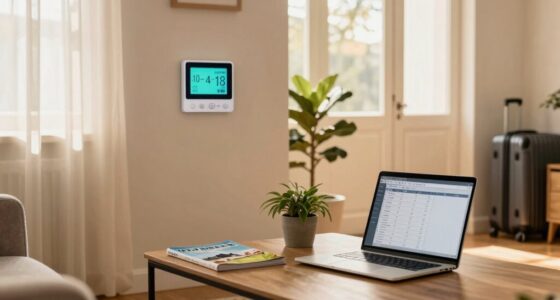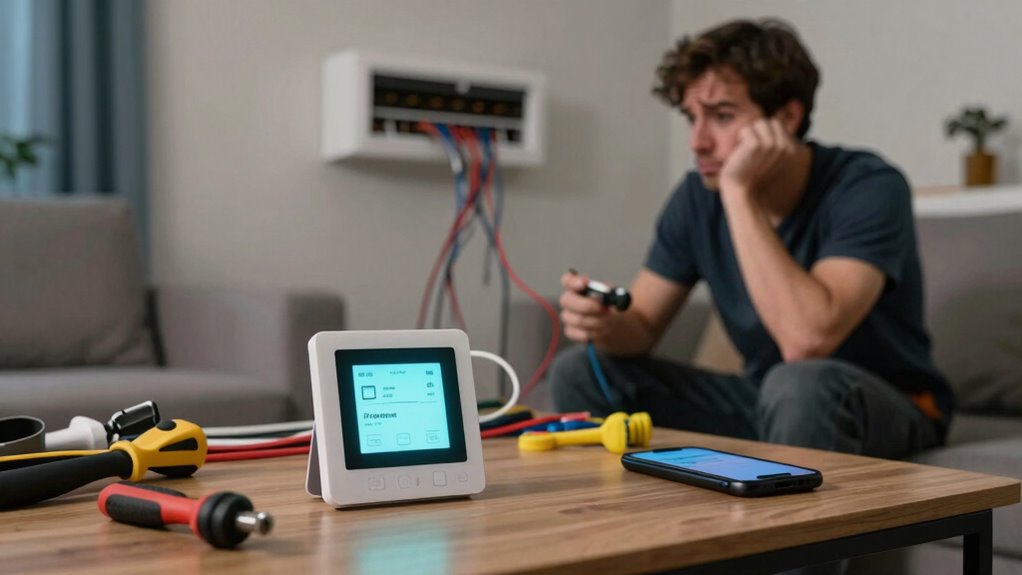

When setting up a smart thermostat, first-time DIYers often run into common pitfalls. You might misidentify wires, leading to connectivity issues or even damaging your HVAC system. Failing to check manual instructions can result in frustration and mistakes. Firmware updates and app connectivity play crucial roles too. If your smartphone isn’t on the same Wi-Fi network, you’ll struggle with the app. Keep going, and you’ll discover useful tips to streamline the installation process even further.

Get home appliances delivered free with Prime
- Fast, free delivery on millions of items
- Prime Video, Amazon Music and more included
- Member-only deals all year
Key Takeaways
- Misidentifying wires during installation can lead to thermostat malfunction and potentially damage the HVAC system.
- App connectivity issues often arise from incorrect wiring, affecting the thermostat’s ability to connect to Wi-Fi.
- Failing to update the thermostat’s firmware may result in security vulnerabilities and performance problems.
- Skipping the manual can lead to overlooked installation steps and common troubleshooting mistakes.
- Not seeking help from online forums or customer support can prolong installation headaches and complicate setup.
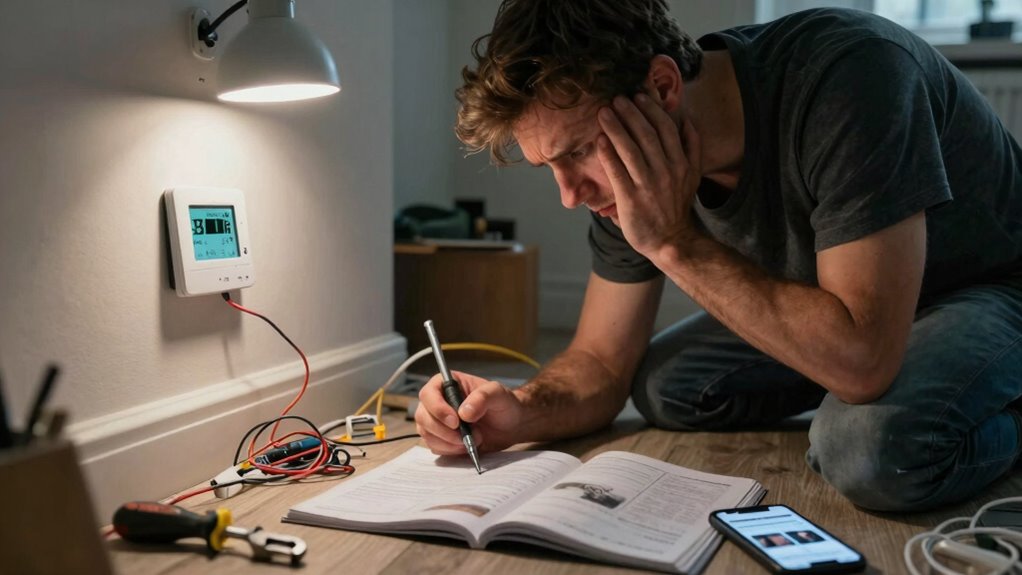
Setting up a smart thermostat can be a breeze, but if you’re not careful, you might run into a few common errors. One of the biggest pitfalls for first-time DIYers is making wiring mistakes. When you’re excited to get everything up and running, it’s easy to misidentify wires or connect them incorrectly. Before you plunge into the installation, take a moment to double-check the wiring diagrams and verify you understand which wire goes where. If you mess this up, your thermostat won’t function properly, and you could end up causing damage to your HVAC system.
Another area where things often go awry is app connectivity. Many smart thermostats rely on a companion app to adjust settings and monitor energy usage. If you’ve got a wiring mistake, it might also affect your thermostat’s ability to connect to Wi-Fi. Before you assume the app is the issue, make certain your thermostat is correctly wired and powered. Once you’ve verified that everything’s in order, follow the app’s setup instructions carefully. Confirm your smartphone is on the same Wi-Fi network that you intend to connect the thermostat to, as this can often be a source of frustration.
You might also overlook the importance of updating your app and firmware. Sometimes, the latest features or connectivity improvements are only available through updates. If you’re struggling to connect and everything else seems fine, check for updates. This simple step can save you a lot of hassle and get you back on track. Additionally, firmware updates often include security patches and performance enhancements that are crucial for reliable operation. Being aware of software compatibility can help prevent future issues and ensure your smart home devices work seamlessly together. It’s also helpful to understand the installation process thoroughly to avoid unnecessary troubleshooting later.
Additionally, don’t forget to pause and read the manual. It’s easy to skip this step when you’re enthusiastic to get started. However, the manual usually provides troubleshooting tips for common issues, including those related to wiring and app connectivity. Familiarizing yourself with the manual can save you time and headaches later on. Recognizing the common setup errors described in the manual can help you identify problems early and avoid unnecessary frustration.
Lastly, if you find yourself stuck, don’t hesitate to reach out for help. Online forums, customer support, or even a local technician can provide valuable insights. Understanding smart home solutions and their setup can greatly enhance your home’s efficiency, comfort, and convenience. So take your time, double-check your work, and enjoy the benefits of your new smart home upgrade. By avoiding these common mistakes, you’ll have a smoother installation experience and a fully functional thermostat in no time.
Products Worth Considering

Blueair Blue Pure 511i Max Smart Air Purifier

Philips Hue Festavia 65-Foot Smart String Lights, 250 Color-Changing LEDs

Samsung 75-Inch M80H Series Mini LED 4K Smart TV (2026)
As an affiliate, we earn on qualifying purchases.
Frequently Asked Questions
What Tools Do I Need for Smart Thermostat Installation?
For smart thermostat installation, you’ll need a screwdriver, wire stripper, and a level. Make sure to have a voltage tester on hand to guarantee safety. Familiarize yourself with wiring techniques to avoid common mistakes, like mislabeling wires or improper connections. It’s also helpful to have a drill if you need to mount the thermostat. With the right tools and a bit of patience, you can tackle the installation confidently.
Can I Install a Smart Thermostat on My Own?
Yes, you can install a smart thermostat on your own! Just make sure you double-check the wiring to avoid common mistakes. Start by turning off the power, then carefully label each wire during removal. Choose a suitable thermostat location for peak performance, ideally near the center of your home. Once you’ve connected everything, follow the setup instructions. You’ll have your smart thermostat up and running in no time!
How Long Does Smart Thermostat Setup Typically Take?
Setting up a smart thermostat typically takes about 30 minutes to an hour. However, your installation timeline can vary depending on your experience and any setup challenges you might face. If you’ve done similar projects before, it could be quicker. But if you encounter wiring issues or app connectivity problems, you might need extra time. Just make sure to follow the instructions carefully to streamline the process and avoid common pitfalls.
Are There Any Compatibility Checks I Should Perform First?
Before diving into the setup, you should definitely perform compatibility checks. Look at your wiring configurations and guarantee they match your HVAC systems. Check for the correct power supply, confirm your system type—whether it’s central or heat pump—and verify that your thermostat supports those features. By doing this upfront, you’ll save yourself a lot of headaches later. So, take a moment to inspect your setup; it’ll make the process smoother.
What Features Should I Consider When Choosing a Smart Thermostat?
When choosing a smart thermostat, consider energy savings, as efficient models can lower your bills. Look for a user-friendly interface that makes navigation easy. Scheduling options let you set temperatures based on your routine, while remote access allows control from anywhere. Don’t forget to check installation support offered by brands, as this can simplify setup. Finally, compare different brands to find the best features that suit your needs and budget.
Conclusion
In your quest for a smart thermostat, remember that clarity matters, compatibility counts, and patience pays off. Avoid the pitfalls of skipping the manual, overlooking wiring details, or rushing the setup. Embrace the learning curve, tackle each step methodically, and consult resources when needed. When you take your time, double-check your work, and seek help, you’ll not only enhance your home’s efficiency but also guarantee a smoother, smarter living experience.