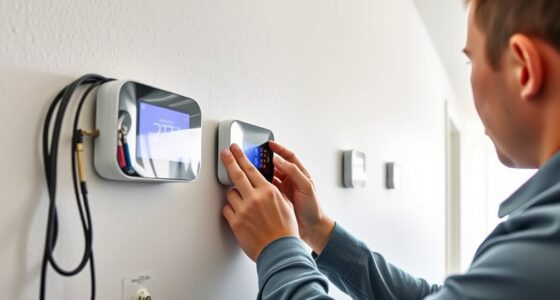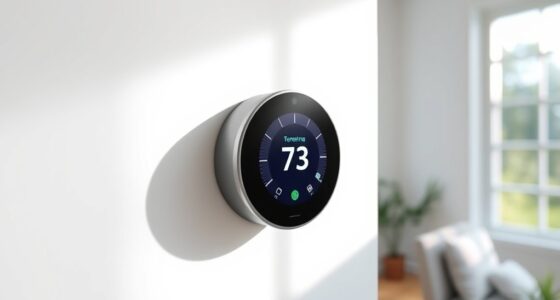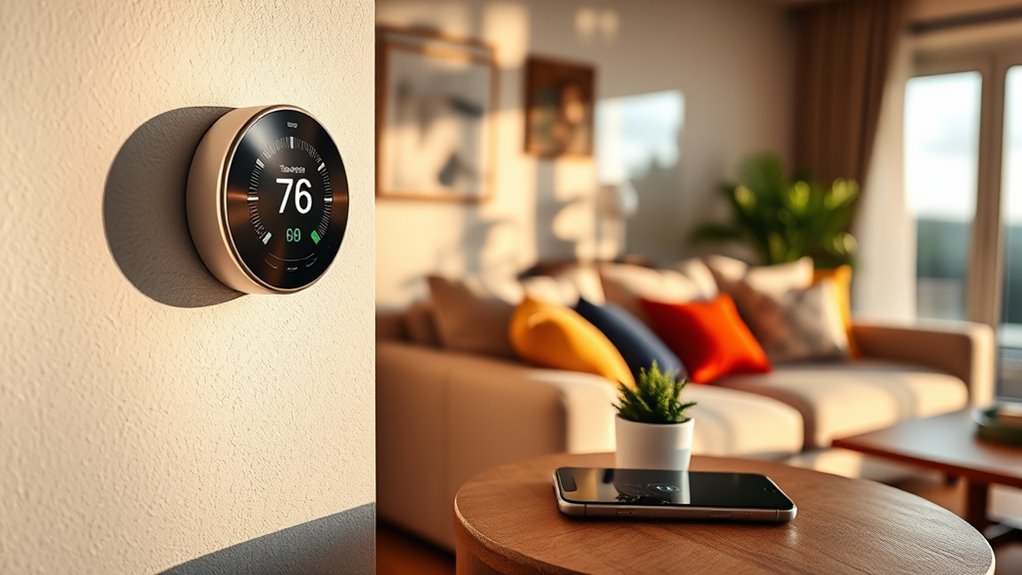

Even without Wi-Fi, your smart thermostat still works thanks to its built-in hardware, local controls, and backup power options. You can manually adjust the temperature using physical buttons, dials, or touchscreens. Some models include local processing, so they continue managing settings automatically based on sensors and preloaded schedules. Backup batteries or emergency power guarantee it stays operational during outages. To explore how these features keep your system running smoothly, keep going to learn more.
Key Takeaways
- Many smart thermostats have built-in hardware and manual controls for operation without Wi-Fi.
- Physical buttons, touchscreens, or dials allow direct temperature adjustments offline.
- Local sensors and preloaded schedules maintain comfort even during internet outages.
- Backup power sources like batteries ensure continuous thermostat functionality during power failures.
- On-device intelligence and edge processing enable automatic adjustments without relying on cloud connectivity.
Understanding the Limits of Wi-Fi-Dependent Features

While Wi-Fi connectivity enables smart thermostats to offer remote control and advanced features, relying solely on internet access introduces certain limitations. If your Wi-Fi goes down, your ability to adjust your thermostat remotely through cloud connectivity is lost. This means you can’t change settings or check temperatures from your phone or device outside your home. Additionally, cloud-dependent features like scheduling or energy reports become inaccessible without internet. You may still be able to manually control your thermostat directly on the device, but the convenience of remote access disappears during outages. Relying heavily on Wi-Fi makes your smart thermostat vulnerable to connectivity issues, which can temporarily disable many of its smart features. Understanding offline functionality helps you plan for offline control options and backup measures. Knowing how your thermostat’s local control operates during outages can ensure continued comfort and energy management, especially when considering the connectivity dependencies of smart home devices.
Built-in Hardware for Offline Functionality

With built-in hardware, your thermostat can operate without internet access, giving you reliable control at all times. You can adjust settings directly on the device and depend on preloaded programming to maintain your schedule. This guarantees your comfort stays consistent, even when Wi-Fi isn’t available. Additionally, automation in devices ensures seamless operation regardless of connectivity issues. Proper personal finance management can help you budget for smart home upgrades that include offline features, ensuring your investment aligns with your financial goals. Having a trusted backup system in place further enhances reliability during internet outages.
Local Control Capabilities
Even without Wi-Fi, a smart thermostat can still offer reliable control through built-in hardware designed for offline use. Many models include physical controls, such as buttons or touchscreens, allowing you to adjust temperature settings directly. Some thermostats support voice commands via built-in microphones or compatible smart assistants, enabling hands-free operation without internet. Additionally, local control features mean you can manage your thermostat within your home without relying on remote access or cloud services. This guarantees you’re not left without control if your internet goes down. With these capabilities, you can easily set schedules, change modes, or fine-tune temperatures using hardware controls or voice commands, maintaining comfort and control even offline. Incorporating sound therapy techniques into your routine can also help reduce stress if your smart device isn’t accessible. Being familiar with offline functionality options ensures consistent climate management regardless of internet connectivity. Furthermore, understanding the mental wellbeing index can help you recognize when to seek additional support to maintain overall harmony in your environment.
Preloaded Programming Features
Preloaded programming features allow your thermostat to operate effectively without an internet connection. These built-in settings enable you to schedule heating and cooling routines that run automatically, even if Wi-Fi drops. Remote sensors can also be utilized, providing temperature data from different areas of your home to optimize comfort and energy use. Since firmware updates often require internet access, your thermostat’s preloaded features ensure it still functions well offline, maintaining core scheduling and sensor data processing. High refresh rates and the ability to handle multiple sensor inputs help ensure your system maintains consistent performance without connectivity. Additionally, hardware-based controls and local memory storage support offline operation, ensuring your thermostat continues to function smoothly during internet outages. This means you won’t lose essential control or efficiency when offline. Moreover, hardware resilience is built into many models, allowing them to withstand power fluctuations and other electrical issues, further enhancing their reliability. You can rely on these hardware capabilities to keep your home comfortable, regardless of connectivity issues, making your thermostat a dependable component of your climate control system even without Wi-Fi access.
Manual Controls and Physical Interfaces

You can easily control your thermostat using physical buttons or dials, giving you direct access without relying on a screen or app. Backup power options guarantee it keeps working during outages, so your comfort isn’t interrupted. With manual temperature adjustments, you stay in control, no matter what technology is or isn’t working. Understanding Gold IRA Rollovers can also be beneficial for long-term financial security planning. Additionally, some models feature manual controls that allow for straightforward adjustments without electronic assistance.
Physical Buttons and Dials
Physical buttons and dials offer a straightforward way to control a smart thermostat without relying on Wi-Fi. You can easily adjust temperature settings, switch modes, or initiate sensor calibration directly on the device, ensuring comfort even during connectivity outages. These controls are especially useful for performing firmware updates manually when online access isn’t available, keeping your thermostat secure and up-to-date. Regular calibration using physical buttons helps maintain accurate temperature readings and prevents false readings caused by dust or sensor drift. Dials or buttons also allow quick access to basic functions, making it simple to override programmed schedules or check system status without steering through complicated menus. Overall, physical controls provide reliable, instant access, giving you peace of mind when your internet connection is down. Additionally, some thermostats incorporate manual control options, such as dedicated outdoor seating controls or seasonal adjustments, to further enhance usability without internet dependence. Incorporating air quality considerations through manual controls can also help improve overall comfort by adjusting ventilation or air filtration settings as needed.
Backup Power Options
When power outages occur, backup power options become essential to keep your smart thermostat functional. Having a manual control or physical interface guarantees you can still operate your thermostat without relying on Wi-Fi or external power sources. Some thermostats include battery backups, which draw energy from sustainable energy sources like rechargeable batteries or energy-efficient power cells. These options support smart grid integration by allowing your thermostat to communicate with the grid during outages, maintaining basic functionality. Physical controls, such as switches or dials, also provide immediate, reliable access to temperature adjustments in emergencies. Ensuring your thermostat has these backup power options helps maintain comfort and control, even when the electrical grid is compromised, and energy-efficient power sources align with sustainable energy principles by minimizing unnecessary power consumption. Additionally, selecting a thermostat with robust backup options can enhance safety and reliability during unexpected outages.
Manual Temperature Adjustment
Have you ever needed to adjust your thermostat quickly during a power outage or system failure? Manual temperature adjustment is essential in such situations. Typically, your thermostat has physical controls like dials, buttons, or sliders. Here’s what you might do:
- Use the manual controls to set the temperature directly, bypassing digital commands.
- Adjust sensor calibration if the display seems off or the system isn’t responding properly.
- Perform firmware updates when power is restored to ensure your device remains accurate and functional.
- Remember that best anime movies can provide entertainment while troubleshooting or waiting for system repairs.
- Regularly inspecting and maintaining manual controls can help prevent issues and ensure they function correctly when needed.
These manual interfaces allow you to maintain temperature control without Wi-Fi connectivity. They help you quickly respond to changes, guarantee your thermostat remains calibrated, and keep firmware current for best performance—even when digital features are unavailable.
Local Processing and On-Device Intelligence
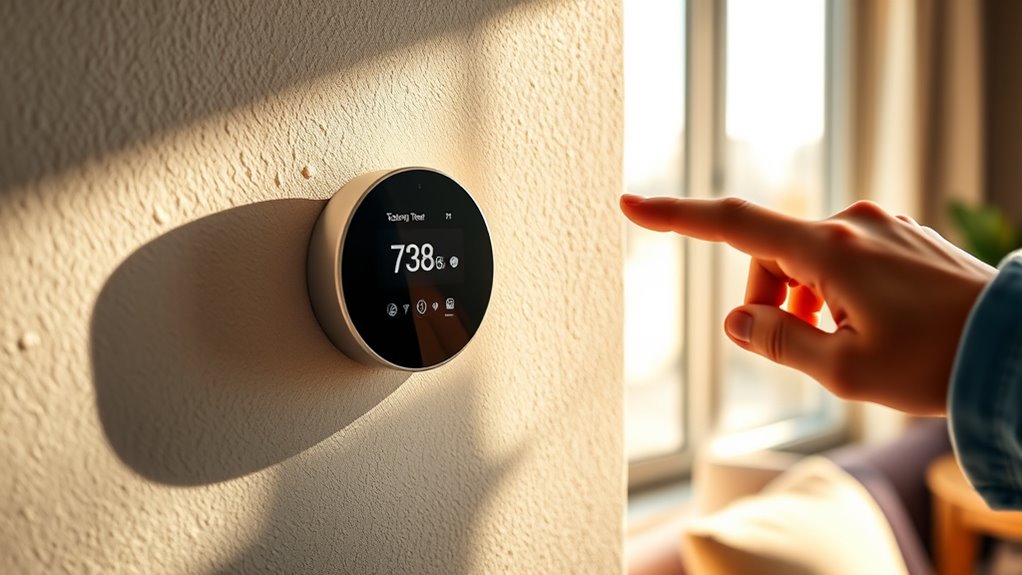
Without relying on Wi-Fi connectivity, a smart thermostat must process data locally and make decisions on its own. This is where edge computing comes into play, allowing the device to analyze sensor inputs and adapt in real time without cloud assistance. On-device intelligence enables the thermostat to learn your schedules, preferences, and ambient conditions, creating an environment that feels comfortable and energy-efficient. Ambient intelligence ensures your thermostat responds intuitively to changes, such as adjusting temperature when you enter or leave a room, all without internet. This local processing not only maintains functionality during outages but also enhances privacy by keeping your data on the device. Recognizing patterns in sensor data is essential for the device to optimize its responses effectively. Essentially, your thermostat becomes smarter and more autonomous through robust on-device capabilities, echoing the spirit of exploration by venturing into uncharted technological territory.
Backup Power Options and Battery Modes
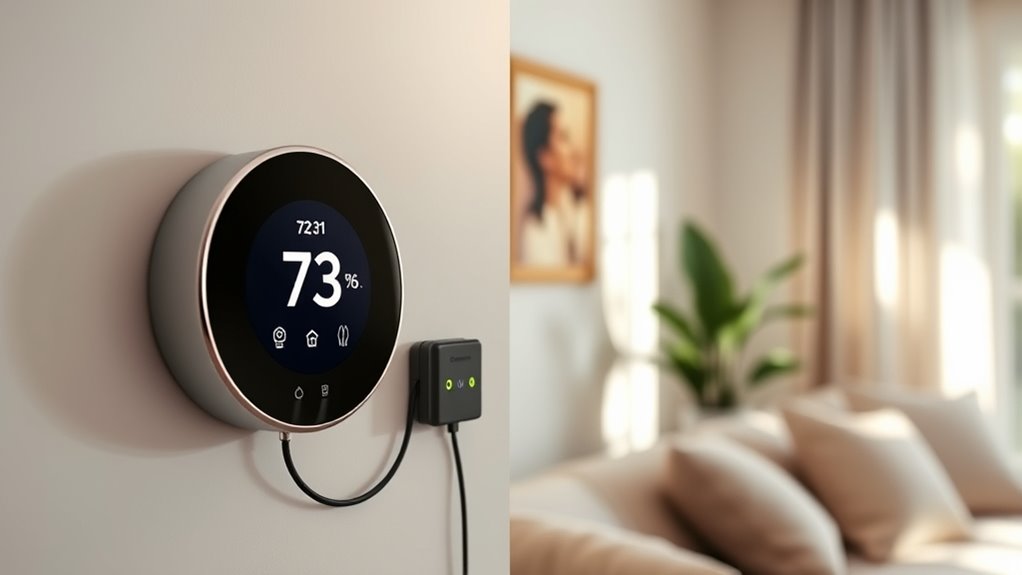
Since a smart thermostat with on-device intelligence can operate independently of internet connections, ensuring it remains functional during power interruptions is essential. You can achieve this with effective backup power options and battery modes.
- Use battery backups to keep your thermostat running during outages, ensuring continuous temperature control.
- Install solar power systems that supply energy directly or charge batteries, reducing reliance on grid power.
- Enable battery modes on your thermostat, allowing it to switch automatically to battery power when main power fails.
These options help your thermostat stay operational, maintaining comfort and control even when Wi-Fi and grid power are unavailable. Combining solar power with battery backups offers a sustainable, reliable solution for offline functionality.
Transitioning Seamlessly Between Online and Offline Modes

Switching seamlessly between online and offline modes guarantees your smart thermostat maintains peak performance regardless of internet connectivity. When your Wi-Fi drops, offline mode kicks in, allowing you to control your thermostat manually or via local controls. To guarantee smooth transitions, choose a thermostat with reliable mobile app integration, which allows you to manage settings directly from your device even without internet. Cloud synchronization plays a crucial role by updating your preferences and schedules once connectivity resumes, so your system stays consistent. This seamless switching minimizes disruptions, keeping your home’s temperature comfortable and energy-efficient. Additionally, understanding eye patch benefits can help you maintain a refreshed appearance, which is especially useful if your smart home routine includes self-care routines. Recognizing angel numbers can also provide you with spiritual guidance during moments of transition, offering reassurance and insight. Selecting devices with robust offline capabilities ensures your system remains functional during internet outages, maintaining your comfort and convenience. By prioritizing devices with these features, you ensure your smart thermostat functions reliably, whether connected to the cloud or operating offline.
Frequently Asked Questions
Can My Smart Thermostat Operate Without Any Internet Connection at All?
Your smart thermostat can operate without internet through local control features, allowing you to manage settings directly on the device. However, without Wi-Fi, you won’t receive firmware updates or remote access. You’ll still be able to adjust temperature and schedules manually, but for ongoing enhancements and security patches, an internet connection is essential. So, while it works offline for daily use, stay connected for full functionality and updates.
How Does Offline Mode Affect Energy-Saving Features?
Offline mode might limit some smart thermostat features, but it still helps you maintain energy efficiency. When you’re offline, your thermostat follows your preset schedules and manual adjustments, reducing unnecessary heating or cooling. While you miss out on remote control and smart learning, offline mode guarantees your home stays comfortable and energy-efficient without internet. This way, you save energy even when Wi-Fi isn’t available, keeping your utility bills lower.
Are There Any Limitations to Manual Control When Wi-Fi Is Down?
When Wi-Fi is down, manual control lets you adjust your thermostat directly, bypassing wifi restrictions. However, you might face limitations like not accessing remote settings or scheduling features. Your thermostat still works for basic temperature adjustments, but advanced functions requiring internet, such as energy reports or geofencing, won’t be available. So, while manual control keeps your comfort, some smart features become temporarily inaccessible without Wi-Fi.
How Often Does the Thermostat Need Battery Replacements?
Imagine your thermostat’s battery life as a gentle sunset, gradually dimming over time. Typically, you’ll need to replace the batteries every 1 to 2 years, depending on usage and model. The replacement frequency varies, but keeping an eye on low-battery alerts helps guarantee your thermostat stays powered. Regularly checking the batteries prevents disruptions, so your comfort remains uninterrupted even when Wi-Fi isn’t available.
Can I Update the Thermostat’S Software During Wi-Fi Outages?
You can’t update your thermostat’s software during Wi-Fi outages. Software updates and firmware patches require an internet connection for download and installation. Without Wi-Fi, your device won’t access these updates, which can leave it vulnerable to bugs or security issues. To keep your thermostat running smoothly, ensure it’s connected regularly or update it when your Wi-Fi is available again. This helps maintain peak performance and security.
Conclusion
Even without Wi-Fi, your smart thermostat keeps humming along, much like a well-trained musician who can still perform flawlessly offline. When the power flickers, it’s like a backup singer stepping in—keeping the rhythm steady. With built-in hardware, manual controls, and local processing, your thermostat is prepared for any blackout or Wi-Fi outage. So, rest assured—your comfort isn’t entirely at the mercy of the internet, even when the connection drops.