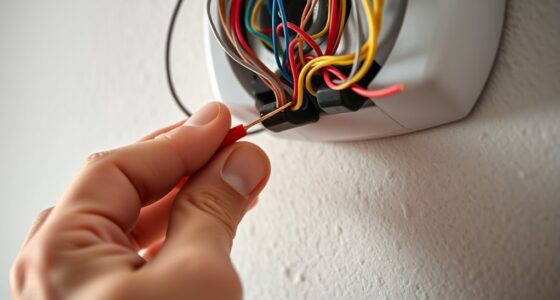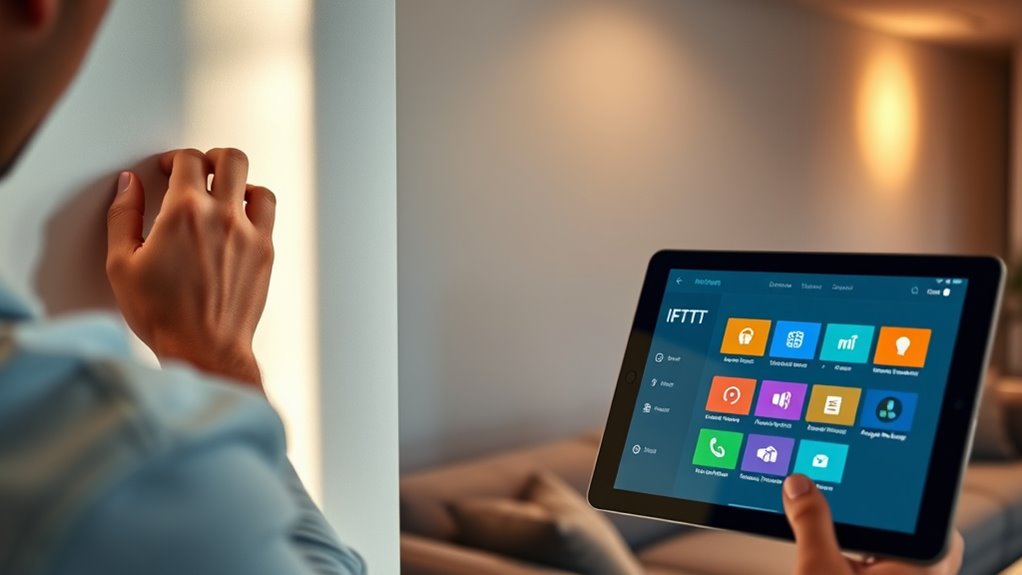

To set up your smart thermostat for IFTTT integration, start by ensuring your thermostat is properly installed and connected to Wi-Fi. Then, log into your thermostat’s app and authorize it with IFTTT. Once linked, explore or create automations like adjusting temperatures when leaving or arriving home, or set voice commands for quick control. Keep going to discover tips that make your smart climate system even smarter and more efficient.
Key Takeaways
- Ensure your smart thermostat is properly installed and connected to Wi-Fi before linking it to IFTTT.
- Log into your thermostat account on IFTTT and authorize access to enable applet creation.
- Explore available applets or create custom automations to control temperature based on triggers like leaving or arriving home.
- Use voice commands with Alexa or Google Assistant to trigger automations for seamless climate adjustments.
- Test your setup to confirm automations activate correctly, enhancing energy efficiency and home comfort.
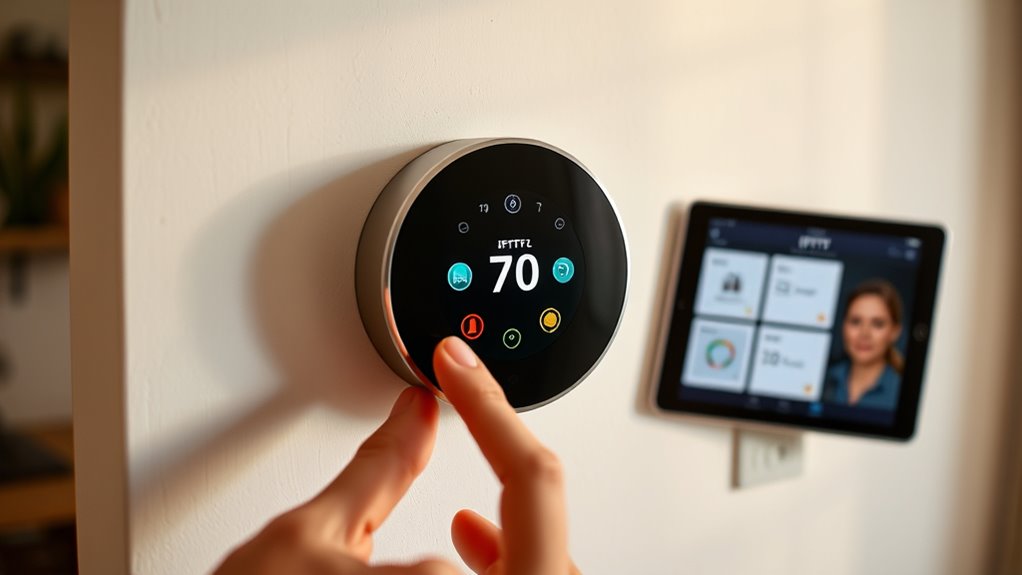
Setting up a smart thermostat is a straightforward process that can considerably enhance your home’s energy efficiency and comfort. When you connect it with IFTTT, you open a world of automation possibilities, making your living space smarter and more responsive to your needs. One of the key benefits of integrating your smart thermostat with IFTTT is the ability to utilize voice control. By linking your devices, you can adjust your home’s temperature just by speaking commands through voice assistants like Alexa or Google Assistant. This feature not only adds convenience but also encourages more frequent adjustments, helping you fine-tune your environment with ease. As a result, you’ll experience better control over your comfort levels and potentially reduce unnecessary heating or cooling, leading to notable energy savings over time.
Getting started with integration involves a few simple steps. First, verify your smart thermostat is set up and functioning correctly on its native app. Once that’s confirmed, connect your thermostat’s account to IFTTT by authorizing the app to access your device. This process typically involves logging into your thermostat account through IFTTT and granting the necessary permissions. After connecting, explore the available applets or create your own custom ones. For example, you can set an applet that automatically lowers the temperature when you leave the house or raises it before you arrive home. These automations streamline your daily routines, making adjustments seamless and hands-free.
Verify your thermostat is working, then connect its account to IFTTT to create useful automations effortlessly.
Using voice control in combination with IFTTT automations amplifies energy savings. For instance, you might say, “Hey Google, I’m leaving,” and your setup can trigger an IFTTT applet that sets your thermostat to an energy-efficient mode. This proactive approach prevents unnecessary heating or cooling when you’re away, saving you money on energy bills. The real power lies in customizing these triggers to fit your lifestyle, ensuring your home responds intelligently to your habits. As you grow more comfortable with the system, you can experiment with various voice commands and IFTTT applets to optimize your home’s energy use even further.
Ultimately, integrating your smart thermostat with IFTTT makes managing your home’s climate more intuitive and efficient. Voice control becomes a natural part of your routine, making adjustments quick and effortless. Not only does this improve your comfort, but it also promotes better energy habits, helping you save money while reducing your environmental impact. With a little setup, you’ll have a smarter, more responsive home that adapts to your lifestyle, all while keeping energy costs in check.
Frequently Asked Questions
Can I Connect Multiple Smart Thermostats to a Single IFTTT Account?
Yes, you can connect multiple thermostats to a single IFTTT account if they are compatible with the platform. You’ll want to verify device compatibility first, as some thermostats may have limitations or require specific integrations. Once confirmed, you can set up applets that control or monitor multiple thermostats simultaneously, making it easy to manage your smart home environment efficiently. Just double-check each device’s compatibility before linking them.
Are There Compatibility Issues With Specific Smart Thermostat Brands?
You’ll be thrilled to know most smart thermostats work seamlessly with IFTTT, but beware—some brands, like Nest or Ecobee, can have quirks. Compatibility issues may arise if firmware updates aren’t recent or if specific features aren’t supported. Always check brand compatibility and keep firmware up-to-date to avoid headaches. Staying current guarantees your smart thermostat integrates perfectly, turning your home into a sci-fi paradise of automation!
How Secure Is the Data When Integrating Thermostats With IFTTT?
When integrating your smart thermostat with IFTTT, your data’s security depends on proper encryption and privacy measures. IFTTT uses data encryption to protect your information during transmission, but privacy concerns remain if third-party apps access sensitive data. You should review privacy policies and limit app permissions to ensure your data stays secure. Regularly update firmware and app settings to maintain the best security and minimize risks.
Can I Set Custom Temperature Schedules Through IFTTT Automations?
Ever wondered if you can set custom temperature schedules through IFTTT automations? Yes, you can! IFTTT allows you to create custom schedules for your smart thermostat, giving you precise temperature control throughout the day. You just need to set up specific applets that trigger temperature adjustments at chosen times. This way, you automate your comfort and save energy, all while enjoying seamless control tailored to your routines.
What Troubleshooting Steps Are Recommended if IFTTT Triggers Don’t Work?
If your IFTTT triggers aren’t working, first check your smart thermostat’s firmware updates and verify they’re current, as outdated firmware can cause issues. Next, verify your network connectivity; a weak or unstable connection can prevent triggers from firing correctly. Restart your devices if needed, and double-check your IFTTT app and service integrations to make sure everything’s properly connected and authorized.
Conclusion
Now that you’ve set up your smart thermostat, you’re ready to enjoy smarter comfort, easier control, and seamless automation. With each step you’ve taken, you’ve gained more convenience, more efficiency, and more control. As you continue to explore your thermostat’s features, remember that automation is about simplifying your life, saving energy, and creating the perfect environment. Keep experimenting, keep customizing, and keep enjoying the smart home experience you’ve just begun.