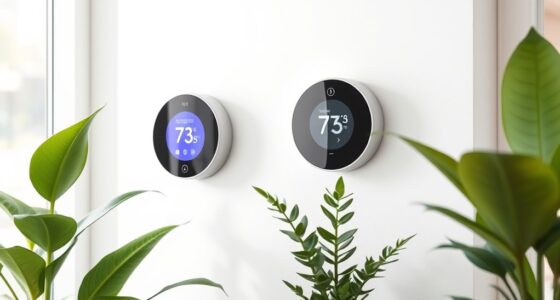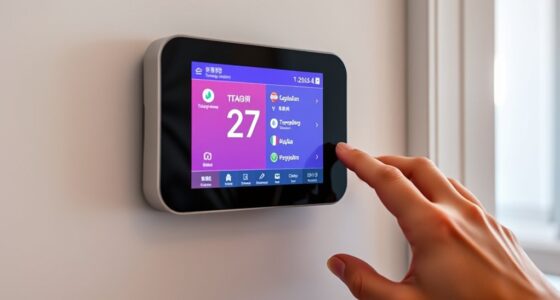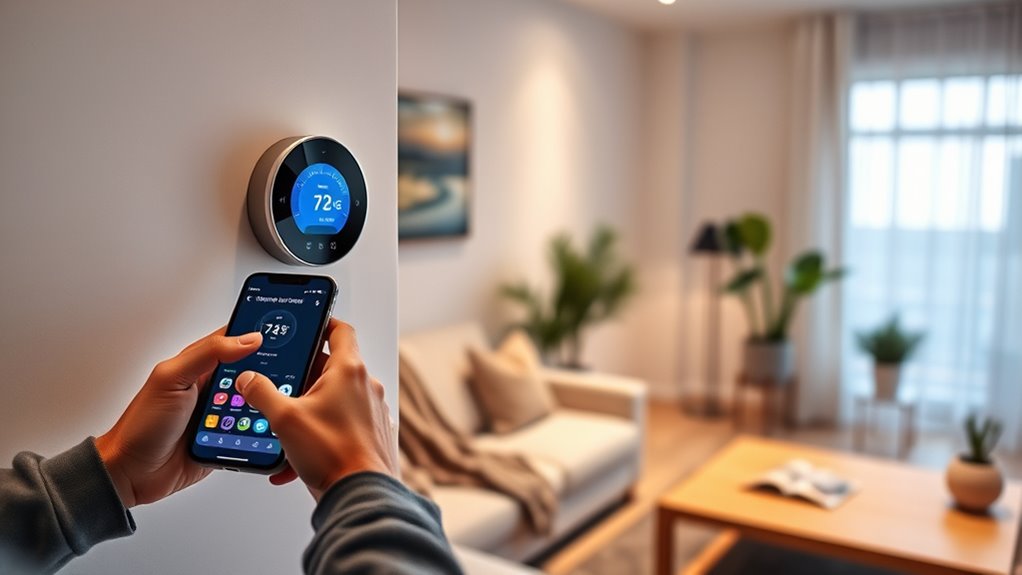

To set up Wi-Fi and pair your smart thermostat, first turn it on and navigate to its Wi-Fi or network settings. Select your home Wi-Fi network from the list and enter your password carefully. If you encounter issues, restart your router, move closer, or reset your network settings. Once connected, follow the pair instructions on your thermostat to complete the setup. Continue to explore the steps to guarantee a smooth, reliable connection for all smart features.

Get home appliances delivered free with Prime
- Fast, free delivery on millions of items
- Prime Video, Amazon Music and more included
- Member-only deals all year
Key Takeaways
- Power on the thermostat and access Wi-Fi or network settings to begin pairing.
- Ensure your home Wi-Fi is active, within range, and has a strong signal.
- Select your Wi-Fi network and enter the correct password to establish the connection.
- Use the thermostat’s setup or pairing feature to connect it to your Wi-Fi network.
- Troubleshoot any connection issues by restarting your router, moving closer, or resetting network settings.

Setting up your smart thermostat begins with connecting it to your Wi-Fi network, a critical step that enables remote control and smart features. Proper Wi-Fi setup is indispensable for smooth thermostat installation, as it allows you to manage your climate settings from anywhere and access updates or integrations with other smart devices. To start, power on your thermostat and navigate to the Wi-Fi setup menu, usually found in the settings or network options. Confirm your home Wi-Fi is operational and within range; weak signals can cause connection issues. Select your Wi-Fi network from the list and enter the password carefully. If you encounter any Wi-Fi troubleshooting issues during this process—such as the thermostat not detecting your network or repeatedly disconnecting—try restarting your router, moving closer to the router, or temporarily disabling device filters like MAC address restrictions. These steps often resolve common connectivity problems quickly. Strong Wi-Fi connection is essential for maintaining reliable communication between your thermostat and your network.
Once your thermostat connects to Wi-Fi, you’ll want to verify the connection to guarantee it stays stable. Some thermostats have a connectivity test feature you can run from the settings menu. If the connection drops frequently or if your device struggles to stay online, consider updating your router’s firmware or resetting your network settings. Keeping your Wi-Fi network secure with a strong password also prevents unauthorized access, which can interfere with your thermostat’s performance. Remember, a reliable Wi-Fi connection is essential for the smart features to work seamlessly, so don’t rush through this step. If issues persist, consult the device’s troubleshooting guide or contact customer support for specialized assistance.
As an affiliate, we earn on qualifying purchases.
Frequently Asked Questions
Can I Connect My Thermostat to Multiple Wi-Fi Networks?
No, your thermostat typically can’t connect to multiple Wi-Fi networks simultaneously. It’s designed for network compatibility with one Wi-Fi at a time. If you switch networks, you’ll need to reconfigure the connection. Regular firmware updates help improve network stability and security, making your setup smoother. To guarantee proper functioning, keep your thermostat’s firmware up to date, especially after changing networks, to avoid connectivity issues.
What Should I Do if the Wi-Fi Signal Is Weak?
If your Wi-Fi signal is weak, try Wi-Fi troubleshooting first by moving your router closer to your thermostat or removing obstacles that block the signal. You can also boost your signal by using a Wi-Fi extender or mesh system to improve coverage. These steps help guarantee your thermostat stays connected and responds promptly. Regularly checking your connection and optimizing router placement can prevent future weak signals.
How Do I Reset the Thermostat’s Wi-Fi Connection?
Did you know that 60% of smart thermostat issues are caused by connectivity glitches? To reset your thermostat’s Wi-Fi, press and hold the reset button until the device restarts. Afterward, check for firmware updates and replace the battery if needed, as outdated firmware or low batteries can disrupt your connection. This process refreshes the Wi-Fi link, ensuring your thermostat reconnects smoothly and functions properly.
Is It Possible to Pair the Thermostat With Multiple Devices?
Yes, you can pair your smart thermostat with multiple devices through multi-device pairing. To do this effectively, you should manage user accounts properly, ensuring each device has access permissions. Use the app’s user account management features to add or remove devices, giving different users control without disrupting your setup. This way, you maintain smooth multi-device pairing, making your thermostat accessible to everyone in your household or authorized users.
What Security Measures Protect My Wi-Fi-Enabled Thermostat?
Your Wi-Fi-enabled thermostat is protected by encryption protocols that secure your data during transmission, preventing unauthorized access. Access controls limit who can connect and change settings, adding an extra layer of security. Make sure to use strong, unique passwords and keep your firmware updated. These measures help safeguard your device from hacking and unauthorized control, ensuring your home stays safe and your privacy remains protected.
Wi-Fi range extender for smart home devices
As an affiliate, we earn on qualifying purchases.
As an affiliate, we earn on qualifying purchases.
Conclusion
Now that your smart thermostat is connected, it’s like opening a window to a world of comfort and control. Wi-Fi acts as the bridge, linking your home to endless possibilities, while pairing symbolizes trust and harmony. Just as a steady flame guides your way, your thermostat will now steer your comfort effortlessly. Embrace this new connection—your home’s heartbeat synchronized with your needs, ready to respond whenever you call.
As an affiliate, we earn on qualifying purchases.
smart thermostat troubleshooting kit
As an affiliate, we earn on qualifying purchases.
As an affiliate, we earn on qualifying purchases.
Fall Picks
fall essentials
As an affiliate, we earn on qualifying purchases.