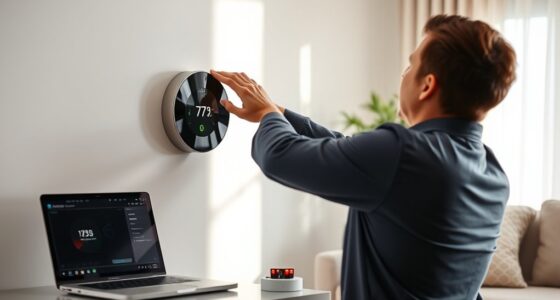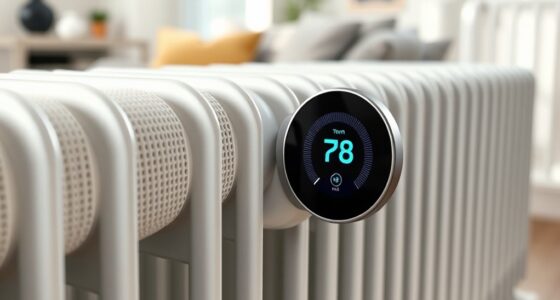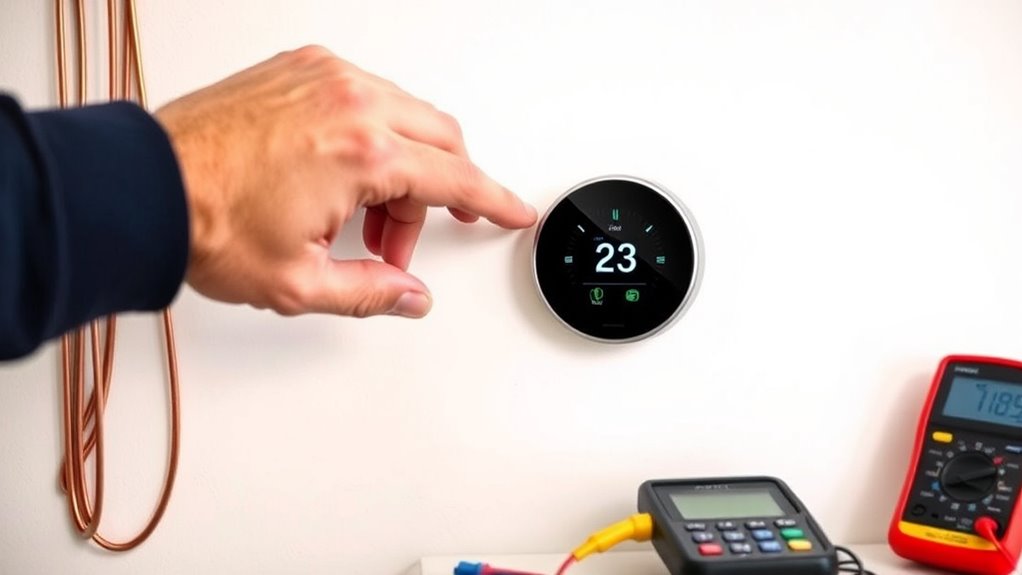

To install a smart thermostat with Opentherm systems, start by checking compatibility and following the manufacturer’s wiring instructions for a straightforward setup. Connect the thermostat to your Wi-Fi, enabling remote control and easier management. The thermostat communicates directly with your boiler, allowing for precise adjustments and energy savings. With intuitive controls, automation features, and energy monitoring, you can optimize comfort and efficiency effortlessly. Continue exploring to learn how to maximize your system’s benefits.
Key Takeaways
- Verify boiler compatibility with Opentherm and the smart thermostat using manufacturer instructions.
- Follow straightforward wiring steps to connect the thermostat to the boiler and Wi-Fi network.
- Use the thermostat’s user-friendly interface to set preferences and adjust heating schedules easily.
- Ensure the thermostat communicates directly with the boiler for dynamic, energy-efficient temperature control.
- Utilize app features to monitor energy savings, review reports, and customize settings for optimal performance.
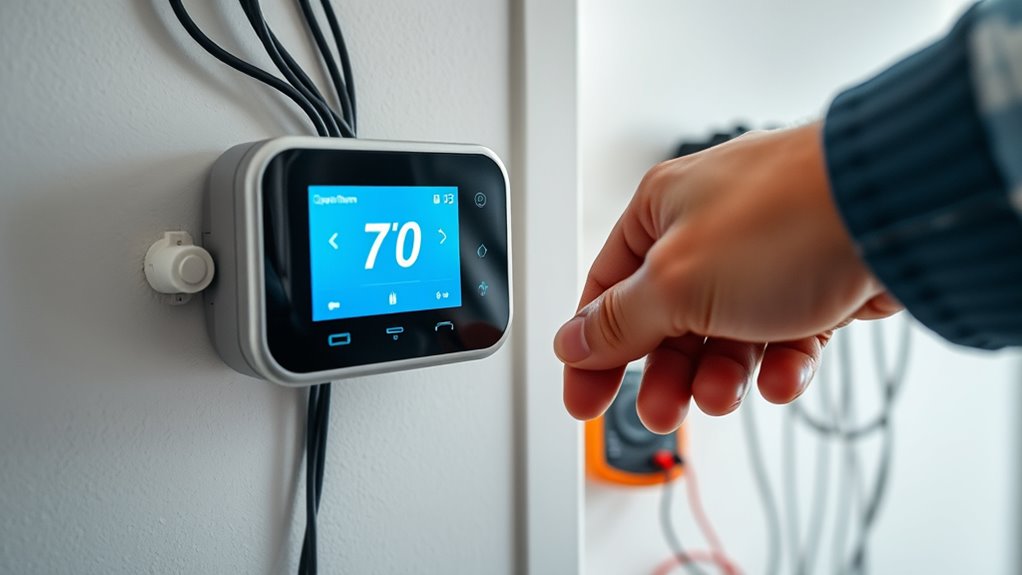
Installing a smart thermostat can substantially improve your home’s comfort and energy efficiency. When you choose a model compatible with Opentherm systems, you enable the potential for more precise heating control. These thermostats communicate directly with your boiler, allowing for dynamic adjustments that optimize performance. As a result, you’ll notice significant energy savings, since the system avoids unnecessary heating cycles and maintains consistent temperatures throughout your house. The key to maximizing these benefits lies in understanding how the user interface works. A well-designed interface makes it easy to set your preferences, monitor energy consumption, and make adjustments on the fly. With intuitive controls, you won’t need to sift through complicated menus or rely on trial and error to get comfortable results.
When installing your smart thermostat, you’ll want to guarantee it’s compatible with your existing Opentherm-enabled boiler. This usually involves a straightforward wiring process, but checking the manufacturer’s instructions beforehand can save time. Once installed, you’ll connect the device to your Wi-Fi network, enabling remote control through a smartphone app. This is where the user interface truly shines—allowing you to set schedules, adjust temperatures, and view energy reports from anywhere. The interface typically provides real-time data, so you can see how much energy you’re saving and identify patterns that help you fine-tune your settings for even greater efficiency.
Many smart thermostats with Opentherm systems also feature learning capabilities. Over time, they adapt to your routines, automatically adjusting the heating schedule to match when you’re home or away. This automation further boosts energy savings without sacrificing comfort. The user interface makes it simple to review these adjustments and override them if needed, giving you full control. Additionally, some models include voice control compatibility, allowing you to change settings hands-free, which adds to the overall convenience. Incorporating energy-saving features can help you maximize the efficiency of your heating system and contribute to sustainable living.
Frequently Asked Questions
Can Opentherm Systems Be Integrated With Existing HVAC Setups?
Yes, you can integrate Opentherm systems with your existing HVAC setup. Many smart thermostats support DIY installation, making setup straightforward. You’ll connect the thermostat to your system and use its user interface to customize settings. Just verify your current HVAC system is compatible with Opentherm technology, and follow the manufacturer’s instructions carefully to avoid issues. This way, you’ll enjoy better control and energy savings effortlessly.
What Are the Energy Savings Benefits of Using Smart Thermostats With Opentherm?
You’ll experience greater energy efficiency, cost savings, and comfort when using smart thermostats with Opentherm. These systems optimize your heating, reduce unnecessary energy use, and maintain consistent temperatures. By adapting to your schedule and preferences, they lower your utility bills while minimizing environmental impact. So, you get smarter control, lower costs, and a more sustainable home—all working together to improve your quality of life.
How Secure Is the Wireless Communication Between the Thermostat and Boiler?
The wireless communication between your thermostat and boiler is generally secure, thanks to strong wireless encryption protocols that protect your data. These encryption methods ensure data integrity, preventing tampering or interception. Manufacturers often update security features regularly, so you can feel confident that your system is safeguarded. However, it is crucial to keep your device firmware up to date and use strong, unique passwords for added security.
Are There Compatibility Issues With Specific Boiler Brands or Models?
Think of boiler compatibility like fitting a puzzle piece; some models click right in, others require adjustments. You might face system limitations with certain boiler brands or models that aren’t fully compatible with Opentherm smart thermostats. Before installing, check your boiler’s specifications and confirm it supports Opentherm. This way, you avoid future headaches and get seamless control over your heating system, making your home cozy and smart.
What Is the Typical Maintenance Required for Opentherm-Enabled Thermostats?
You should regularly check for software updates, as they improve your Opentherm-enabled thermostat’s performance and security. Additionally, sensor calibration is essential to guarantee accurate temperature readings and efficient heating. Keep the thermostat clean and free from dust, and periodically verify sensor calibration to maintain peak operation. These simple maintenance steps help your smart thermostat run smoothly, saving energy and keeping your home comfortable.
Conclusion
Installing a smart thermostat with OpenTherm systems is straightforward and worth the effort. Some might worry it’s too complicated, but with clear instructions, you’ll be up and running quickly. Once installed, you’ll enjoy better energy efficiency and comfort. Don’t let hesitation hold you back—embrace the upgrade today. Taking this step not only saves you money but also gives you smarter control over your home’s heating. It’s simpler than you think!