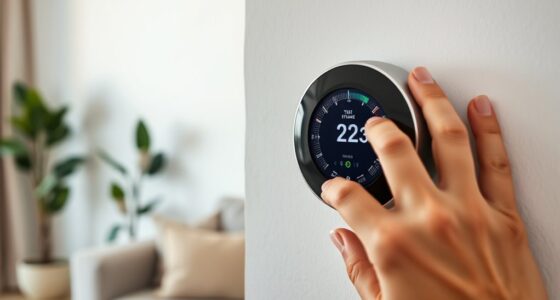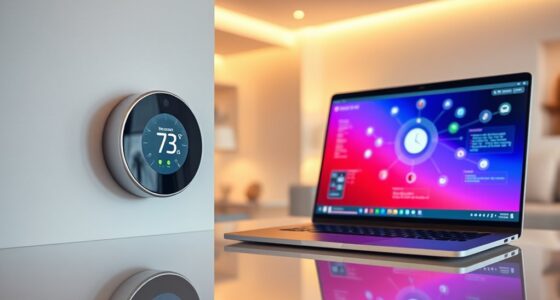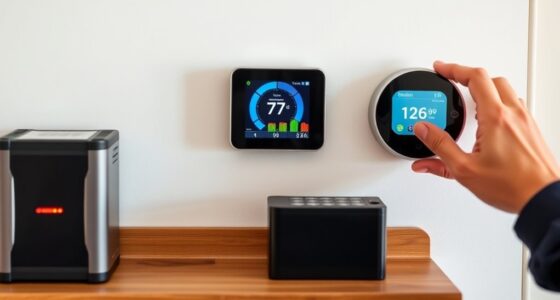
If your smart thermostat shows sensor errors, start by checking the sensor calibration with your device’s manual and verify it matches a reliable thermometer. Inspect the wiring connections for looseness, damage, or corrosion, and fix any issues you find. Consider updating your firmware or using diagnostic tools to identify faults. If problems persist, replacing the sensor or seeking professional help may be necessary. Keep exploring to find more detailed steps and solutions.
Key Takeaways
- Check and recalibrate the sensor using the thermostat’s manual calibration feature for accurate readings.
- Inspect wiring connections for looseness, damage, or corrosion, ensuring proper connection per manufacturer instructions.
- Use diagnostic tools or error codes to identify whether sensor issues stem from calibration, wiring, or hardware faults.
- Update the thermostat’s firmware to fix bugs that may cause sensor reading errors.
- Replace the sensor if errors persist after calibration and wiring checks, or consult a professional technician for assistance.
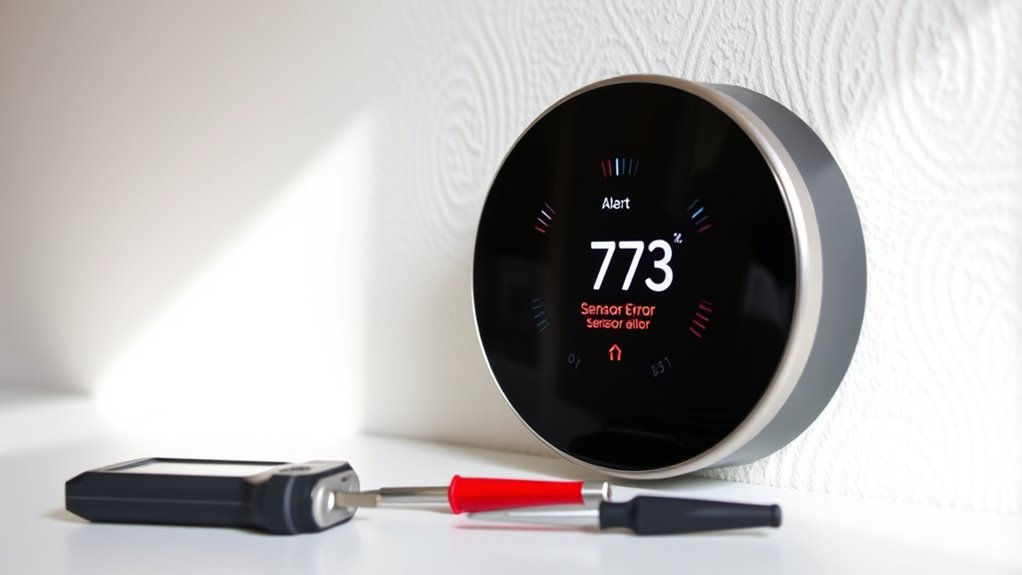
Smart thermostats rely on sensors to accurately monitor your home’s temperature, but when these sensors malfunction or give errors, your system can behave unpredictably. One common cause is sensor calibration issues. Over time, sensors may drift from their original settings, leading to incorrect temperature readings. When this happens, your thermostat might turn the heating or cooling on or off unnecessarily, causing discomfort and increased energy bills. To troubleshoot, you should first check if your thermostat has a calibration option. Many models allow you to manually adjust the sensor’s reading through the device’s settings. Follow the manufacturer’s instructions to recalibrate the sensor, ensuring it aligns with a reliable thermometer placed in the same room. Proper calibration helps your thermostat provide accurate data, preventing unnecessary cycling and maintaining consistent comfort.
Another frequent culprit behind sensor errors is wiring issues. Loose, damaged, or improperly connected wires can cause erratic sensor readings or prevent the thermostat from communicating correctly with your HVAC system. Start by turning off the power to your thermostat to avoid electrical hazards. Carefully remove the thermostat cover and inspect the wiring connections. Look for loose screws, frayed wires, or signs of corrosion. If you notice any issues, tighten the connections or replace damaged wires. Ensure that the wiring matches the manufacturer’s wiring diagram, as incorrect wiring can cause false readings or sensor malfunctions. After addressing wiring concerns, restore power and test the system to see if the error persists. Proper wiring is essential for the sensor to relay accurate data to your thermostat, so don’t overlook this step.
In addition, using a quality sensor can significantly reduce the chances of errors, as inferior sensors are more prone to drift and malfunction. Sometimes, sensor errors are caused by both calibration and wiring problems simultaneously. In such cases, addressing both issues can resolve persistent errors. Additionally, some smart thermostats have diagnostic tools or error codes that can guide you toward specific problems. Consulting your device’s manual or app can provide valuable insights. If computer or firmware updates are available, installing them might fix bugs affecting sensor performance. Remember, sensors are delicate components, and if troubleshooting doesn’t resolve the errors, it may be necessary to replace the sensor entirely. In some cases, a faulty sensor may be beyond repair, and a professional technician can help you determine whether a replacement is needed.
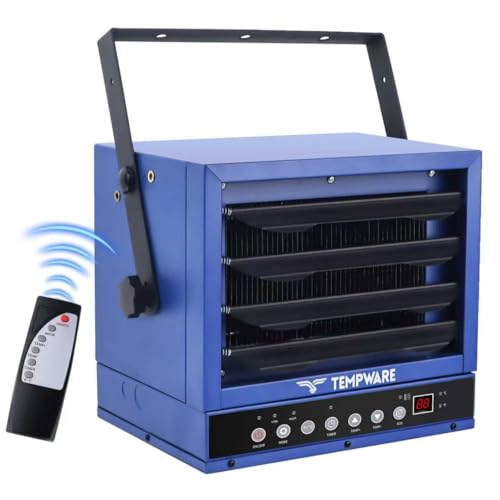
TEMPWARE 7500W Electric Garage Heater, 240V Hardwired Digital Ceiling Mount Fan-Forced Shop Heater with Full-Function Remote and 12-Hour Timer, Ideal for Workshop Warehouse
Adjustable Angle & 2 Heat Settings: This 240V hardwired garage heater features adjustable louvers and a variable mounting...
As an affiliate, we earn on qualifying purchases.
Frequently Asked Questions
Can Sensor Errors Affect Overall HVAC System Performance?
Sensor errors can definitely affect your HVAC system’s performance. When sensors aren’t properly calibrated or fail to integrate correctly with your system, they send inaccurate temperature data. This causes your thermostat to make poor decisions, like overcooling or overheating. As a result, your system works harder, consumes more energy, and may wear out faster. To keep everything running smoothly, verify your sensors are correctly calibrated and properly integrated.
How Often Should I Replace or Recalibrate My Thermostat Sensors?
You should replace or recalibrate your thermostat sensors every 3 to 5 years to guarantee peak performance. Don’t worry—most sensors have a long lifespan, and recalibration is simple and often needed only if you notice inconsistent readings. Regular maintenance helps prevent sensor errors, so staying proactive keeps your HVAC system running smoothly. Recalibrating on schedule minimizes issues, saving you money and discomfort over time.
Are There Compatibility Issues Between Different Smart Thermostat Brands?
You might encounter brand compatibility issues when trying to integrate sensors with different smart thermostats. Not all brands support seamless sensor integration, so check if your thermostat’s manufacturer specifies compatibility with other brands. To avoid problems, stick to sensors designed for your thermostat’s brand or look for ones labeled as universally compatible. This ensures your sensor functions correctly, providing accurate readings and maintaining ideal comfort in your home.
What Impact Do Wiring Problems Have on Sensor Accuracy?
Like a ship lost at sea, wiring faults and installation errors can throw your thermostat off course. These issues disrupt the sensor’s signals, causing inaccurate readings. When wiring isn’t secure or correctly connected, your thermostat can’t properly gauge temperature, leading to discomfort or energy waste. Ensuring proper wiring and avoiding installation mistakes helps your sensor perform accurately, keeping your home comfortable and energy-efficient.
Do Environmental Factors Like Humidity Cause Sensor Malfunctions?
Yes, environmental factors like humidity interference can cause sensor malfunctions. High humidity levels lead to sensor degradation over time, affecting their accuracy. When moisture seeps into the sensor, it may give false readings or stop working altogether. To prevent this, guarantee proper installation in a dry area, and consider using a humidity-resistant sensor if your environment experiences significant moisture fluctuations. Regular maintenance helps keep sensor performance ideal.
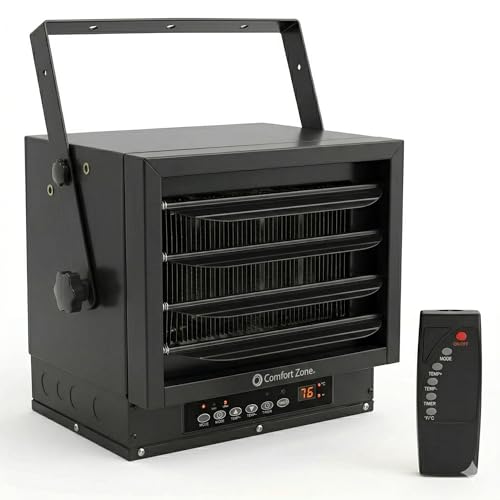
Comfort Zone Hard-Wired Ceiling Mount Garage Space Heater with Remote, 7,500 Watt, 240 Volt, Fan-Forced, Overheat Protection, Digital Thermostat, 12-Hour Timer, Ideal for Garage & Workshop, CZ230ERBK
OPTIMAL SPACE UTILIZATION: Maximize your available floor space with the space-saving design of this fan-forced heater. Specifically designed...
As an affiliate, we earn on qualifying purchases.
Conclusion
Understanding how to troubleshoot your smart thermostat sensor errors can save you time and keep your system running smoothly. Did you know that about 60% of thermostat issues are sensor-related? By checking connections and calibrations, you can often fix problems yourself. Regular maintenance not only improves comfort but can also extend your system’s lifespan. Stay proactive, and you’ll enjoy a more efficient, reliable heating and cooling experience year-round.
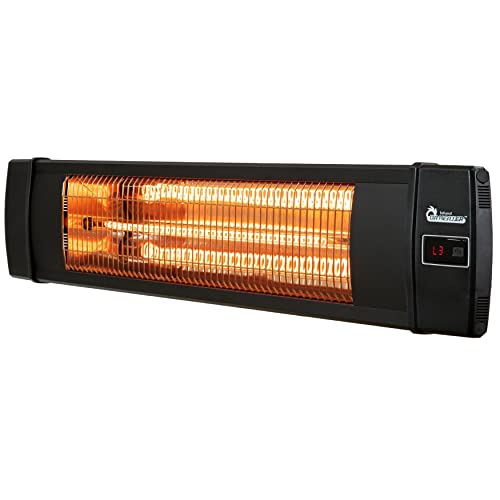
DR. INFRARED HEATER Portable Infrared Indoor and Outdoor Space Heater for Patio, Garage, Commercial & Residential With Remote Control, Without Thermostat, Black
INDOOR and OUTDOOR HEATER - Heater is IP55 approved for both indoor and outdoor use - perfect for...
As an affiliate, we earn on qualifying purchases.

Dura Heat EUH1465 Electric Forced Air Heater with Pivoting Base 5,120 BTU, Yellow
POWERFUL FORCED AIR HEATER: Delivers 1500W of PTC ceramic heating for quick warmth in small spaces.
As an affiliate, we earn on qualifying purchases.