
TL;DR

Get home appliances delivered free with Prime
- Fast, free delivery on millions of items
- Prime Video, Amazon Music and more included
- Member-only deals all year
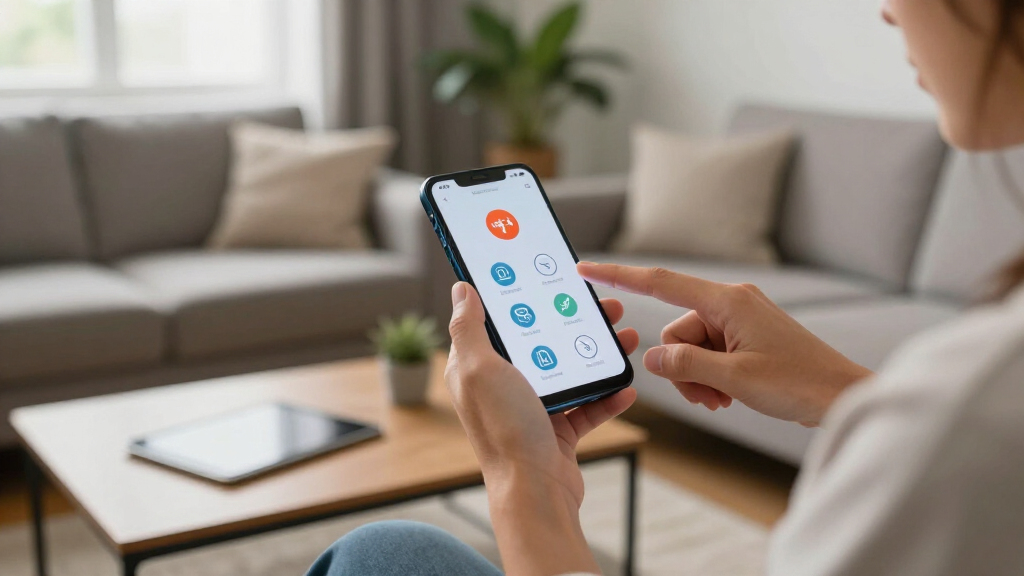
Google Pixel offers seven key emergency features, including Safety Check, Emergency SOS, and crash detection. Most require prior setup and can improve safety during emergencies. Details on some features’ availability and full functionality are still emerging.
Google Pixel smartphones now include seven essential emergency features designed to improve user safety during crises. These features, largely accessible through the Personal Safety app, range from automatic crash detection to scheduled safety checks. While many are pre-installed, most require user setup beforehand. This development underscores Google’s focus on integrated safety tools, especially as emergency preparedness becomes increasingly vital.
Among the key features is Safety Check, which prompts users to confirm their safety during activities like night runs or rideshare trips, and notifies emergency contacts if the user is unresponsive. The Emergency SOS feature allows users to quickly call emergency services, share their location, and activate video recording with a simple press of the power button five times, with setup options available in the Safety & emergency settings.
Google Pixel also enables Car Crash Detection, which uses sensors and sounds to identify severe accidents and automatically contacts emergency services if the user does not respond. Additionally, users can set up medical and emergency contact info accessible from the lock screen, along with customizable lock screen messages for critical health alerts or secondary contacts.
Other features include managing emergency alerts such as weather warnings, AMBER alerts, and earthquake notifications in supported regions, adjustable through device settings. The setup process involves enabling these alerts and customizing preferences. However, the availability and functionality of some features, like crash detection and location sharing, may vary by country and device model, and some aspects are still being refined.
Boost Your Safety: 7 Essential Emergency Features to Activate
Your Pixel can call for help, share critical information, detect a severe crash, and check that you are safe—but most protections only work after you configure them.
Seven features worth activating now
Open the Personal Safety app and the Safety & emergency settings to review each option. Names and menus can differ slightly by Pixel model and Android version.
Safety Check
Schedule a check-in for a night run, solo hike, commute, or rideshare trip. If you do not respond, selected contacts can be notified.
Set duration → Choose contacts → StartEmergency SOS
Press the power button five times to quickly call emergency services and, depending on setup, share your location or record video.
Configure countdown and actions firstCar Crash Detection
Your Pixel can use motion, location, and sound signals to detect a severe collision, ask whether you need help, and call if you do not respond.
Availability varies by model and regionEmergency Sharing
Send your real-time location and relevant updates to chosen emergency contacts when you need someone to monitor your situation.
Confirm contacts and location permissionMedical Information
Add allergies, medications, blood type, and other essential health details so responders can view them from the lock screen.
Keep details accurate and currentEmergency Contacts & Message
Select trusted contacts and add a concise lock-screen message for critical health alerts, ownership details, or a secondary contact method.
Use clear, minimal, non-sensitive wordingEmergency & Crisis Alerts
Review device alert preferences for urgent public-safety information. Supported alert types and controls depend on local authorities, regulations, and network coverage.
From dormant setting to real-world help
Emergency tools form a chain. A missing permission, outdated contact, or disabled location setting can weaken what happens downstream.
Update
Install current Android and Personal Safety updates.
Configure
Enable available features and choose preferred actions.
Authorize
Review location, microphone, camera, and contact access.
Inform
Tell emergency contacts what alerts they may receive.
Rehearse
Learn the controls without making a false emergency call.
Emergency SOS shortcut
Press the power button five times. Your configured countdown and emergency actions can then begin. Review the preview and cancellation behavior in advance so you understand exactly what your phone will do.
What each tool can contribute
No single setting covers every emergency. Combining fast activation, automatic detection, trusted contacts, and accessible medical information creates stronger protection.
| Feature | Manual Setup | Can Trigger Automatically | Shares Location | Works from Lock Screen | Regional Limits |
|---|---|---|---|---|---|
| Safety Check | ✓ Yes | ~ After missed check-in | ✓ With contacts | ✗ Not its main role | ~ Possible |
| Emergency SOS | ✓ Yes | ✗ User initiated | ~ If configured | ✓ Shortcut access | ~ Services vary |
| Car Crash Detection | ✓ Enable first | ✓ When supported | ~ During response | ✗ Not applicable | ~ Significant |
| Emergency Sharing | ✓ Yes | ✗ User initiated | ✓ Core function | ~ Device dependent | ~ Possible |
| Medical Information | ✓ Add details | ✗ Information only | ✗ No | ✓ Core function | ✗ Minimal |
| Emergency Contacts | ✓ Select contacts | ~ Used by other tools | ~ If permitted | ✓ Can be accessible | ✗ Minimal |
| Emergency Alerts | ~ Review controls | ✓ Network delivered | ✗ No | ✓ Alert display | ~ Significant |
Build a complete safety profile
Treat setup as a periodic safety review. Recheck it after changing phones, installing a major update, traveling internationally, or changing emergency contacts.
Readiness impact
Relative importance of four setup layers within a complete Pixel emergency plan.
How preparation improves response
The practical value appears when each stage supports the next—from recognizing danger to giving helpers the information they need.
Incident detected
You trigger SOS, miss a Safety Check, or the phone detects a possible crash.
Help requested
The configured feature starts a call, prompt, alert, or sharing session.
Context delivered
Contacts or responders may receive location, medical, or status information.
Response coordinated
Better context can support faster decisions and more targeted assistance.
Crash detection, emergency calling, location sharing, crisis alerts, and related functions may vary by Pixel model, Android version, country, carrier, network coverage, and local regulation. A phone is a useful safety layer, not a replacement for local emergency guidance or dedicated equipment.
Why These Emergency Features Are a Critical Safety Upgrade
These features enhance personal safety by providing quick access to emergency services and sharing vital health and location information. They are especially important for vulnerable populations, outdoor enthusiasts, and anyone seeking peace of mind during risky activities. As emergency situations can escalate rapidly, having these tools integrated into a widely used device like the Pixel can make a significant difference in response times and outcomes.
As an affiliate, we earn on qualifying purchases.
Background on Google Pixel’s Safety Tools Development
Google has steadily expanded its safety features over recent years, integrating emergency functions directly into Pixel devices and the Personal Safety app. The latest updates, released in August 2026, build on existing capabilities like Emergency SOS, crash detection, and alerts, offering more comprehensive safety options. While some features have been available for a while, recent updates aim to improve user control, customization, and regional coverage, reflecting increasing demand for personal safety technology.
“Google’s enhanced safety features on Pixel phones can be a real lifesaver, especially when set up properly before an emergency occurs.”
— Emily Long, freelance tech writer
personal safety device for Google Pixel
As an affiliate, we earn on qualifying purchases.
As an affiliate, we earn on qualifying purchases.
Remaining Questions About Feature Availability and Functionality
While many features are officially supported on Pixel devices, details about their full regional availability, especially crash detection and location sharing, remain unclear. Some features may require specific hardware or software updates, and functionality could vary depending on local regulations or network support. It is also uncertain how these features will perform in real-world emergencies, as testing and user feedback are still emerging.
emergency crash detection smartphone
As an affiliate, we earn on qualifying purchases.
As an affiliate, we earn on qualifying purchases.
Next Steps for Users and Google’s Safety Feature Rollout
Google is expected to continue refining these safety features through software updates and expand their availability across more regions and devices. Users should ensure their Pixel phones are updated to the latest software version and review setup instructions for each feature. Future updates may include additional customization options and improved reliability based on user feedback and field testing.
As an affiliate, we earn on qualifying purchases.
Key Questions
Do I need to enable each emergency feature manually?
Yes, most features, including Safety Check, Emergency SOS, and crash detection, require initial setup through the Personal Safety app or device settings.
Are these safety features available on all Pixel models?
Most features are supported on Pixel 4a and later models, but availability and performance may vary depending on hardware and regional support.
Can I customize who gets notified during an emergency?
Yes, users can select specific emergency contacts for Safety Check and Emergency Sharing within the Personal Safety app.
What should I do to prepare my Pixel for emergencies?
Set up all available safety features, input medical and emergency contacts, enable location sharing, and familiarize yourself with activation methods.
Will these features automatically activate during an accident?
Crash detection is automatic if enabled, but users will typically receive prompts to confirm or cancel assistance requests.
Source: Lifehacker
NFL season / tailgating Picks
team gear
As an affiliate, we earn on qualifying purchases.