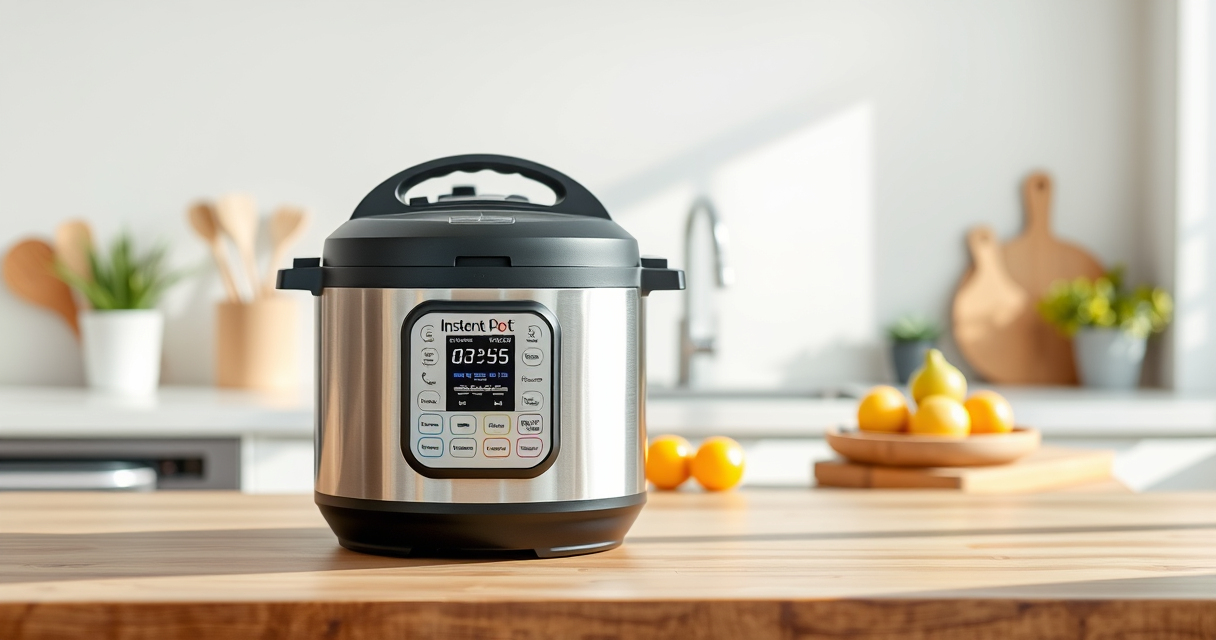

Experiencing a burn error on your Instant Pot can be frustrating, especially when you’re eager to enjoy your meal. This common issue often relates to food contact with the heating element, insufficient liquid, or a clogged vent. Fortunately, with some simple troubleshooting steps, you can resolve the burn error and get back to cooking in no time.
Below, you’ll find detailed, safe instructions on how to diagnose and fix the problem, ensuring your Instant Pot functions smoothly and safely every time.
Key Takeaways
| Identify the cause | Burn errors often stem from food stuck to the bottom or insufficient liquid. |
| Clean thoroughly | Regular cleaning of the inner pot and sealing ring helps prevent errors. |
| Check the sealing ring | A worn or improperly fitted ring can cause pressure issues. |
| Ensure proper liquid levels | Always add enough liquid as per recipe requirements. |
| Avoid thick sauces on the bottom | Thick, starchy sauces can stick and trigger burn warnings. |

Instant Pot 4QT RIO Mini 7-in-1 Multi-Cooker, Pressure Cooker, Slow cook, Sauté, Steam, Rice Maker, Yogurt, & Warmer, Black, 4 Quarts
7 Cooking Functions: Pressure cook, slow cook, sauté, steam, cook rice, make yogurt, or keep your meals warm,...
As an affiliate, we earn on qualifying purchases.
Step 1: Turn Off and Unplug the Instant Pot
- Press ‘Cancel’ to stop cooking.
- Unplug the device from the power source.
- Allow it to cool for at least 15 minutes before opening.

AOZITA Steamer Basket for Instant Pot Accessories 6 qt or 8 quart - 2 Tier Stackable 18/8 Stainless Steel Mesh - Silicone Handle - Vegetable Steamer Insert, Egg Basket, Pasta Strainer,Silver
2-TIER STACKABLE BASKET – Make the best out of your instant pot with our steel mesh steamer pot...
As an affiliate, we earn on qualifying purchases.
Step 2: Release Pressure Safely
Use the quick-release valve to vent steam carefully, or wait until the float valve drops if using natural release. Never force the lid open when under pressure.
Step 3: Inspect and Clean the Pot
- Remove the inner pot and check for food debris or burnt bits on the bottom.
- Wash the inner pot thoroughly with warm, soapy water.
- Clean the sealing ring and lid, ensuring no food is trapped.
Step 4: Check the Sealing Ring
Ensure the sealing ring is properly seated, free of cracks or deformation. Consider replacing it if it shows wear or persistent odor.
Step 5: Adjust Your Cooking Method
- Add enough liquid (minimum 1 cup or as recommended in your recipe).
- Avoid thick sauces or ingredients that may stick to the bottom.
- Use the sauté function to loosen any stuck food before pressure cooking again.
The Products in This Guide

Instant Pot 4QT RIO Mini 7-in-1 Multi-Cooker
- ✔ Weight: 8 lbs
- ✔ Dimensions: 11 x 11 x 11 inches
- ✔ Warranty: 1-year limited

AOZITA Steamer Basket
- ✔ Weight: 1.2 lbs
- ✔ Dimensions: 9 x 9 x 4 inches
- ✔ Color: Silver
Instant Pot 4QT RIO Mini 7-in-1 Multi-Cooker
The Instant Pot 4QT RIO Mini 7-in-1 Multi-Cooker offers a range of cooking options in a small, easy-to-store design. Its anti-spin pot and modern look make it a convenient choice for small families or singles.
Pros:
- 7-in-1 functionality
- Compact and easy to store
- Multiple cooking functions
- Progress indicator
Cons:
- Limited capacity for large families
- Contains multiple parts to clean
- May require replacement sealing rings
Best for: Small households, quick weekday meals, space-saving kitchens
Not ideal for: Cooking for large groups, recipes requiring large quantities
Bottom line: A versatile, space-saving multi-cooker ideal for small kitchens.
AOZITA Steamer Basket
The AOZITA Steamer Basket enhances your Instant Pot’s capabilities, allowing you to steam multiple foods simultaneously and make broth or rinse ingredients easily.
Pros:
- Two-tier design
- Heavy-duty stainless steel
- Dishwasher safe
- Versatile use
Cons:
- Can be bulky in small pots
- Requires careful stacking
- May need hand washing for stubborn stains
Best for: Steaming vegetables, seafood, or making broth
Not ideal for: Cooking large quantities for big families
Bottom line: Enhances multi-level cooking and steaming in your Instant Pot.
Frequently Asked Questions
Why does my Instant Pot keep giving a burn error?
Burn errors typically occur due to food sticking to the bottom, insufficient liquid, or a clogged vent. Proper cleaning and adjustments often resolve the issue.
How much liquid should I add to avoid burn errors?
Always add at least 1 cup of liquid unless the recipe specifies otherwise, to ensure enough steam for pressure build-up.
Can I still cook if I get a burn warning?
Yes, but you should turn off the Instant Pot, release pressure, clean the inner pot, and adjust your ingredients or liquid levels before retrying.
Should I replace my sealing ring if I experience burn errors frequently?
If your sealing ring is cracked, deformed, or retains odors despite cleaning, replacing it can improve sealing and prevent errors.
Mastering Your Instant Pot for Error-Free Cooking
While burn errors can be inconvenient, they are often easy to fix with proper cleaning, ingredient adjustments, and maintenance. Following these steps ensures your Instant Pot remains a reliable tool for quick and delicious meals, especially in small kitchens or for individual servings. Regular upkeep and mindful cooking habits will keep your appliance functioning smoothly and prevent future errors.
Affiliate disclosure: As an Amazon Associate we earn from qualifying purchases. Prices and availability are accurate as of the time of publishing.