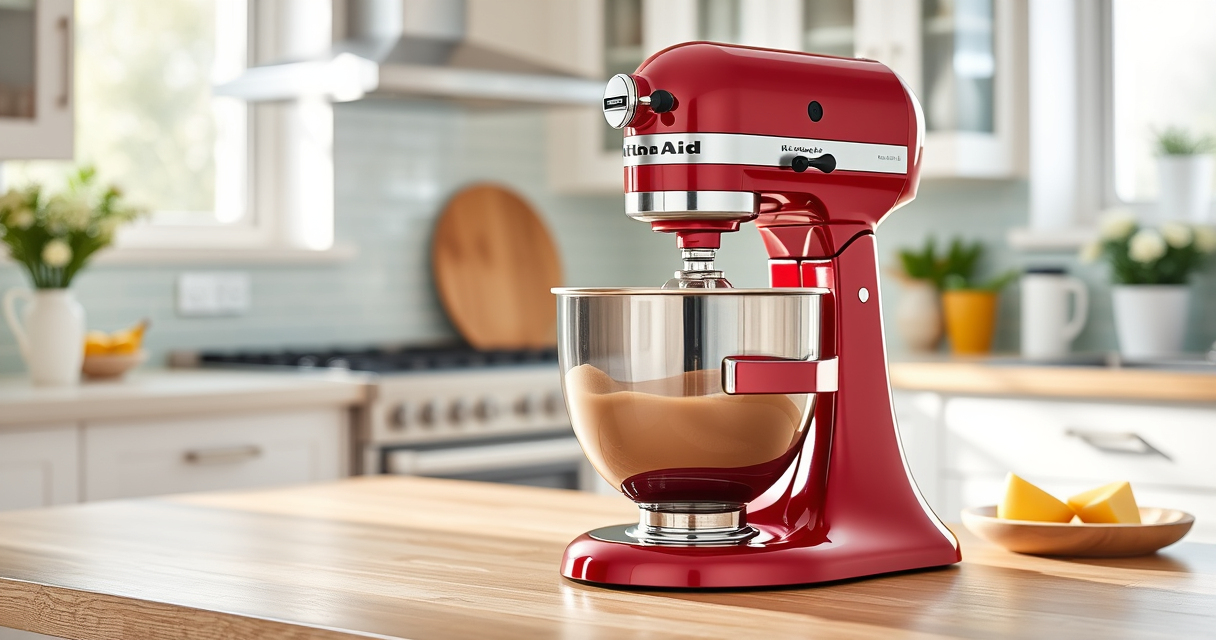

If your KitchenAid artisan stand mixer is making a grinding noise, it can be concerning and disrupt your baking routine. Fortunately, many common issues are easy to diagnose and fix with some basic troubleshooting.

Get home appliances delivered free with Prime
- Fast, free delivery on millions of items
- Prime Video, Amazon Music and more included
- Member-only deals all year
This guide will walk you through the possible causes of grinding sounds, safety precautions, and step-by-step solutions to restore smooth operation to your mixer.
Key Takeaways
| Common cause | Worn or damaged gears or attachments can cause grinding sounds. |
| Safety first | Always unplug the mixer before inspecting or repairing. |
| Regular maintenance | Cleaning and lubricating parts can prevent noise issues. |
| Check attachments | Incorrectly fitted or damaged attachments can create grinding noises. |
| When to seek professional help | Persistent noise despite troubleshooting may require expert repair. |
Identify the Noise Source
- Unplug your mixer and carefully inspect the attachments for damage or misalignment.
- Turn the mixer on and listen closely—note if the noise occurs during specific speeds or tasks.
- Check the gear area beneath the head for visible wear or debris.
Check Attachments and Beaters
- Remove all attachments and inspect for cracks, damage, or improper fit.
- Reattach securely, ensuring they click into place properly.
- Test the mixer at different speeds to see if the grinding persists.
Clean and Lubricate Moving Parts
- Use a soft cloth to remove dust and debris around the gear housing and attachment hub.
- If accessible, apply a small amount of food-grade lubricant to the gear mechanism, following the manufacturer’s guidelines.
- Wipe off any excess and run the mixer briefly to distribute the lubricant evenly.
Inspect and Replace Worn Gears or Parts
If the noise continues, open the mixer head following the manufacturer’s instructions (ensure safety precautions). Check gears, drive shafts, and the motor coupling for wear or damage. Replace any faulty components with genuine parts.
Professional Repair or Replacement
If troubleshooting does not resolve the grinding noise, contact a certified service technician or consider replacing the mixer if it is over several years old or has extensive damage.
The Products in This Guide

KitchenAid Artisan Series 5 Quart Tilt Head Stand Mixer
- ✔ Weight: 26 pounds
- ✔ Dimensions: 14 x 8 x 14 inches
- ✔ Power: 325 watts

KitchenAid Stand Mixer Attachment
- ✔ Weight: 4 pounds
- ✔ Dimensions: 10 x 8 x 6 inches
- ✔ Color: Silver
KitchenAid Artisan Series 5 Quart Tilt Head Stand Mixer
The KitchenAid Artisan Series 5 Quart Tilt Head Stand Mixer is built for durability and versatile use. Most grinding noises are fixable with simple checks and maintenance, making it a dependable choice for home bakers.
Pros:
- Durable metal construction
- Easy to access and clean
- Multiple speed settings
- Large capacity bowl
Cons:
- Noise issues can occur over time
- Requires regular maintenance
- Attachments may need careful fitting
Best for: Bakers seeking a versatile, durable mixer for frequent use
Not ideal for: Users expecting completely silent operation or minimal maintenance
Bottom line: A solid, versatile stand mixer that can be maintained to reduce grinding noises.
KitchenAid Stand Mixer Attachment
Enhance your KitchenAid mixer with this durable metal food grinder attachment. It’s perfect for making fresh ground meat, vegetables, and more, helping you avoid motor strain and noise issues.
Pros:
- Sturdy metal construction
- Multiple grinding plates
- Includes sausage stuffer tubes
- Easy to attach and clean
Cons:
- Requires freezer pre-chilling
- Additional cost for attachment
- Bulkier storage
Best for: Home cooks wanting fresh, customizable ground foods
Not ideal for: Users not interested in grinding or needing quick results
Bottom line: A robust attachment for fresh grinding that can help reduce noise and motor strain.
Frequently Asked Questions
Can grinding noise indicate a motor problem?
Yes, persistent grinding sounds may suggest worn gears or motor issues. If troubleshooting doesn’t help, professional inspection is recommended.
Is it safe to open the mixer to inspect parts?
Only do so if you’re familiar with appliance repairs and unplug the mixer beforehand. Follow the manufacturer’s instructions carefully for safety.
How often should I clean and lubricate my mixer?
Regularly clean your mixer after use and lubricate moving parts as needed, typically every few months, to prevent noise and wear.
Will replacing attachments fix grinding noises?
Incorrect or damaged attachments can cause noise. Replacing or properly fitting attachments can often resolve the issue.
Keep Your Mixer Running Smoothly
Grinding noises in your KitchenAid stand mixer are often fixable with proper inspection, cleaning, and maintenance. Regular upkeep and using genuine attachments can extend your mixer’s lifespan and ensure quiet, effective operation. When in doubt, professional repair services can help keep your kitchen appliance in top shape.
Affiliate disclosure: As an Amazon Associate we earn from qualifying purchases. Prices and availability are accurate as of the time of publishing.
Halloween Picks
halloween
As an affiliate, we earn on qualifying purchases.