
When your smart devices and HVAC system feel out of sync, start by checking your thermostat’s programming for conflicts. Verify all devices are compatible and updated with the latest firmware. A weak Wi-Fi signal can also disrupt communication, so consider relocating your router or using extenders. Regularly monitor energy usage to identify inefficiencies and optimize settings for comfort. There are simple fixes to improve synchronization, and there’s more to explore for a harmonious home climate.
Key Takeaways
- Check thermostat settings for programming accuracy and look for any conflicting schedules with smart devices to prevent timing issues.
- Confirm device compatibility with your HVAC system and ensure all firmware is up-to-date for optimal communication.
- Assess Wi-Fi signal strength and consider relocating your router or using extenders to improve device connectivity.
- Optimize energy-saving features on devices and monitor energy usage to identify inefficiencies and potential savings.
- Regularly review and adjust device settings for better integration, consulting manufacturer support when needed for compatibility concerns.
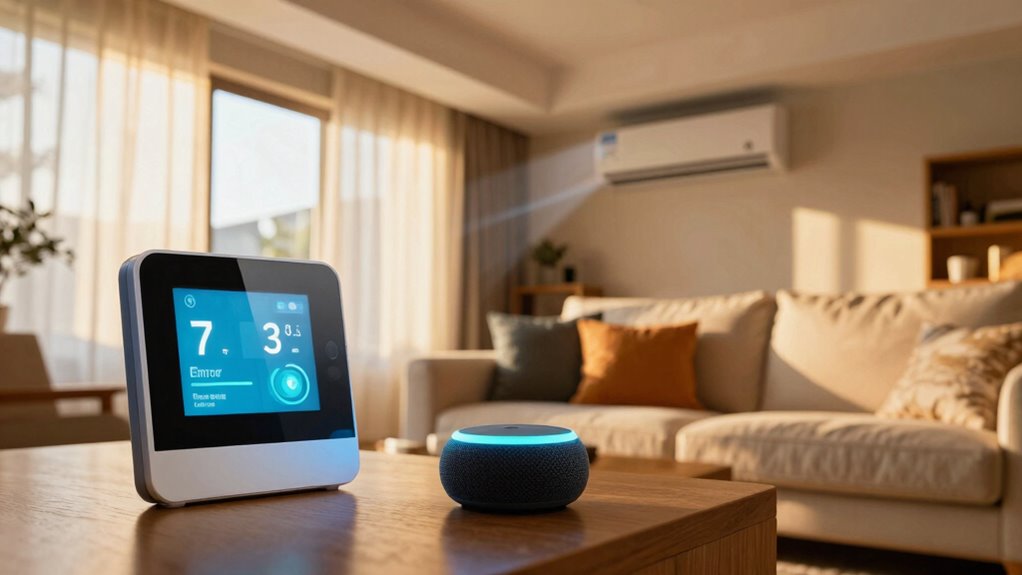
As smart devices become integral to our daily lives, they can sometimes create unexpected timing issues in HVAC systems. You might find that your thermostat doesn’t respond when it should, or your air conditioning kicks on at odd hours. These problems often stem from scheduling conflicts or issues with device compatibility. If your smart thermostat is set to communicate with your HVAC system, but there’s a hiccup, you might end up feeling uncomfortable in your own home.
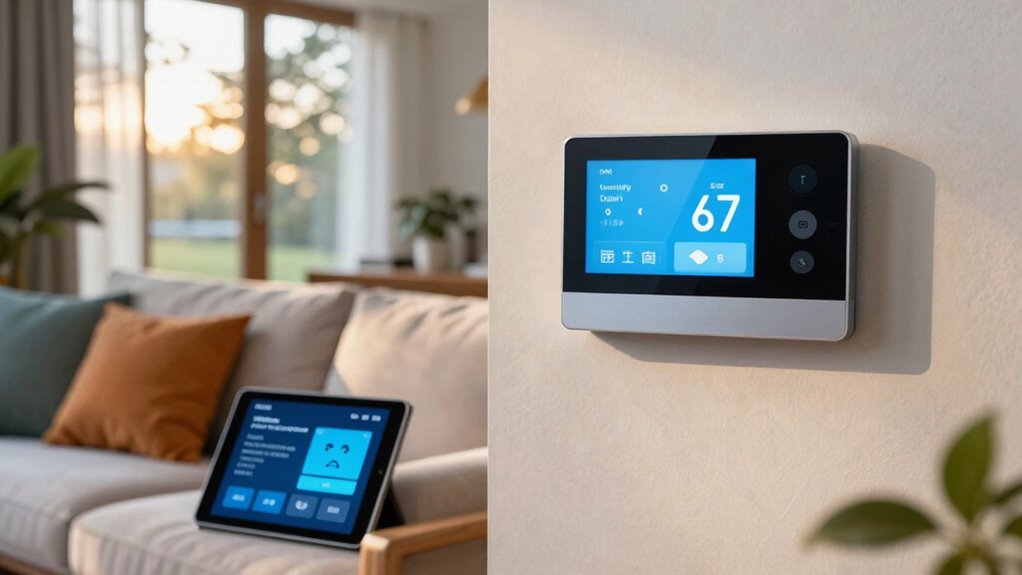
First, check your scheduling settings. Sometimes, you might think you’ve programmed your thermostat correctly, but a simple oversight can lead to confusion. Look for any conflicting schedules between your smart devices and HVAC settings. If you’ve got multiple devices trying to control your home’s temperature, it could lead to a tug-of-war that leaves you unsatisfied. Streamlining your schedules can greatly improve your home climate. Additionally, reviewing your system settings can help identify any hidden conflicts.
Check your scheduling settings to avoid conflicts between devices, ensuring a smoother and more comfortable home climate.
Next, consider device compatibility. Not all smart devices communicate seamlessly with each other. If your thermostat isn’t fully compatible with your HVAC system, it may not respond when it needs to. Check the manufacturer’s guidelines to confirm that your devices can work together. Sometimes, a firmware update is all you need to enhance compatibility, so keep your devices updated to prevent any timing issues. Additionally, understanding device interoperability can help you select compatible products from the start. Ensuring system integration is effective can also prevent these kinds of problems. A thorough understanding of system architecture can help diagnose underlying issues more effectively.
Network interference can also be a culprit. If your Wi-Fi signal is weak or disrupted, your smart devices might not receive the commands you give them. This interference can lead to delays in temperature adjustments, negatively impacting your energy efficiency. Consider relocating your router or using Wi-Fi extenders to guarantee a robust connection throughout your home. A stable network helps your smart devices perform as intended, keeping everything in sync. Ensuring your Wi-Fi network is reliable is essential for maintaining smart device performance.
Finally, keep an eye on energy efficiency. If your HVAC system is struggling to communicate with your smart devices, it may work overtime, leading to increased energy bills. Make sure your devices are optimized for energy-saving features. By addressing these timing issues, you’ll not only enhance your comfort but also save on energy costs.

Sensi Lite Smart Thermostat, WiFi, Alexa, DIY, Energy Star Certified, ST25
- Easy DIY Installation: Built-in level and step-by-step instructions
- Compatible with Most Systems: Requires common wire for heat pump systems
- Energy Savings: Save approximately 23% on HVAC energy
As an affiliate, we earn on qualifying purchases.
As an affiliate, we earn on qualifying purchases.
Frequently Asked Questions
Can Smart Devices Improve HVAC Efficiency Over Time?
Yes, smart devices can definitely improve HVAC efficiency over time. They monitor your energy consumption and learn your user habits, adjusting settings accordingly. For instance, a smart thermostat can optimize heating and cooling based on when you’re home, reducing waste. By analyzing patterns, these devices help you create a comfortable environment while minimizing energy costs. Over time, you’ll likely notice enhanced efficiency and lower utility bills, making your home smarter and more economical.
What Are Common Causes of HVAC System Delays?
Common causes of HVAC system delays include inadequate system maintenance and temperature fluctuations. If you neglect regular check-ups, dirt and debris can build up, causing inefficiencies. Additionally, if your thermostat isn’t calibrated correctly, it may struggle to maintain your desired temperature, leading to delays in heating or cooling. By keeping up with maintenance and monitoring temperature settings, you can help your system operate smoothly and minimize those frustrating delays.
How Do I Reset My Smart Thermostat?
To reset your smart thermostat, think of it like hitting the refresh button on your day. Start by locating the reset option in the settings menu. You might find options for different reset methods, like a factory reset or reboot. Follow the prompts, and don’t forget to check the thermostat troubleshooting guide if you run into issues. Once done, your thermostat should be back on track, ready to keep you comfortable.
Are There Compatibility Issues Between Different Smart Devices?
Yes, there can be compatibility issues between different smart devices. Not all devices use the same communication protocols, which can hinder smart device integration. To guarantee smooth operation, check if your devices support common protocols like Wi-Fi, Zigbee, or Z-Wave. If they don’t, you might face connectivity problems. Always research compatibility before purchasing new devices to avoid frustration later. Keeping your smart ecosystem cohesive enhances performance and reliability.
How Often Should I Update My Smart Device Firmware?
Think of your smart device as a growing tree; it needs regular care to thrive. You should update your device firmware every few months or whenever a new update’s available. These updates boost device performance, enhance security, and improve your overall user experience. Ignoring them is like letting weeds take over your garden—your device won’t function at its best. Stay proactive, and your smart tech will flourish!

2026 WiFi Extenders Signal Booster for Home Long Range Up to 12880 sq. ft & 40 Devices, WiFi Extender Signal Booster, Internet Booster, Long Range WiFi Extender,Quick Setup
- Dual-band Hyperspeed Technology: 300Mbps 2.4GHz + 867Mbps 5GHz
- Whole-home Coverage: Up to 12880 sq.ft with signal penetration
- Universal Compatibility & Easy Setup: Works with most routers, one-click setup
As an affiliate, we earn on qualifying purchases.
As an affiliate, we earn on qualifying purchases.
Conclusion
When your smart devices and HVAC systems feel out of sync, it can be frustrating. But don’t let that stress you out! Start by checking your settings and schedules to guarantee they’re aligned. Consider updating your devices or consulting the manuals for troubleshooting tips. After all, wouldn’t it be great to enjoy a perfectly synced home environment? By taking these steps, you can create a comfortable atmosphere that works seamlessly for you.
smart home device firmware update kit
As an affiliate, we earn on qualifying purchases.
As an affiliate, we earn on qualifying purchases.

TP-Link AC1200 WiFi Extender – 1.2Gbps Home Signal Booster, Dual Band 5GHz/2.4GHz, Up to 1600 Sq.ft and 32 Devices, EasyMesh Compatible, One Ethernet Port (RE315)
- Enhanced Wi-Fi Coverage: Eliminates dead zones with strong signals
- Dual-Band Speed: Up to 1.2Gbps with 5GHz and 2.4GHz
- Wide Coverage Area: Supports up to 1500 sq.ft
As an affiliate, we earn on qualifying purchases.
As an affiliate, we earn on qualifying purchases.