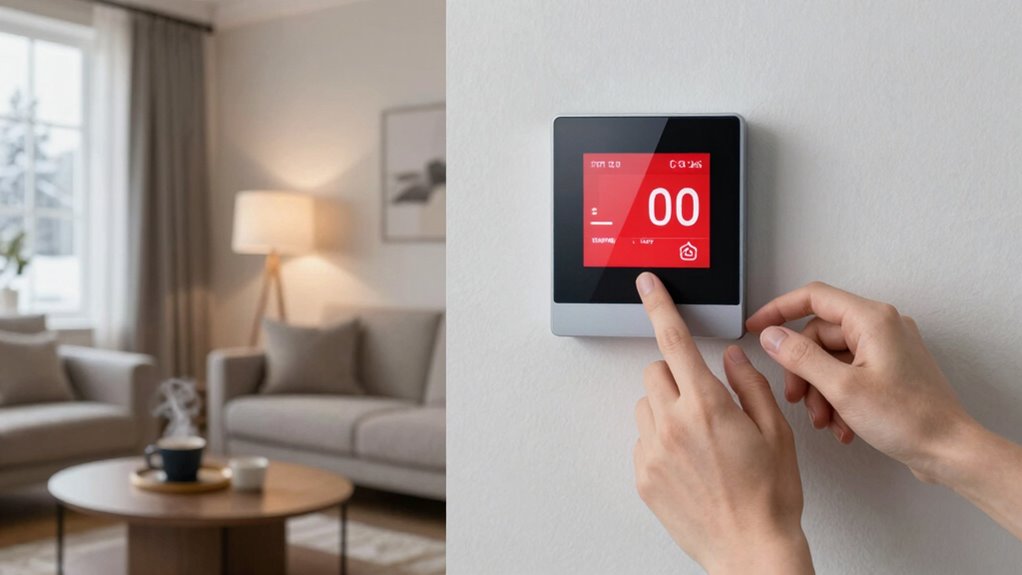

If your smart thermostat feels too aggressive, start by reassessing your temperature settings and schedules to better match your lifestyle. Make gradual adjustments instead of sudden shifts to enhance comfort. Check for software updates and recalibrate sensors regularly, since outdated software can lead to erratic behavior. Customize the learning features to fit your preferences for more control. Understanding these aspects can really improve your experience, and there’s more helpful information ahead.
Key Takeaways
- Reassess temperature settings to align with personal comfort levels and lifestyle needs for smoother transitions.
- Create personalized schedules to avoid sudden temperature shifts and enhance comfort.
- Utilize manual settings to override aggressive learning features and maintain control over temperature changes.
- Regularly update software and recalibrate sensors to ensure accurate temperature adjustments and optimal performance.
- Familiarize yourself with smart thermostat features to customize settings effectively and enhance overall comfort.
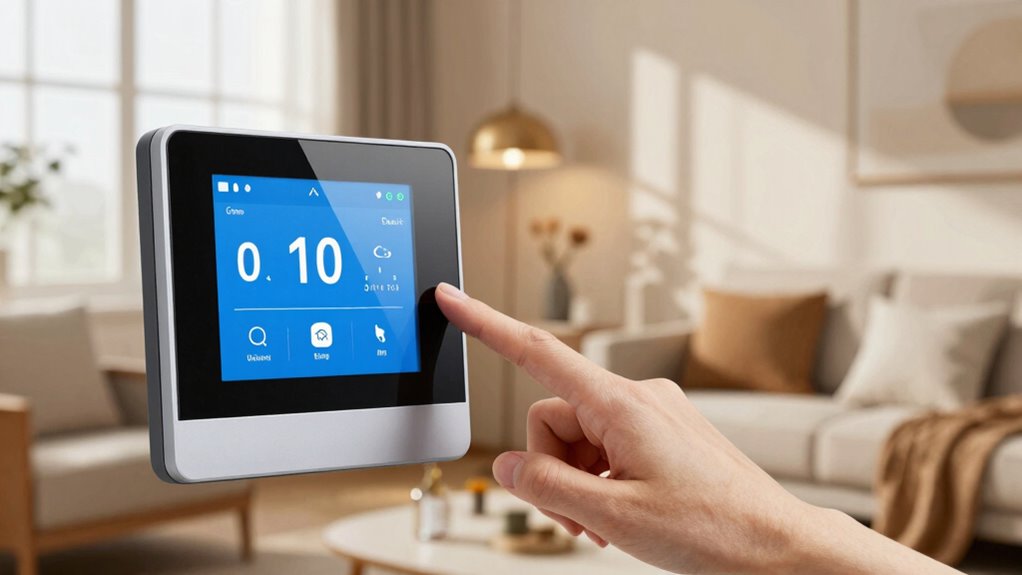
Have you ever noticed your smart thermostat adjusting the temperature too drastically? It can be frustrating when it seems to override your comfort preferences, making your home feel too hot or too cold. Fortunately, there are straightforward ways to fine-tune its behavior. By making a few adjustments, you can achieve a better comfort balance while maintaining energy efficiency.
First, take a look at your temperature settings. Most smart thermostats come with default settings that may not align with your lifestyle. If your thermostat is set to make significant changes when you’re away or asleep, it might be time to reassess those settings. You want it to reflect your actual user preferences, allowing for a smoother shift throughout the day without those jarring temperature swings.
Reassess your smart thermostat’s default settings to align with your lifestyle, ensuring smoother temperature shifts throughout the day.
Next, consider the scheduling adjustments. Many smart thermostats allow you to create personalized schedules based on your routine. If it’s adjusting too aggressively, it might be worth recalibrating when the heating or cooling kicks in. For instance, if you typically come home from work around 6 PM, set the thermostat to start warming or cooling the house a bit earlier. This way, it can gradually reach your desired temperature, avoiding those sudden shifts that disrupt your comfort. Proper scheduling can also help prevent unnecessary energy consumption, aligning with energy efficiency goals. Additionally, understanding how your thermostat’s learning features operate can help you customize its adjustments more effectively.
Furthermore, explore the learning features of your thermostat. Some models learn your habits over time and adjust accordingly. However, if it’s making changes that feel too extreme, you can often override these learned behaviors. A quick check of the app or settings can let you recalibrate how much it should learn from your daily routine. You might prefer a more manual approach to temperature settings that keeps you in control.
Lastly, don’t underestimate the importance of regular maintenance and updates. Sometimes, an overly aggressive thermostat can stem from outdated software or sensor issues. Confirm your device is up-to-date and consider recalibrating the sensors if necessary. It’s all about finding that perfect balance between energy efficiency and your comfort level. Remember, understanding smart thermostat features can help you better optimize its performance and avoid unnecessary discomfort.

900-002 for Pneumatic Thermostat Calibration Kit
- Product Model: 900-002 Pneumatic Thermostat Calibration Kit
As an affiliate, we earn on qualifying purchases.
As an affiliate, we earn on qualifying purchases.
Frequently Asked Questions
How Do I Reset My Smart Thermostat?
To reset your smart thermostat, start by locating the reset button, often found on the device or in the app. You can also unplug it for 30 seconds or remove the batteries, depending on your model. After that, follow the manufacturer’s instructions for thermostat troubleshooting. If you’re using an app, look for reset methods in the settings menu. This should help restore your thermostat to its factory settings.
Can I Use My Smart Thermostat Without Wi-Fi?
Yes, you can use your smart thermostat without Wi-Fi. Many models have offline functionality, allowing you to control the temperature manually. However, you’ll miss out on features like remote access and scheduling. If you need Wi-Fi alternatives, consider using a mobile hotspot or a local network setup. Check your thermostat’s manual for specifics on its offline capabilities, ensuring you can still maintain comfort even when the internet’s down.
What Brands of Smart Thermostats Are the Best?
When you think of smart thermostats, it’s like choosing between the Titans of Olympus. Nest and Ecobee often take center stage, each with unique strengths. Nest’s sleek design and intuitive learning capabilities stand out, while Ecobee boasts superior room sensors and voice control options. Honeywell also offers impressive features, especially for those who want straightforward programming. Ultimately, your choice depends on your specific needs and preferences, so weigh their strengths carefully.
How Does a Smart Thermostat Learn My Preferences?
A smart thermostat learns your preferences by tracking your temperature patterns over time and using user feedback. It monitors when you’re home or away, adjusting accordingly to create a comfortable environment. If you manually change the temperature, it takes note of that too, refining its understanding of your ideal settings. This continuous learning helps it anticipate your needs, ensuring your home stays cozy without you having to think about it.
Is Professional Installation Necessary for Smart Thermostats?
You don’t always need professional installation for smart thermostats, but it can save you headaches. If you’re unsure about compatibility with your existing system, getting a pro might be worth it. The installation cost might seem high, but consider it an investment in your home’s efficiency and comfort. Plus, a seamless setup can help your thermostat learn your preferences faster, turning your space into a cozy haven.
programmable thermostat schedule
As an affiliate, we earn on qualifying purchases.
As an affiliate, we earn on qualifying purchases.
Conclusion
If your smart thermostat feels too aggressive, tweaking its settings can make all the difference. By adjusting the temperature swing or using eco modes, you can create a more comfortable environment. Notably, studies show that optimizing your thermostat can save you up to 10-15% on heating and cooling costs annually. So, take a moment to personalize your settings—you’ll not only enhance your comfort but also save money in the long run!
smart thermostat sensor recalibration
As an affiliate, we earn on qualifying purchases.
As an affiliate, we earn on qualifying purchases.
manual override smart thermostat
As an affiliate, we earn on qualifying purchases.
As an affiliate, we earn on qualifying purchases.