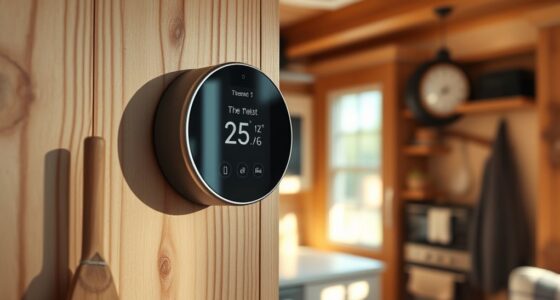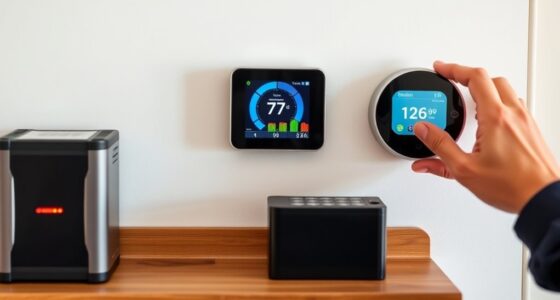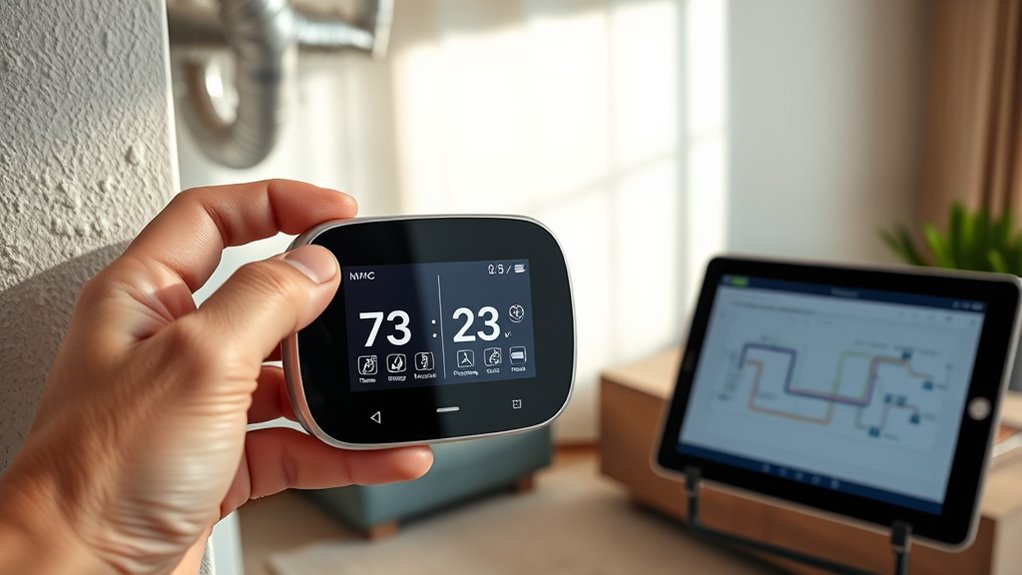

To check if your smart thermostat will work with your HVAC system, first identify your system type—whether it’s central air, heat pump, or a multi-stage furnace—and verify that your thermostat supports it. Next, examine your wiring to see if you have a C-wire or if alternative options are needed. confirm your Wi-Fi network is stable and compatible with the device. Finally, review if the thermostat supports your preferred smart home features. Keep exploring for detailed guidance on each step.
Key Takeaways
- Identify your HVAC system type (central air, heat pump, multi-stage furnace) and verify if the thermostat supports it.
- Check if your existing wiring includes a C-wire or if alternative power options are necessary.
- Confirm that the thermostat’s wiring connections match your HVAC system’s wiring diagram.
- Ensure the thermostat is compatible with your home’s Wi-Fi network and supports remote control features.
- Verify if the thermostat supports integration with your smart home ecosystem or voice assistants like Alexa or Google Assistant.

Before purchasing a smart thermostat, it’s essential to confirm it’s compatible with your HVAC system. The first step involves understanding your current setup and what features your system supports. Many modern smart thermostats rely heavily on wireless connectivity to control your heating and cooling remotely, so verifying that your home’s Wi-Fi network is stable and compatible is crucial. If your Wi-Fi is outdated or unreliable, it could hinder the thermostat’s ability to communicate effectively, limiting its energy efficiency benefits. Most smart thermostats connect via Wi-Fi, allowing you to adjust your settings from your smartphone or voice assistant, so a strong and compatible wireless connection is key.
Next, you should identify your HVAC system type—whether it’s a central air system, heat pump, or a multi-stage furnace. Different thermostats support different systems, so checking compatibility with your specific setup is vital. Many models specify whether they work with single-stage, multi-stage, or heat pump systems. If you’re unsure, consult your HVAC manual or contact a professional technician. Compatibility isn’t just about the physical connection; it also involves ensuring your thermostat has the right wiring compatibility and supports features like humidity control or fan control if you need them.
Energy efficiency is another major factor to consider. A smart thermostat’s core advantage is its ability to optimize your system’s operation, reducing unnecessary energy consumption. To take full advantage of this, ensure the thermostat you select can learn your schedule, adjust temperatures automatically, and provide energy reports. These features help you save money and reduce your carbon footprint over time. Check if the thermostat is compatible with your existing wiring, as some models require C-wires (common wires) for continuous power. If your system lacks a C-wire, look for models that offer power-sharing or have alternative power options to guarantee consistent operation.
Additionally, look into the thermostat’s connectivity options beyond Wi-Fi. Some models support Bluetooth or Zigbee, which might be beneficial if you use smart home hubs or other connected devices. Compatibility with voice assistants like Alexa, Google Assistant, or Apple HomeKit can also enhance your user experience, making control more seamless. Confirm that your home’s network and existing smart home ecosystem support these integrations before making a purchase.
Furthermore, understanding the Ethical Hacking concepts related to security can help ensure your smart thermostat remains protected from potential cyber threats, especially if it connects to your home network.

Emerson Sensi Wi-Fi Smart Thermostat for Smart Home, DIY, Works With Alexa, Energy Star Certified, ST55
PRIVACY PROTECTION*: Sensi won’t sell your personal information to third parties
As an affiliate, we earn on qualifying purchases.
As an affiliate, we earn on qualifying purchases.
Frequently Asked Questions
Do All HVAC Systems Support Smart Thermostats?
Not all HVAC systems support smart thermostats. You need to check hardware compatibility and installation requirements first. Some systems, like older models or those with proprietary controls, might not work with smart thermostats. Look at your current thermostat and HVAC system’s wiring, compatibility labels, or consult a professional. Ensuring your system meets the hardware and installation needs is vital for a smooth upgrade to a smart thermostat.
Can I Install a Smart Thermostat Myself?
Is installing a smart thermostat a walk in the park or a steep mountain climb? You can DIY install it if you’re comfortable with electrical work and following instructions; otherwise, professional installation guarantees your system’s safety and peak performance. Carefully evaluate your skills and the complexity of your HVAC system before deciding. Sometimes, calling in an expert is the smarter choice—saving you time, hassle, and potential damage.
What Is the Cost Difference Between Compatible and Incompatible Systems?
The cost difference between compatible and incompatible systems varies considerably. With compatible systems, you typically pay less overall, as installation fees are straightforward and often included in the package. In contrast, incompatible systems may require costly upgrades or specialized wiring, leading to higher installation fees. A clear cost comparison shows that choosing a compatible smart thermostat saves you money by avoiding extra expenses and complex modifications.
Are There Specific Brands Better Suited for Certain HVAC Types?
They say “the right tool makes all the difference,” and that applies to smart thermostats too. Certain brands, like Nest or Ecobee, are better suited for specific HVAC types, ensuring smooth brand compatibility. When customizing your HVAC system, pick a thermostat designed for your setup—some brands excel with heat pumps, others with traditional AC units. Focus on HVAC customization for seamless integration and ideal performance.
How Do I Troubleshoot if My Smart Thermostat Isn’t Syncing?
If your smart thermostat isn’t syncing, start by checking its wireless connectivity. Make certain your Wi-Fi network is stable and within range. Next, verify there are no power issues—make sure it’s properly connected and receiving power, especially if it uses batteries. Restart your thermostat and router to refresh connections. If problems persist, reset the thermostat or consult the manufacturer’s troubleshooting guide to resolve syncing issues effectively.

Amazon Smart Thermostat – Save money and energy – Works with Alexa and Ring – C-wire required
An Alexa thermostat – Amazon Smart Thermostat is an easy way to switch from a traditional thermostats for…
As an affiliate, we earn on qualifying purchases.
As an affiliate, we earn on qualifying purchases.
Conclusion
Now that you know how to check your HVAC system’s compatibility, you’re ready to upgrade confidently. Remember, over 70% of homes with compatible systems experience improved energy efficiency and savings. Imagine lowering your energy bills while keeping your home perfectly comfortable—it’s possible with the right smart thermostat. So, take a few moments to verify your system, and enjoy the smarter, more efficient climate control you deserve. Your future self will thank you for making the switch!

Honeywell Home RTH9585WF1004 Wi-Fi Smart Color Thermostat, 7 Day Programmable, Touch Screen, Energy Star, Alexa Ready, Gray
COMFORT COMES IN YOUR COLOR. Personalize your Wi-Fi Smart Color Programmable Thermostat to fit your décor.
As an affiliate, we earn on qualifying purchases.
As an affiliate, we earn on qualifying purchases.
Honeywell Home RTH9585WF1004 Wi-Fi Smart Color Thermostat, 7 Day Programmable, Touch Screen, Energy Star, Alexa Ready, Gray
COMFORT COMES IN YOUR COLOR. Personalize your Wi-Fi Smart Color Programmable Thermostat to fit your décor.
As an affiliate, we earn on qualifying purchases.
As an affiliate, we earn on qualifying purchases.