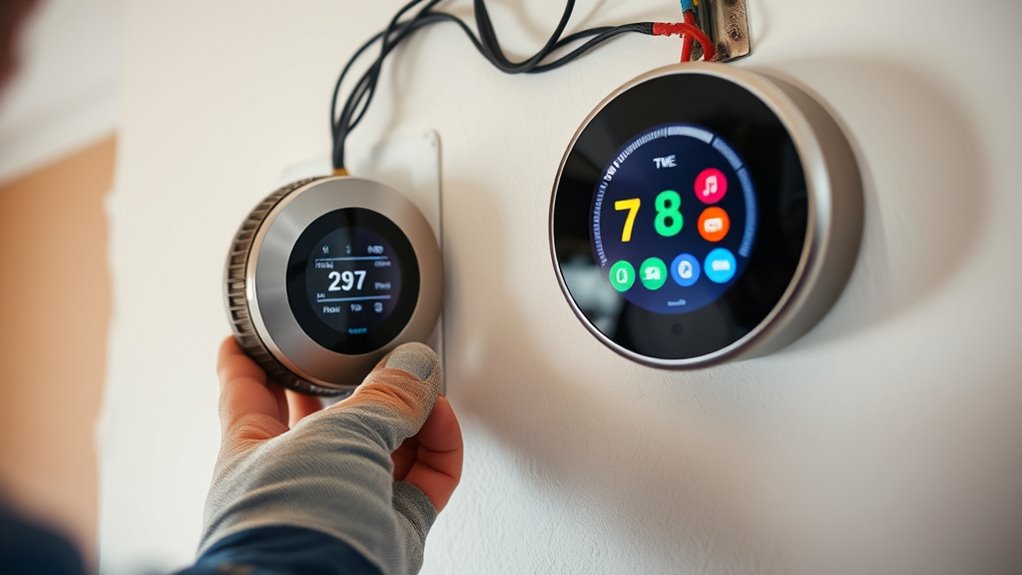
To replace your old thermostat with a smart one, first turn off your HVAC power at the breaker. Remove the old device carefully, noting or photographing the wiring connections. Verify if you have a C-wire for continuous power or need an adapter. Follow the new thermostat’s instructions to connect the wires securely, then mount the device in place. Once powered on, connect it to Wi-Fi and configure settings. Continuing will guide you through each important step for a smooth upgrade.
Key Takeaways
- Turn off HVAC power at the breaker and remove the old thermostat, noting wiring connections or taking a photo for reference.
- Verify compatibility and check for a C-wire; install one if necessary for continuous power.
- Mount the new smart thermostat on an interior wall away from direct sunlight or heat sources.
- Connect the wiring carefully according to the manufacturer’s instructions, ensuring proper connections.
- Restore power, configure the device, connect to Wi-Fi, download the app, and customize settings.
If your heating and cooling system isn’t working efficiently or your thermostat is outdated, it’s time to replace it. Upgrading to a smart thermostat can markedly improve your home’s energy efficiency, helping you save on energy bills and ensuring consistent comfort. Before diving into the installation, familiarize yourself with some key installation tips to make the process smoother and guarantee that you get the most out of your new device.
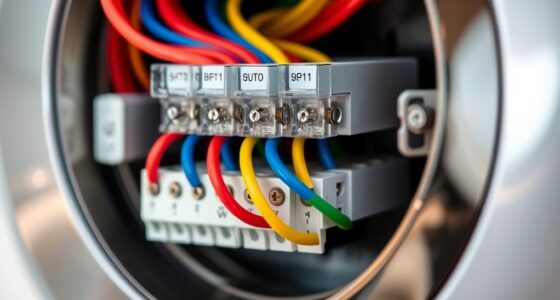
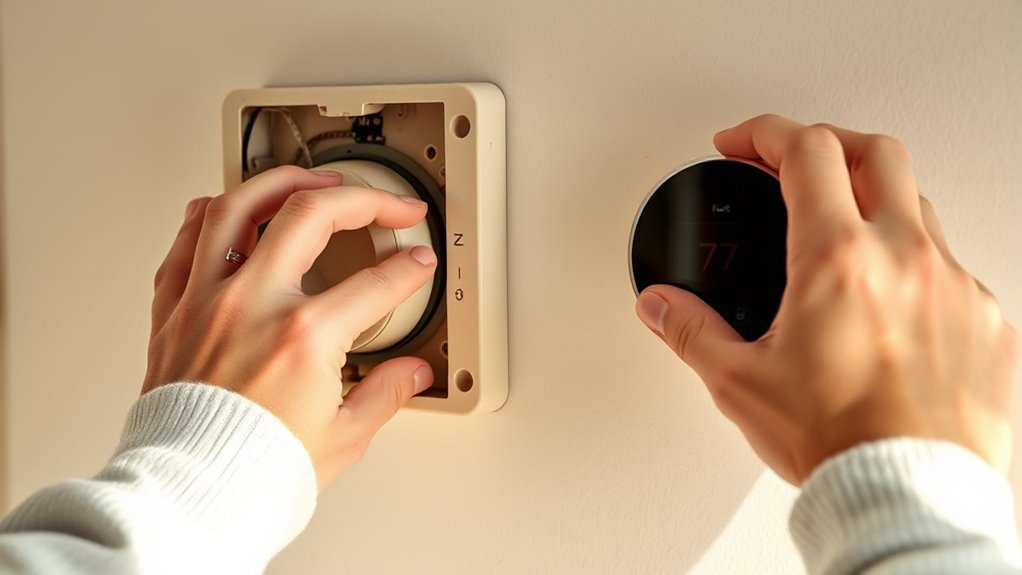
First, turn off the power to your HVAC system at the breaker to prevent any electrical accidents. Remove your old thermostat carefully, noting how the wiring is connected. Take a picture if needed, as this will serve as a helpful reference when connecting the new smart thermostat. When choosing your new device, look for models that are compatible with your existing system and offer features that suit your lifestyle, such as Wi-Fi connectivity, voice control, or learning capabilities.
Turn off your HVAC power, carefully remove your old thermostat, and note wiring connections before choosing a compatible smart model.
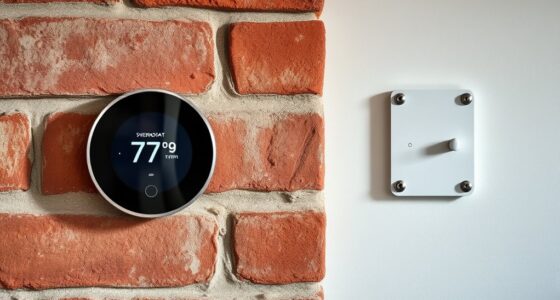
Energy efficiency is a primary benefit of smart thermostats, but you can maximize these benefits with proper installation. Follow the manufacturer’s installation tips carefully. For instance, most smart thermostats require a C-wire (common wire) for continuous power. If your current setup lacks a C-wire, consider installing one or using an adapter, as this guarantees your smart thermostat functions reliably without draining your system’s power. Proper placement is also essential; install the thermostat on an interior wall, away from direct sunlight, drafts, or heat sources like lamps and appliances. This placement ensures accurate temperature readings, which helps the thermostat optimize your heating and cooling cycles.
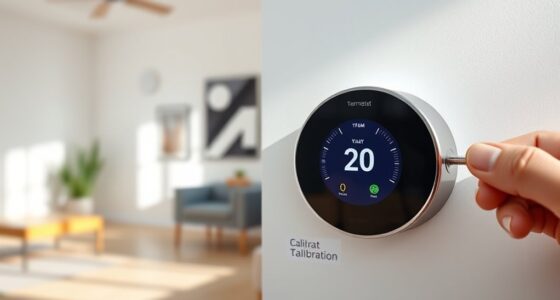
Once you’ve wired and mounted the new thermostat, restore power and configure it according to the manufacturer’s instructions. Connect it to your Wi-Fi network, download the associated app, and customize your settings. Many smart thermostats allow you to set schedules, monitor energy usage, and adjust temperatures remotely, further boosting your home’s energy efficiency. Regularly update the device’s firmware to benefit from improvements and new features.
Frequently Asked Questions
Will My Existing Wiring Be Compatible With a Smart Thermostat?
Your existing wiring may be compatible with a smart thermostat, but you should verify wire compatibility first. Review the wiring requirements of the smart thermostat model and compare them to your current setup. Most smart thermostats work with common wire types like C, R, G, W, and Y. If your wiring differs or is outdated, you might need an adapter or professional assistance to guarantee proper installation and functionality.
How Long Does Installation Typically Take?
The installation process usually takes about 30 minutes to an hour, depending on your experience and the complexity of your wiring. You’ll start by turning off power, removing the old thermostat, and connecting the new smart thermostat wires. Then, you’ll mount it, turn the power back on, and run a quick setup. Time estimation varies, but most people find it a straightforward, quick project that can be completed in under an hour.
Can I Control the Smart Thermostat Remotely?
Yes, you can control your smart thermostat remotely. With remote access through the app control feature, you can adjust your thermostat from anywhere using your smartphone or tablet. This means you don’t have to be home to change the temperature or set schedules. Just make sure your device is connected to Wi-Fi, and you’ll have full control over your heating and cooling system anytime, anywhere.
What if My HVAC System Is Incompatible With Smart Thermostats?
If your HVAC system isn’t compatible with smart thermostats, you’ll need to check HVAC compatibility first. Some systems, like older models or certain heat pumps, may lack the necessary features. Wiring considerations are vital; confirm your existing wiring matches what the smart thermostat requires or consider a compatible model. If incompatible, upgrading your HVAC system or consulting a professional can help you enjoy the benefits of smart control.
Do I Need Professional Help to Install a Smart Thermostat?
Think of installing a smart thermostat like assembling a piece of furniture—you might need professional help if you’re unsure about the instructions. While DIY tips and an installation checklist are handy, if you’re uncomfortable with wiring or your HVAC system is complex, it’s better to call an expert. They ensure safety and proper setup, giving you peace of mind, so you can enjoy your smart home without hassle.
Conclusion
Replacing your old thermostat with a smart one is like giving your home a gasp of fresh air—renewed, efficient, and ready for the future. With just a little effort, you’ll transform your living space into a smarter, more comfortable haven. Remember, this small upgrade isn’t just about technology; it’s about taking control of your comfort and energy use. Embrace the change, and watch your home become a well-tuned symphony of comfort and savings.