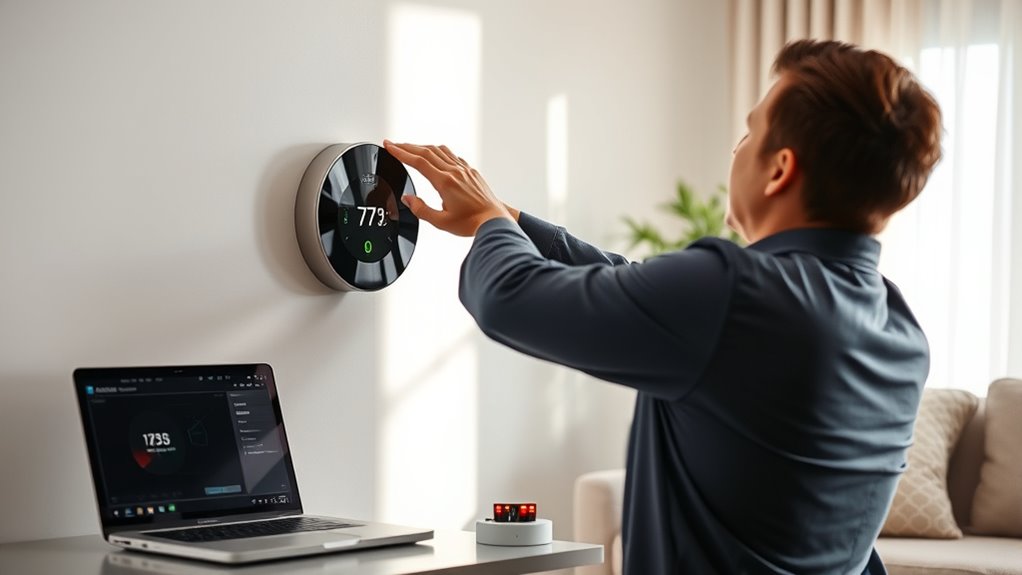
To set up sensor calibration for your smart thermostat, start by comparing its temperature reading with a reliable, calibrated external thermometer placed in the same spot. If there’s a discrepancy, consult your thermostat’s settings or calibration options to adjust the sensor’s offset or correction factor. Make sure both devices reach thermal equilibrium before measuring. Regularly verify calibration, especially after environmental changes. Continue exploring to learn more detailed steps and best practices to keep your system running accurately.
Key Takeaways
- Access your thermostat’s calibration or sensor settings via the device menu or app interface.
- Use a calibrated external thermometer placed in the same environment as the sensor for comparison.
- Adjust the thermostat’s calibration offset or correction factor based on temperature discrepancies observed.
- Repeat calibration at multiple temperature points to ensure consistent accuracy across ranges.
- Regularly verify and recalibrate the sensor after environmental changes or maintenance to maintain precision.
Smart thermostats rely on accurate sensors to maintain your home’s desired temperature, but over time, these sensors can drift from their original calibration. When this happens, your thermostat might misread the ambient temperature, causing your heating or cooling system to cycle improperly. Ensuring sensor accuracy is essential for maintaining a comfortable environment and optimizing energy efficiency. To achieve this, you need to understand and perform proper calibration procedures, which help realign the sensor’s readings with actual temperature values.
Regular calibration of your smart thermostat ensures accurate temperature readings for optimal comfort and energy savings.
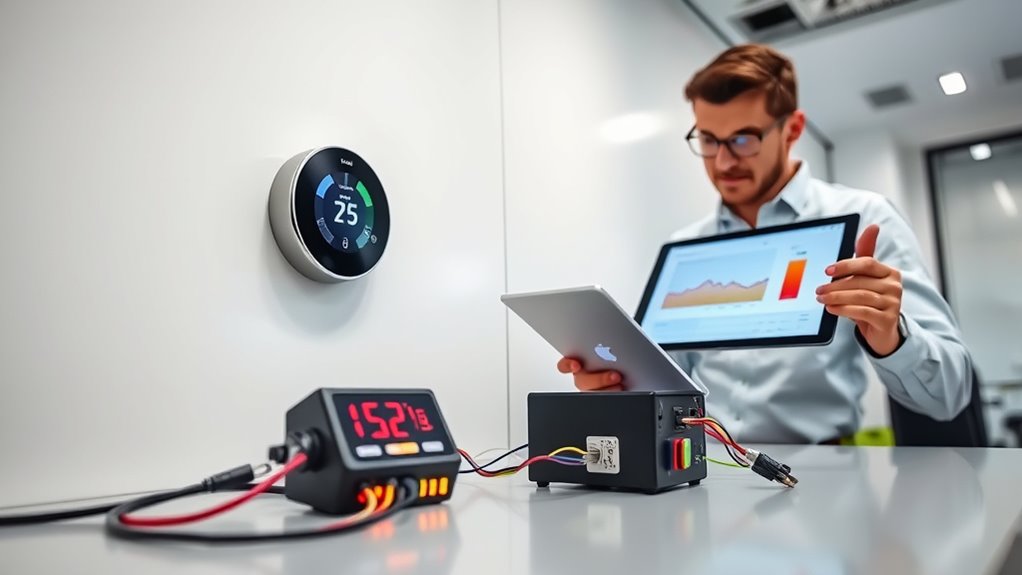
The first step in establishing accurate sensor readings is to recognize when calibration is necessary. If your thermostat’s displayed temperature consistently differs from a reliable, independent thermometer, it’s a sign that your sensor may need adjustment. Some smart thermostats have built-in diagnostic tools or calibration options in their settings menu, making the process straightforward. If your device lacks such features, you’ll need to perform manual calibration using external thermometers and a systematic approach. This involves placing the thermostat sensor and a calibrated reference thermometer side by side in a stable environment. After allowing both devices to reach thermal equilibrium, compare the readings. If discrepancies exist, adjust the thermostat’s sensor calibration setting accordingly, following the manufacturer’s instructions.
Calibration procedures vary depending on the model, but most involve inputting a correction factor or offset into the thermostat’s control panel. For example, if the thermostat reads 72°F while the reference thermometer shows 74°F, you’ll need to set a positive offset to account for the 2-degree difference. Repeat the process at different points around your desired temperature to ensure consistency across a range of conditions. This helps prevent persistent inaccuracies that could lead to inefficient heating or cooling. Regular calibration can also help identify sensor drift and maintain optimal system performance.
It’s important to periodically revisit your calibration, especially after significant temperature fluctuations, power outages, or sensor replacements. Over time, sensors can drift again, and maintaining their accuracy requires routine checks. Keep in mind that environmental factors, such as drafts or direct sunlight, can also influence sensor readings, so calibrate your thermostat in typical conditions for the most reliable results.
Frequently Asked Questions
How Often Should I Calibrate My Smart Thermostat Sensors?
You should calibrate your smart thermostat sensors about once a year to account for sensor drift, which can cause inaccurate readings over time. Regular calibration guarantees your thermostat maintains precise temperature control, saving energy and improving comfort. If you notice inconsistent temperatures or your system struggles to reach set points, consider calibrating more frequently. Keep an eye on sensor performance and adjust your calibration schedule accordingly for ideal results.
Can Incorrect Calibration Affect My Energy Savings?
Did you know incorrect calibration can considerably impact your energy savings? Sensor drift over time causes your thermostat to misread temperatures, leading to inefficient heating or cooling. Regular calibration ensures sensors stay accurate, preventing energy waste. If you neglect calibration frequency, your system might run longer than needed or shut off prematurely. Keep sensors properly calibrated to optimize energy use, save money, and maintain comfortable indoor temperatures.
What Tools Are Needed for Sensor Calibration?
To perform sensor calibration, you’ll need a reliable thermometer or temperature reference device for accurate sensor adjustment. You might also use a calibration tool or software provided by the thermostat manufacturer. Follow calibration procedures carefully, which often involve comparing sensor readings to the reference device and making necessary adjustments. Having these tools on hand guarantees your smart thermostat maintains precise temperature control, ultimately saving energy and enhancing comfort.
Is Professional Calibration Necessary or Can I Do It Myself?
You can do DIY calibration for your smart thermostat sensors if you’re comfortable with basic tools and follow instructions carefully. However, professional calibration is recommended for precise accuracy, especially if your system isn’t responding correctly or if you’re unsure about calibration procedures. While DIY calibration saves money, professional calibration ensures peak performance and reliability, giving you peace of mind that your thermostat is measuring accurately and maintaining your desired comfort level efficiently.
How Do Temperature Fluctuations Impact Sensor Accuracy?
Temperature fluctuations can cause sensor drift and environmental interference, impacting your thermostat’s accuracy. When temperatures vary rapidly or unpredictably, sensors may struggle to keep accurate readings, leading to inefficient heating or cooling. To maintain peak performance, regularly check for sensor drift and minimize environmental interference—like drafts or direct sunlight—that can skew readings. Proper calibration helps counteract these effects, ensuring your thermostat responds accurately to changing conditions.
Conclusion
Just like Da Vinci meticulously fine-tuned his masterpieces, calibrating your smart thermostat ensures it performs at its best. When you regularly check and adjust your sensors, you’re creating a harmonious environment, much like a symphony in perfect tune. Remember, a small effort today keeps your home comfortable tomorrow. So, embrace this simple task, and enjoy the peace of mind that comes with knowing your smart thermostat is truly on point—your own modern-day masterpiece.


