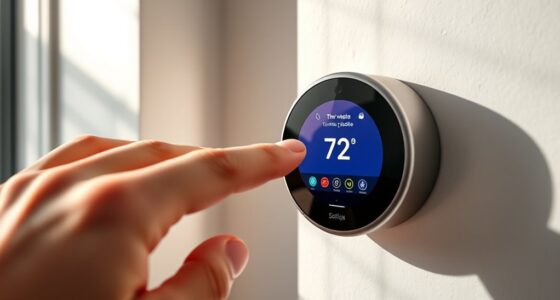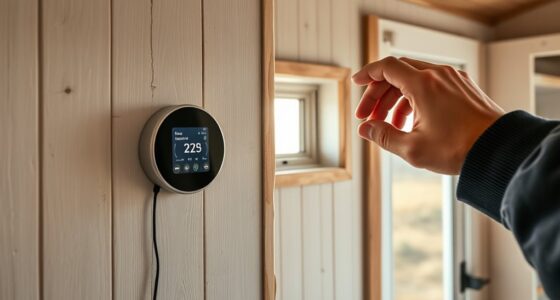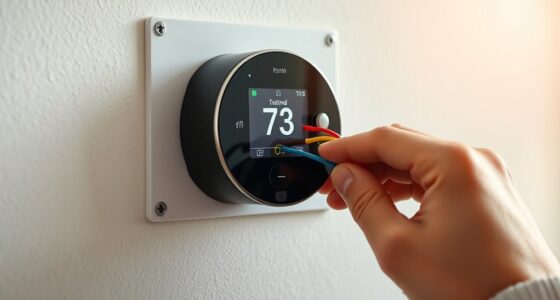
To install a smart thermostat with boiler controls, start by choosing a compatible device for your system. Turn off the power and disconnect your old thermostat, noting wire connections. Mount the new unit following manufacturer instructions, then securely connect the wires. Turn the power back on, configure the thermostat using its interface, and connect it to Wi-Fi. This upgrade allows you to control your home’s heating remotely and optimize energy use—continue to explore how this setup can benefit you.
Key Takeaways
- Ensure compatibility between the smart thermostat and your boiler system before installation.
- Turn off power, remove the old thermostat, then connect wires securely to the new device.
- Mount the thermostat following manufacturer instructions and restore power for setup.
- Connect the thermostat to Wi-Fi and configure integration with boiler controls for optimal performance.
- Use the user interface to set schedules, monitor energy use, and customize heating preferences.
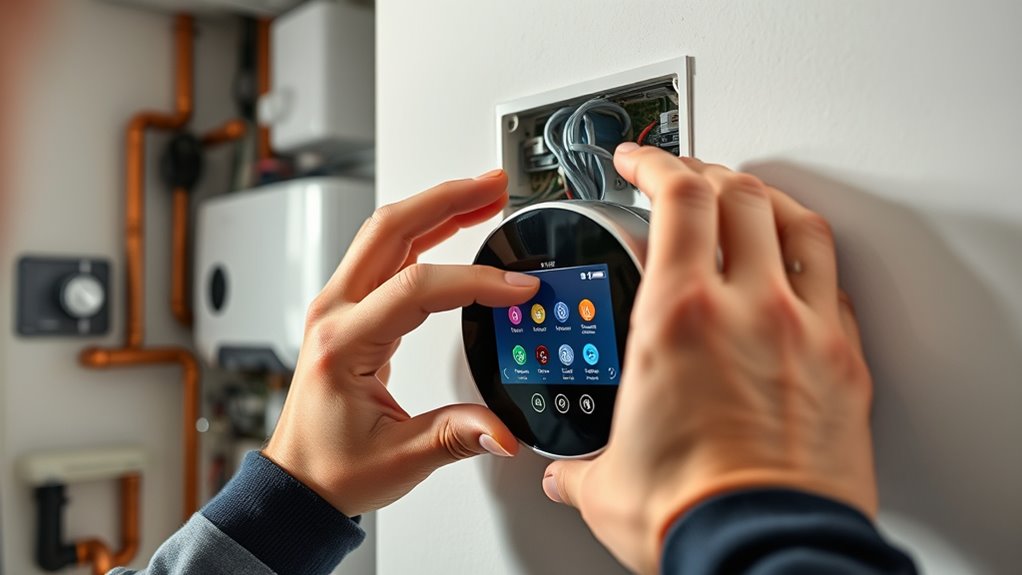
Installing a smart thermostat is a straightforward way to upgrade your home’s climate control and save energy. When you choose to install one with advanced features, you gain better control over your heating system, especially if you integrate it with boiler controls. This upgrade can lead to significant energy savings because the device learns your schedule and adjusts heating accordingly, reducing unnecessary energy consumption. The process begins with selecting a thermostat that’s compatible with your boiler and heating system. Once you have it, turning off your power supply guarantees safety during installation. Removing your old thermostat is simple—you disconnect the wires and take note of how they connect, which helps when wiring the new device.
Once you’ve prepared your workspace, you’ll need to mount the smart thermostat on the wall, following the manufacturer’s instructions. Many models come with a user interface that’s intuitive and easy to navigate, making setup straightforward. This interface allows you to customize your heating preferences, set schedules, and even control your system remotely via a smartphone app. As you connect the wires from your boiler to the new thermostat, make sure each connection is secure; proper wiring is essential to guarantee seamless operation and accurate temperature control. After wiring, restore power and follow the initial setup prompts on the thermostat’s user interface. You’ll typically be guided through connecting the device to your Wi-Fi network, which is necessary for remote control and software updates.
Mount the thermostat, connect wires securely, restore power, and follow setup prompts for Wi-Fi and remote control access.
Additionally, understanding the importance of proper air purifier maintenance can help ensure your overall indoor environment remains healthy, especially if your home integrates air purification systems alongside heating controls. The user interface of a smart thermostat is designed to be user-friendly, often featuring touchscreens or simple app interfaces that allow you to monitor and adjust your heating settings easily. This interface provides real-time temperature readings, energy usage data, and scheduling options, empowering you to optimize heating times and reduce waste. By integrating your thermostat with boiler controls, you can fine-tune your system to respond more efficiently to your needs, avoiding overheating or unnecessary heating cycles. Over time, the thermostat’s learning capabilities adapt to your habits, further enhancing energy savings without sacrificing comfort.
In short, installing a smart thermostat with boiler controls is a practical upgrade that offers convenience, enhanced control, and significant energy savings. The user interface makes it simple to operate and customize, while the system’s ability to learn your preferences guarantees your home stays comfortable while you minimize energy waste. With just a little effort, you’ll enjoy a smarter, more efficient heating setup that adapts to your lifestyle.

ecobee Smart Thermostat Essential – WiFi Thermostat, Energy Star Certified
- Energy Savings: Save up to 23% annually on energy costs
- System Compatibility: Compatible with 85% of HVAC systems
- Easy Temperature Control: Adjust temperature via touchscreen or app
As an affiliate, we earn on qualifying purchases.
As an affiliate, we earn on qualifying purchases.
Frequently Asked Questions
Can Smart Thermostats Work With Older Boiler Systems?
Yes, smart thermostats can work with older boiler systems, but you might need wireless compatibility and retrofit options. Many models are designed for easy installation and can adapt to existing setups, even if your system isn’t modern. You’ll want to check if your boiler has compatible wiring or wireless features. If not, retrofit options like add-on modules can help integrate your smart thermostat seamlessly, making your heating smarter and more efficient.
Do Smart Thermostats Require Professional Installation?
Think of installing a smart thermostat like setting up a new gadget; it can sometimes feel straightforward, but it’s often better to call in a professional. While DIY installation is possible for tech-savvy homeowners, many find professional assistance safer and more efficient. A professional ensures compatibility with your boiler system, handles wiring properly, and avoids costly mistakes, giving you peace of mind and a smoothly functioning smart thermostat.
How Compatible Are Smart Thermostats With Different Boiler Brands?
Smart thermostats vary in brand compatibility, so you should check if they work with your boiler. Many models support multiple brands, but some may require specific control integration features. To guarantee smooth operation, verify compatibility details provided by the manufacturer. If your boiler brand isn’t listed, consider adapters or alternative models that offer better control integration. Doing this helps you maximize efficiency and avoid installation issues.
Can I Control the Thermostat Remotely via Smartphone?
Yes, you can control your smart thermostat remotely via smartphone. With remote access, you can adjust your heating settings anytime, anywhere. Smartphone control makes it easy to turn the heat up before you arrive home or turn it down when you’re away, helping you save energy. Just make sure your thermostat is connected to Wi-Fi and compatible with your smartphone app, and you’ll enjoy convenient, on-the-go control over your heating system.
Are There Energy-Saving Features Specific to Boiler Controls?
Yes, boiler controls have energy-saving features that improve efficiency and temperature regulation. For example, a homeowner installs smart boiler controls that automatically adjust the heating based on occupancy patterns and outdoor temperatures. This reduces energy waste by ensuring the system only heats when necessary. These features optimize energy efficiency, lower utility bills, and maintain comfortable temperatures, making your heating system smarter and more responsive to your needs.

Sensi Smart Thermostat, Wi-Fi, DIY, Alexa, Energy Star Certified, ST55
- Privacy Protected: Won’t sell your personal data
- Easy DIY Installation: Includes level and step-by-step app guide
- Universal Compatibility: Works with most HVAC systems without c-wire
As an affiliate, we earn on qualifying purchases.
As an affiliate, we earn on qualifying purchases.
Conclusion
Installing a smart thermostat can cut your energy bills by up to 12%, saving you money each year. With easy installation and intuitive controls, you’ll enjoy personalized comfort and improved energy efficiency. Don’t miss out—over 60% of homeowners who upgrade report increased satisfaction with their heating systems. Take control of your home’s comfort today and experience the convenience and savings that come with modern smart technology. Your perfect cozy home is just a thermostat away!
Sensi Smart Thermostat, Wi-Fi, DIY, Alexa, Energy Star Certified, ST55
- Privacy Protected: Won’t sell your personal data
- Easy DIY Installation: Includes level and step-by-step app guide
- Universal Compatibility: Works with most HVAC systems without c-wire
As an affiliate, we earn on qualifying purchases.
As an affiliate, we earn on qualifying purchases.

Honeywell Home RTH9585WF1004 Wi-Fi Smart Color Thermostat, 7 Day Programmable, Touch Screen, Energy Star, Alexa Ready, Gray
- Color Personalization: Customize to match your decor
- Energy Savings Rewards: Rebates and utility programs available
- Flexible Scheduling: Program according to your schedule or rates
As an affiliate, we earn on qualifying purchases.
As an affiliate, we earn on qualifying purchases.