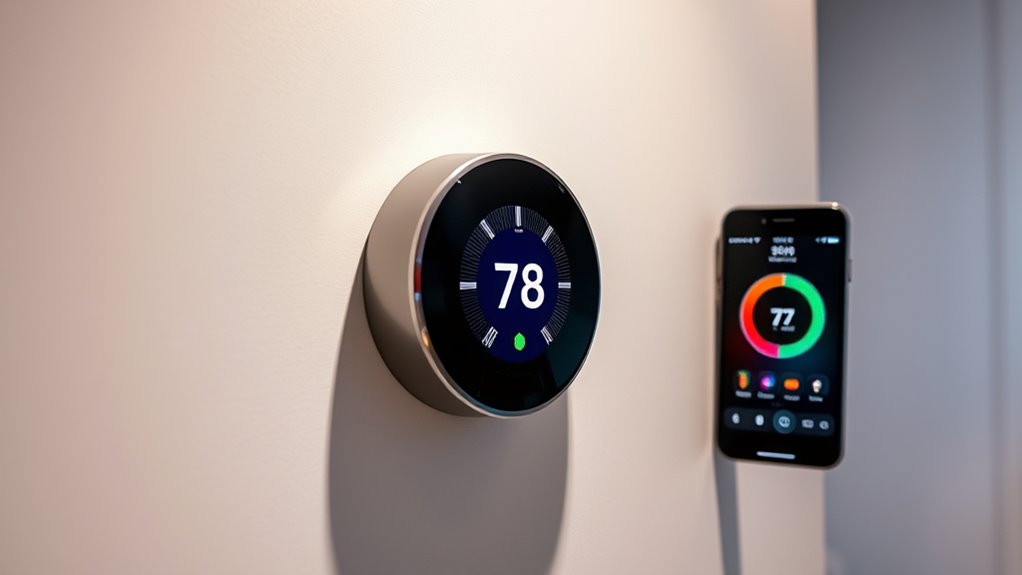

Connecting your smart thermostat to Google Home is simple and enhances your home control. First, verify your thermostat is compatible with Google Assistant. Then, use the Google Home app to add and link your device by following the prompts. Once connected, you can control your temperature with voice commands or create routines for automatic adjustments. Keep exploring to discover more tips on making your smart home even smarter.
Key Takeaways
- Ensure your smart thermostat is compatible with Google Assistant before starting setup.
- Use the Google Home app to add and link your thermostat by following on-screen prompts.
- Assign the thermostat to a specific room within the app for better organization and control.
- Link your thermostat account within Google Home to enable voice commands and routines.
- After setup, control your thermostat remotely and create routines for automated climate management.
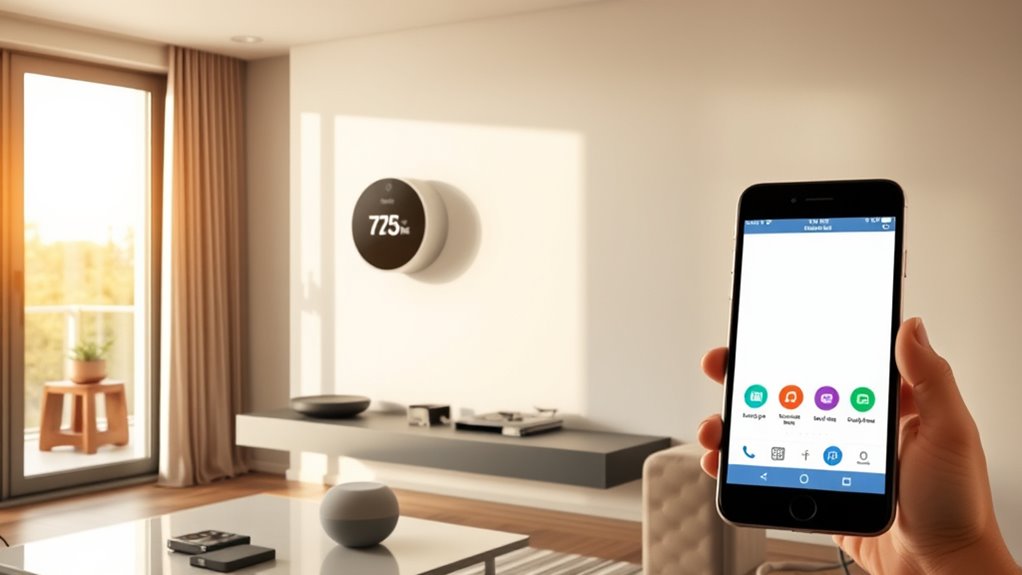
Connecting your smart thermostat to Google Home makes managing your home’s climate easier and more convenient. Once connected, you can control your thermostat using simple voice commands, which means you don’t have to get up or open your phone to adjust the temperature. Instead, you can just say, “Hey Google, set the temperature to 72 degrees,” or “Hey Google, turn off the heat,” and your smart home assistant takes care of the rest. This hands-free control allows you to quickly and effortlessly manage your home’s comfort levels, especially when you’re busy or have your hands full.
Using voice commands with your smart thermostat isn’t just about convenience; it can also help you save energy. When you can easily adjust your thermostat on the fly, you’re less likely to forget to turn off the heating or cooling when you leave the house. You can set your system to lower the temperature when you’re away or at night, helping you reduce unnecessary energy consumption. Over time, these small adjustments can lead to significant energy savings, which benefits your wallet and the environment. Many smart thermostats also allow you to create schedules or routines, and integrating them with Google Home makes it easier to activate these routines with a simple voice command.
Using voice commands helps save energy by adjusting your thermostat when you’re away or at night.
Getting your smart thermostat to work with Google Home is straightforward. First, ensure your thermostat is compatible with Google Assistant. Then, open the Google Home app on your phone, tap the “+” icon to add a new device, and select your thermostat model from the list of compatible devices. Follow the prompts to link your thermostat’s account to Google Home. After linking, you can assign your device to a specific room for easier voice control and organization. Once set up, you’ll be able to control your thermostat from anywhere inside your house just by speaking.
The integration also allows you to combine your thermostat control with other smart home devices. For example, you can create routines that adjust the temperature when you arrive home or turn off the HVAC system when you leave. These routines can be activated with a single voice command, making your home smarter and more efficient. The convenience of voice commands, combined with the potential for energy savings, makes connecting your smart thermostat to Google Home a smart choice for anyone looking to improve their home’s comfort while reducing energy costs. Overall, it’s a simple step that delivers lasting benefits, giving you more control and peace of mind. Additionally, understanding the importance of high-quality projectors can enhance your home entertainment experience.
Frequently Asked Questions
Can I Connect Multiple Smart Thermostats to Google Home Simultaneously?
Yes, you can connect multiple smart thermostats to Google Home simultaneously. For a multi thermostat setup, make certain each thermostat is compatible with Google Assistant. Keep in mind Google Home limitations, such as device limits per account, but generally, you can control several thermostats at once. Just add each device individually, and they’ll all work together seamlessly, allowing you to manage your home’s temperature easily through voice commands or the app.
Is There a Monthly Fee for Integrating Smart Thermostats With Google Home?
Imagine your smart thermostat seamlessly syncing with Google Home, like a gentle breeze flowing through your connected devices. You won’t face monthly subscription costs for this integration, as it’s usually free. However, keep privacy concerns in mind—sharing data might be necessary. So, while you enjoy the convenience of voice control without extra fees, stay mindful of your privacy settings to keep your data secure.
How Secure Is My Data When Connecting Thermostats to Google Home?
Your data stays secure when connecting thermostats to Google Home because Google uses data encryption to protect your information during transmission and storage. Plus, they follow strict privacy policies to make sure your data isn’t misused or shared without your consent. You should review these policies regularly, but overall, Google prioritizes your privacy and security, giving you peace of mind while managing your smart home devices.
What Should I Do if My Thermostat Isn’t Syncing Properly?
When in doubt, a stitch in time saves nine. If your thermostat isn’t syncing properly, start troubleshooting connectivity issues by checking your Wi-Fi signal and ensuring your devices are on the same network. Try resetting devices by turning your thermostat off and on again or re-initializing the connection. If problems persist, consult the manufacturer’s troubleshooting guide or contact support for further assistance.
Are There Compatibility Issues With Certain Smart Thermostat Brands?
Yes, certain smart thermostat brands may have compatibility issues with Google Home. To avoid problems, verify the brand compatibility before purchasing. Keep your thermostat’s firmware updates current, as these often improve integration and fix bugs. If you encounter issues, updating the firmware or consulting the manufacturer’s support can help guarantee smooth connection and functionality with Google Home. This proactive approach helps you enjoy seamless smart home control.
Conclusion
Now that you’ve connected your smart thermostat to Google Home, you’re about to access a world where your home practically reads your mind! Imagine controlling your temperature with just a whisper or a swipe, turning your house into a perfect oasis in seconds. This seamless smart setup isn’t just convenience — it’s like having a personal climate wizard at your command, transforming your everyday routine into pure, effortless magic. Get ready to experience home automation on an entirely new level!