To set up multi-hub integration for your smart thermostat, start by ensuring both your hubs and thermostat support your preferred platforms like Alexa, Google Assistant, or Apple HomeKit. Update their firmware and enable the relevant skills or integrations within each app. Link the devices carefully, following setup guides to configure routines and automation. This way, you’ll enjoy seamless voice control and energy management across multiple hubs. Keep going to discover more tips for perfecting your smart home setup.

Get home appliances delivered free with Prime
- Fast, free delivery on millions of items
- Prime Video, Amazon Music and more included
- Member-only deals all year
Key Takeaways
- Ensure all hubs and the thermostat support the same smart home platform and are updated with the latest firmware.
- Enable relevant skills or integrations within each hub’s app to connect the thermostat seamlessly.
- Link the thermostat to each hub using device setup guides, verifying compatibility at each step.
- Configure routines and automations across hubs to optimize energy efficiency and voice control.
- Test voice commands across all hubs to confirm consistent and reliable multi-device control.
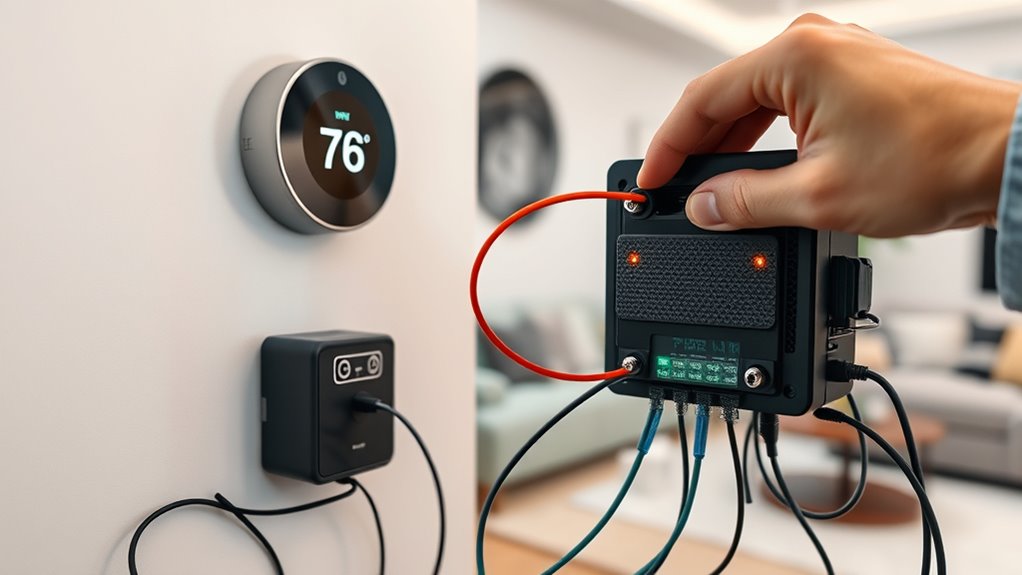
Have you ever wondered how smart thermostats can seamlessly connect with multiple smart home hubs? It’s a common question as more homes adopt a multi-hub setup to maximize convenience and efficiency. When you set up your smart thermostat to work across different hubs, you unlock a range of benefits, especially in voice control and energy management. These devices are designed to be flexible, but getting them to work smoothly with multiple hubs takes some planning and understanding.
First, it’s essential to ensure your thermostat supports multi-hub integration. Many modern thermostats are compatible with popular platforms like Alexa, Google Assistant, and Apple HomeKit. Each of these hubs offers unique voice control capabilities, allowing you to command your thermostat with simple voice prompts. For example, you can say, “Set the temperature to 72 degrees,” and whichever hub detects the command will relay it to your thermostat. This multi-hub voice control provides a more natural, hands-free experience, especially in households with multiple voice assistant devices. It also guarantees that your commands are recognized regardless of which hub you’re interacting with, making your home feel more integrated and responsive.
Energy management is another critical advantage of multi-hub integration. When your thermostat connects with multiple hubs, you can set up more sophisticated routines and automations. For instance, one hub might handle your daily scheduling, adjusting temperature based on your routines, while another monitors energy consumption and provides insights. This setup allows for better control over your heating and cooling systems, reducing waste and lowering energy bills. You might have a hub dedicated to energy monitoring that alerts you when your HVAC runs inefficiently or when it’s time to schedule maintenance. By coordinating these hubs, you optimize your energy use, leading to a more sustainable home and cost savings over time.
To get everything working smoothly, you’ll want to guarantee all devices are compatible and updated with the latest firmware. Many smart thermostats offer app-based setup guides that walk you through linking with multiple hubs. You’ll typically need to enable specific skills or integrations within each hub’s app, then connect your thermostat to each platform. Once connected, you can customize how each hub interacts with your thermostat, assigning specific roles or automations to maximize the benefits. Additionally, understanding the compatibility of your devices helps prevent integration issues and ensures smooth operation across platforms.
In essence, multi-hub integration transforms your smart thermostat into a central hub of home automation. It enhances voice control, making commands more versatile and accessible, while also empowering you to manage energy more effectively. With the right setup, your home becomes smarter, more efficient, and easier to control, giving you peace of mind and better control over your living environment.
multi-hub compatible smart thermostat
As an affiliate, we earn on qualifying purchases.
As an affiliate, we earn on qualifying purchases.
Frequently Asked Questions
Can Multi-Hub Integration Improve Energy Efficiency?
Yes, multi-hub integration can enhance your energy efficiency by allowing better control over your smart thermostats. With multiple hubs, you can optimize heating and cooling schedules based on real-time data, leading to significant energy savings. Plus, it enhances user convenience by providing seamless access and coordination across devices. This setup ensures your home stays comfortable while reducing unnecessary energy consumption, ultimately saving you money and supporting eco-friendly habits.
Is There a Risk of Connectivity Conflicts With Multiple Hubs?
Yes, there’s a risk of connectivity conflicts with multiple hubs. You might experience hub conflicts or network interference, which can disrupt your smart thermostat system. To minimize these issues, guarantee your hubs operate on different channels and avoid placing them too close together. Regularly check your network’s stability and update firmware to reduce interference, helping your multi-hub setup run smoothly without conflicts.
How Does Multi-Hub Setup Affect Thermostat Firmware Updates?
Coincidences happen, and with a multi-hub setup, your thermostat firmware updates might get delayed or cause glitches if firmware compatibility isn’t perfect. You’ll want to coordinate update scheduling across hubs to avoid conflicts. When hubs handle updates simultaneously, it can lead to sync issues. To keep everything smooth, verify your thermostats and hubs support compatible firmware versions and plan updates carefully, minimizing disruptions.
Are There Compatibility Issues With Certain Smart Home Ecosystems?
You might face compatibility issues with certain smart home ecosystems, especially if the manufacturer’s thermostats don’t fully support ecosystem integration. Before setting up, check if your chosen thermostats are suitable with your existing ecosystem. Some manufacturers prioritize their own platforms, which can limit seamless integration. To avoid issues, verify manufacturer compatibility and ensure your ecosystem supports multi-hub setups, so your smart thermostats work smoothly across all devices.
What Security Measures Should Be Considered for Multi-Hub Networks?
Think of your multi-hub network as a fortress guarding your smart thermostats. To keep it secure, you should implement network segmentation, isolating sensitive devices from less secure ones. Also, enforce strict access control, ensuring only trusted users can make changes. Regular firmware updates and strong passwords further strengthen your defenses. These measures help prevent breaches and keep your smart home safe from cyber threats.
smart thermostat with Alexa Google Home Apple HomeKit
As an affiliate, we earn on qualifying purchases.
As an affiliate, we earn on qualifying purchases.
Conclusion
By setting up multi-hub integration, you’re making your smart thermostats more versatile and resilient. You’ll enjoy smoother control and fewer disruptions, even if one hub encounters issues. Remember, “a chain is only as strong as its weakest link,” so guarantee all hubs work seamlessly together. With a little effort now, you’ll create a smarter, more reliable home environment that adapts effortlessly to your needs.
smart home hub energy monitoring
As an affiliate, we earn on qualifying purchases.
As an affiliate, we earn on qualifying purchases.
As an affiliate, we earn on qualifying purchases.
Fall yard work Picks
leaf blowers
As an affiliate, we earn on qualifying purchases.