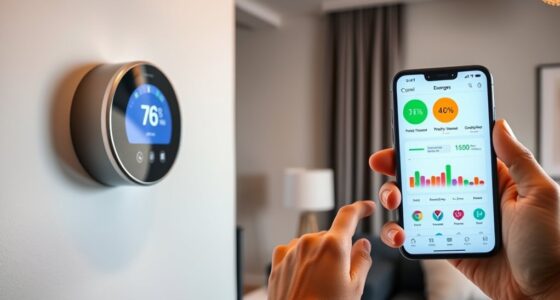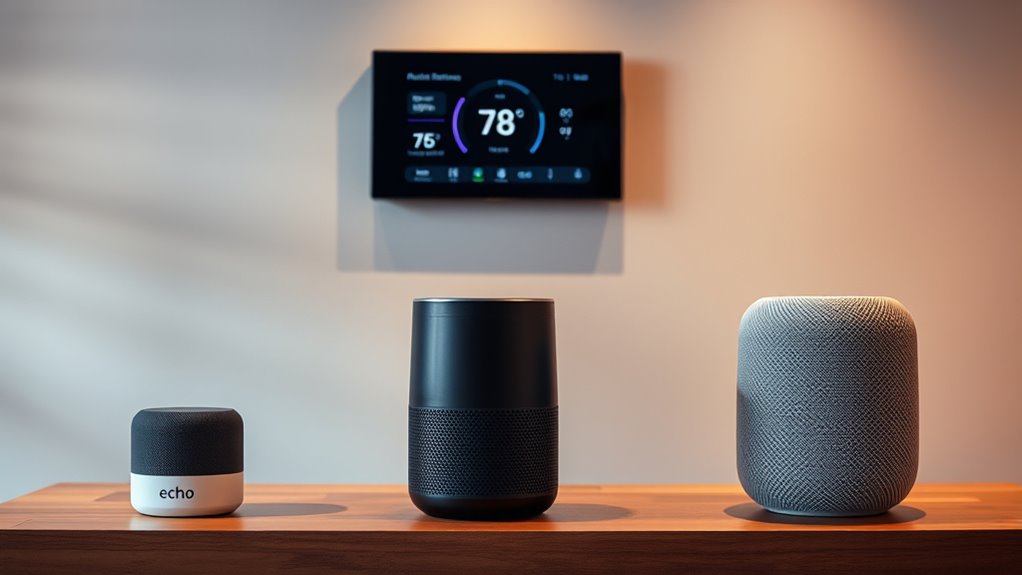

When choosing between Alexa, Google, and Siri for thermostat control, consider compatibility with your smart devices, voice recognition accuracy, and ease of setup. Alexa offers robust multi-user support and automation, while Google excels in voice recognition and ecosystem integration. Siri provides seamless control within Apple ecosystems but has limited multi-room features. Each has its advantages, so exploring further will help you find the perfect fit for your smart home needs.
Key Takeaways
- Google Assistant offers superior voice recognition accuracy and seamless integration with Nest thermostats, enhancing user experience.
- Alexa provides extensive compatibility with various smart thermostats and robust multi-room and multi-user features.
- Siri’s thermostat control is limited to Apple HomeKit devices, offering a streamlined but narrower ecosystem.
- Setup processes vary: Siri is integrated within Apple devices, while Alexa and Google require app-based pairing and account linking.
- Privacy policies and data security measures differ, impacting user trust and control over voice command data.
Compatibility With Smart Thermostats

When it comes to controlling your smart thermostat with a voice assistant, compatibility is key. Not all voice assistant brands work seamlessly with every smart thermostat brand, so you need to check for compatibility. Some popular smart thermostat brands, like Nest or Ecobee, are optimized for specific voice assistants such as Google Assistant or Alexa, while others may support multiple platforms. If you use a particular voice assistant brand, like Siri, you’ll want to confirm that your smart thermostat brand is compatible to avoid connectivity issues. Ensuring compatibility means you can control your thermostat effortlessly through voice commands without frustration or setup problems. Researching which smart thermostat brands work best with your preferred voice assistant brand guarantees a smoother, more integrated smart home experience. Additionally, considering privacy policies and data sharing practices can help you make an informed decision about device integration. It’s also beneficial to review compatibility lists regularly, as updates and new device releases can expand supported features and improve functionality.
Voice Recognition Accuracy and Responsiveness
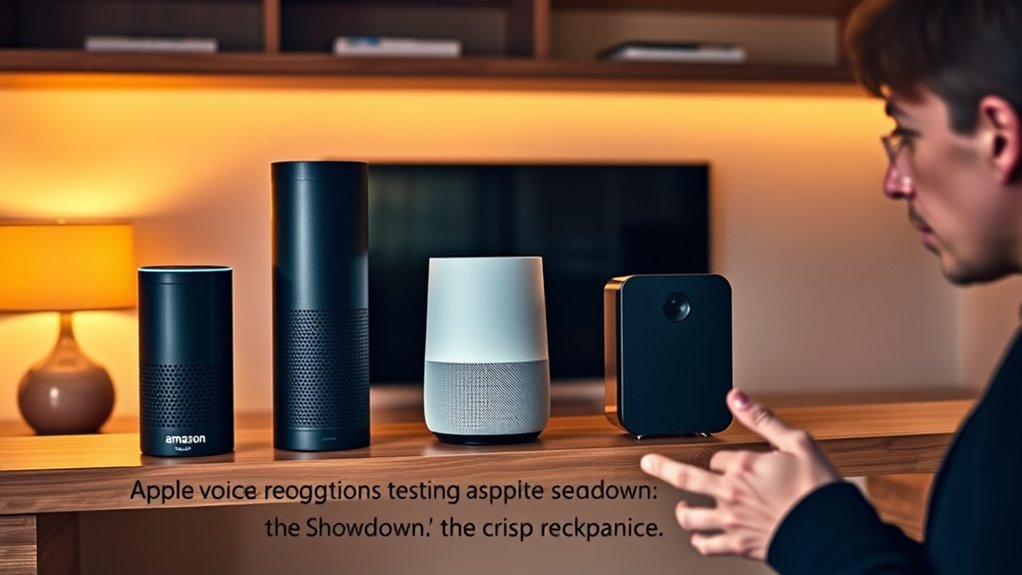
Have you ever spoken a command to your voice assistant, only to have it misunderstanding or ignoring you? Voice recognition accuracy and responsiveness are key factors in your experience. With proper voice training, these assistants can better understand your speech clarity, reducing errors. Alexa, Google, and Siri each excel differently in this area. Google’s speech recognition tends to be more precise, especially with diverse accents, thanks to extensive language models. Siri may require clearer speech but responds quickly once it understands. Alexa often struggles with speech clarity if not trained properly, but it improves with consistent use. Overall, your success depends on how well you speak and how much the assistant has learned your voice. Clear commands and ongoing voice training considerably enhance recognition accuracy and responsiveness. Additionally, understanding the industry trends can help you optimize your interactions with these voice assistants for better performance. Improving voice recognition technology is a continuous process driven by advancements in artificial intelligence and machine learning, which further enhances accuracy and responsiveness over time. The ongoing development of natural language processing techniques plays a significant role in these improvements.
Ease of Setup and Integration

Setting up a voice assistant is generally straightforward, especially with modern devices designed for quick integration. You’ll find setup simplicity varies slightly, but all three—Alexa, Google Assistant, and Siri—offer user-friendly processes. Connecting your thermostat involves a few taps or voice commands, and most devices guide you step-by-step. Voice command clarity plays a big role here; clearer instructions make setup smoother. Alexa and Google Assistant often require installing their respective apps and linking accounts, which is quick and intuitive. Siri, integrated seamlessly into Apple devices, offers a more streamlined setup if you’re already in the Apple ecosystem. Additionally, understanding device compatibility can help ensure a smoother integration process. The availability of smart home features can further enhance your setup experience. Overall, you won’t encounter significant hurdles, and each assistant prioritizes making setup as hassle-free as possible, ensuring you get your thermostat controlled swiftly and effortlessly.
Ecosystem and Device Compatibility

Ecosystem compatibility plays a crucial role in how smoothly your voice assistant integrates with other smart devices. If your ecosystem supports voice training, you’ll find it easier to personalize commands and improve accuracy across devices. Language localization is equally important; a voice assistant that understands your preferred language or dialect ensures better communication. Consider these factors:
- Compatibility with smart thermostats and other IoT devices
- Support for voice training to enhance recognition
- Availability of language localization options
- Integration with your existing ecosystem, like Apple HomeKit or Google Home
- The ability to incorporate aesthetic home decor elements to create a cohesive smart home environment
- Ensuring seamless device interoperability can significantly enhance your overall smart home experience, reducing setup time and troubleshooting.
Choosing an assistant that aligns with your existing setup ensures seamless control and reduces frustration. Alexa, Google Assistant, or Siri, each offers varying ecosystem strengths, so matching your devices is key to maximizing thermostat control. Additionally, compatibility with smart home ecosystems can greatly influence the overall user experience and device interoperability.
Customization and User Preferences
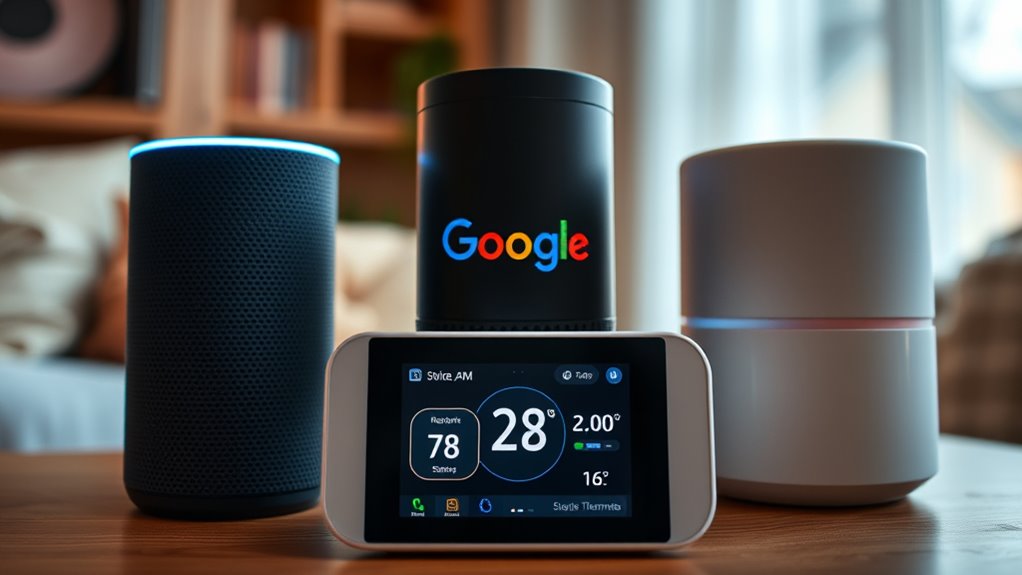
Personalization options are essential for tailoring your voice assistant experience to fit your habits and preferences. Voice personalization allows you to customize how your assistant responds and interacts, making it more intuitive and useful. With user profiles, you can set individual preferences for different household members, ensuring each person’s needs are met seamlessly. Alexa offers robust user profiles, enabling personalized responses and routines, while Google Assistant also supports multiple accounts with tailored settings. Siri, tied closely to your Apple ecosystem, provides some customization through shortcuts and preferences, but it’s less flexible in multi-user scenarios. Overall, the ability to create user profiles and customize responses enhances your control, making your smart thermostat and other devices more aligned with your lifestyle. Additionally, the effectiveness of hydrocolloid technology in acne patches demonstrates how targeted and adaptable solutions can improve skin healing and user satisfaction. This adaptability in technology mirrors the importance of customization features in voice assistants, which significantly influence user experience and satisfaction.
Privacy and Data Security Measures

When it comes to privacy and data security, you should pay attention to how your voice assistant encrypts your data and what policies are in place for storing your voice recordings. Understanding who has access to your data, including third parties, is essential for your security. Additionally, Self Watering Plant Pots utilize reservoir systems that can also be vulnerable if not properly secured, highlighting the importance of understanding data security measures across all smart devices. Properly designed encryption protocols help prevent unauthorized access and safeguard your personal information. For example, some Dog breeds are more prone to specific hereditary health issues, so knowing these risks can help in making informed decisions about your device security and health monitoring. By examining these measures, you can better protect your personal information in the digital age.
Data Encryption Standards
Data encryption standards are fundamental to ensuring your privacy and protecting sensitive information in voice assistant technology. When you activate voice recognition, your commands are processed and transmitted through encrypted data channels, safeguarding your interactions. Strong encryption protocols prevent unauthorized access, even if data is intercepted during transmission. You should look for systems that:
- Use end-to-end encryption to secure voice data
- Employ robust algorithms like AES for data encryption
- Regularly update security measures against emerging threats
- Limit access to encrypted data through strict authentication
- Honda Tuning can also inform how you optimize your vehicle’s electronic systems for enhanced security and performance.
Additionally, understanding encryption key management is crucial for maintaining long-term data security and ensuring that only authorized users can decrypt sensitive information. Implementing comprehensive privacy policies helps users understand how their data is protected and managed over time.
Voice Data Storage Policies
Have you ever wondered how voice assistants protect your data after it’s collected? Each platform’s privacy policies outline how they handle voice data storage, ensuring your information remains secure. Alexa, Google, and Siri store your voice recordings differently, with some retaining data for improvement purposes and others offering more control. Your privacy policies specify whether your voice data is anonymized or linked to your account, giving you insight into data security measures. You can often review, delete, or manage your stored voice data through settings, providing transparency and control. Additionally, the data storage practices of each platform are designed to minimize risks by employing secure servers and encryption methods. While storage practices vary, all three prioritize safeguarding your information through secure servers and strict privacy policies, helping you feel more confident about using voice commands to control your thermostat. Additionally, affiliate disclosures ensure transparency regarding any potential commissions from third-party links.
Third-Party Access Controls
While privacy policies detail how your voice data is stored and managed, understanding who can access that information is equally important. Third-party access controls determine how your data is shared and protected through third-party app integration. You should consider:
- How securely third-party apps are integrated into your assistant’s ecosystem
- The frequency of firmware updates that patch security vulnerabilities
- Whether access is limited to trusted partners
- The transparency of data sharing policies with third parties
- Implementing necessary cookies helps ensure that only essential data is collected and shared, reducing potential security risks. Additionally, monitoring third-party app permissions can further safeguard your privacy by preventing unnecessary data access.
A higher firmware update frequency often means better security, reducing risks from vulnerabilities. Ensuring robust third-party access controls helps prevent unauthorized data use. Always review what permissions third-party apps request, and verify how your assistant manages these connections to maintain your privacy and data security.
Advanced Features and Automation Capabilities
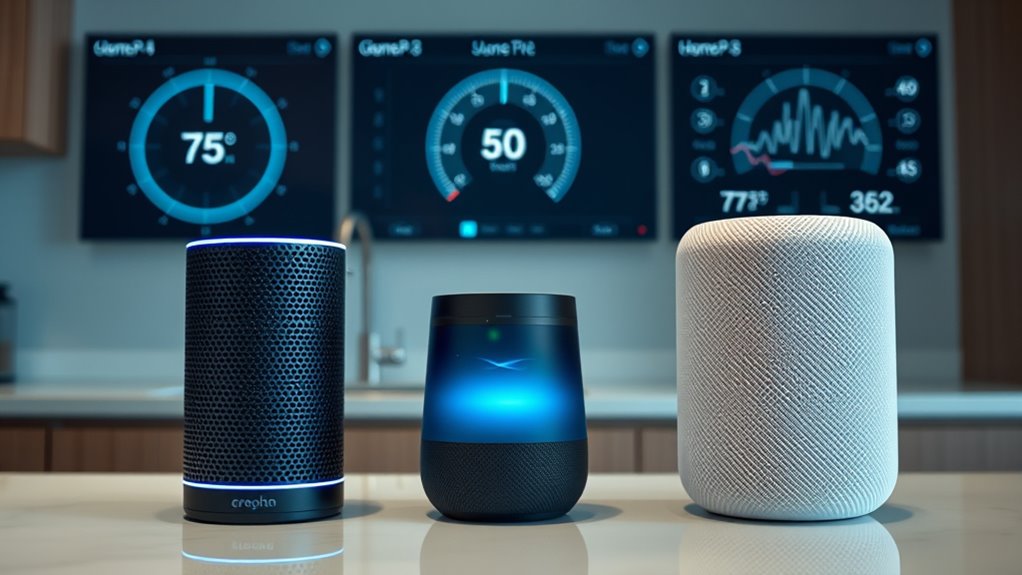
You can enhance your daily routine with custom routines and scheduling that automate tasks effortlessly. Compatibility with various devices and seamless integration into your smart home ecosystem make managing your tech simpler. These advanced features boost your convenience and create a more connected, responsive environment. Additionally, understanding your personality traits can help tailor your smart home experience to better suit your preferences and routines. Incorporating home automation capabilities allows for even more sophisticated control and customization. Leveraging predictive analytics can further optimize your thermostat settings based on your habits and preferences.
Custom Routines and Scheduling
Advanced features like custom routines and scheduling transform voice assistants from simple command responders into powerful automation tools. They let you create tailored sequences that activate with a single voice command or at specific times, enhancing scheduling flexibility. With clear voice command clarity, you can set up routines that turn on your thermostat, adjust temperatures, or activate other smart devices seamlessly. You might schedule your thermostat to lower during work hours or raise it before you wake up. These routines can include:
- Multiple device actions triggered by one command
- Time-based automation for daily routines
- Location-triggered adjustments when you arrive or leave
- Conditional routines based on weather or other factors
This level of customization makes managing your home environment easier and more intuitive, saving you time and effort.
Device Compatibility and Integration
Device compatibility and seamless integration are essential for maximizing the automation potential of your voice assistant. You want a system that easily connects with your thermostat and other smart devices, enabling advanced features like voice calibration to guarantee commands are understood accurately. Compatibility varies among Alexa, Google Assistant, and Siri, so check if your thermostat supports these assistants directly. Language localization is also fundamental if you speak a non-English language or dialect, as it helps your assistant better interpret commands and respond naturally. Consider how well each platform integrates with your existing smart home ecosystem, ensuring smooth automation without compatibility hiccups. By prioritizing device compatibility and integration, you open the full potential of your voice assistant for smarter, more responsive thermostat control.
Smart Home Ecosystem Support
A voice assistant’s ability to leverage a broader smart home ecosystem considerably enhances its automation capabilities. When your system connects seamlessly with other devices, you open advanced features like routines, multi-device triggers, and personalized scenes. For example, with the right voice assistant hardware, you can create complex automations that involve your thermostat, lights, and security system. The strength of a brand ecosystem determines how well these devices communicate. Consider these factors:
- Compatibility with multiple smart home brands
- Support for third-party automation platforms
- Availability of custom routines and shortcuts
- Integration with a wide range of smart devices
Choosing a voice assistant tied to a strong brand ecosystem maximizes your automation potential and simplifies managing your smart home.
Multi-Room and Multi-User Support

When it comes to multi-room and multi-user support, the way voice assistants handle multiple devices and users can profoundly influence your smart home experience. Alexa and Google offer multi room grouping, allowing you to synchronize commands across various speakers or thermostats for seamless control. Siri’s multi-room support is more limited, but with AirPlay 2, you can group compatible devices for synchronized playback. Multi user recognition is also essential; Google excels here by accurately distinguishing different voices, so each person’s preferences are personalized. Alexa offers multi-user recognition through voice profiles, but with less precision. Siri relies on Apple’s ecosystem, which can recognize users but may require manual setup. Overall, better multi-room grouping and multi-user recognition lead to a more integrated, personalized experience.
Cost and Subscription Requirements

When choosing a voice assistant, you’ll want to think about device compatibility costs and whether a subscription is necessary. Some services charge monthly or yearly fees, while others offer free features that may meet your needs. Understanding the balance between free and paid options helps you decide what’s worth investing in for your setup.
Device Compatibility Costs
Device compatibility costs can substantially impact your overall experience with voice assistants, as not all devices support every platform out of the box. You might need additional hardware or adapters, which can add to your setup costs. Compatibility also affects voice command accuracy; if your devices aren’t fully compatible, commands may misfire or require repeated prompts. Plus, device setup procedures can be more complex, especially when integrating third-party gadgets.
- Some smart thermostats work better with certain assistants, affecting setup ease
- Additional hubs or bridges may be necessary to connect incompatible devices
- Upgrading older appliances can incur extra costs for compatibility
- Compatibility issues might mean investing in specific brands for seamless control
Subscription Fees Overview
Have you considered how subscription fees can impact the total cost of using a voice assistant? While many devices are free to set up, some features or integrations require you to pay subscription fees. For example, premium plans from Alexa, Google Assistant, or Siri may disclose advanced thermostat controls, extended automation, or enhanced voice recognition. These subscription fees vary depending on the provider and the level of service you want. Some platforms offer free basic features, but to access full capabilities, you might need to subscribe monthly or annually. Keep in mind that these costs can add up over time, so it’s essential to evaluate whether the premium plans are worth the investment based on your smart home needs.
Free Vs Paid Features
Are free voice assistant features enough to meet your needs, or will paid plans offer significant advantages? Free plans typically include basic thermostat control, voice assistant games, and humor integrations. However, paid subscriptions reveal advanced capabilities such as personalized routines, enhanced security, and priority support. With paid features, you can enjoy:
- Expanded voice command options
- Access to premium voice assistant skills
- Exclusive humor integrations for fun interactions
- Better integration with smart home devices
While free features may suffice for simple thermostat control and occasional voice assistant games, paid plans provide a richer, more seamless experience. If you value more personalized control and entertainment options, investing in a paid plan could be well worth it.
Overall User Experience and Satisfaction
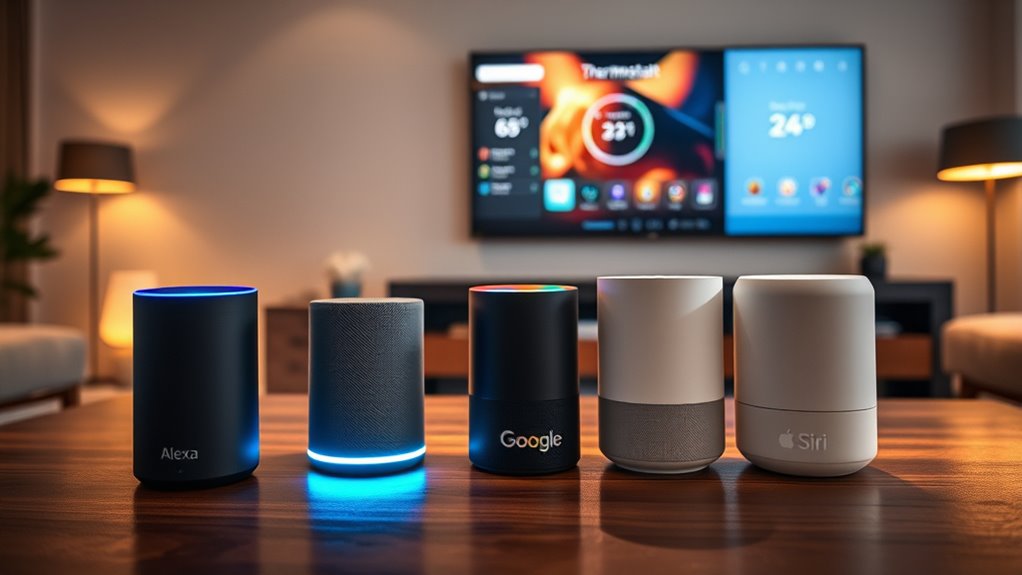
When it comes to overall user experience and satisfaction, the difference often boils down to how seamlessly voice assistants integrate into your daily routines. You’ll notice that voice command fluency plays a big role—how naturally you can speak and have your requests understood without repeating or rephrasing. Additionally, emotional tone detection adds a layer of responsiveness, making interactions feel more personalized and intuitive. Alexa, Google, and Siri each vary in these areas; some respond more accurately to natural speech, while others better interpret emotional cues. Your satisfaction depends on how effortlessly you can control your thermostat without frustration. Ultimately, the voice assistant that offers smooth command flow and emotional understanding will make your smart home experience more satisfying and less intrusive.
Frequently Asked Questions
Which Voice Assistant Offers the Fastest Response Times?
You wonder which voice assistant offers the fastest response times. Response latency varies, but Google Assistant often leads with quicker replies, making your commands feel seamless. Alexa and Siri are close, but Alexa sometimes has slightly higher latency, especially with complex commands. Command accuracy also plays a role; faster responses are useful only if the assistant understands you well. Overall, Google tends to combine speed with accuracy, enhancing your smart home experience.
How Do These Assistants Handle Voice Commands in Noisy Environments?
In noisy environments, your voice assistant’s ability to handle background noise depends on its voice recognition technology. Alexa, Google, and Siri all use advanced algorithms to pick up commands over background noise, but Google often performs best due to its superior voice recognition in challenging conditions. To improve accuracy, speak clearly and close to your device. Despite the noise, these assistants aim to understand you quickly and respond accurately.
Can These Assistants Learn and Adapt to Individual User Preferences Over Time?
You might wonder if these assistants can learn and adapt to your preferences over time. They use advanced personalization capabilities and learning algorithms to analyze your behavior and adjust their responses accordingly. By constantly refining their understanding, they become more intuitive, offering tailored suggestions and settings. This ongoing learning process helps guarantee your smart thermostat experience becomes smoother and more aligned with your daily routines, making your environment more comfortable.
Are There Any Notable Differences in Customer Support for Each Assistant?
You might think customer support is a breeze, but each assistant offers a different experience. While Alexa provides quick support with high customer satisfaction, Google’s support is accessible and all-encompassing. Siri’s support, though sometimes elusive, still aims to satisfy users. So, support accessibility varies, making your experience depend on which assistant you choose—each with its own quirks and strengths in resolving issues effectively.
How Do Updates and Software Improvements Impact Thermostat Control Features?
Updates and software improvements play a key role in enhancing thermostat control features. Firmware enhancements often bring new functionalities or fix bugs, making your device more reliable. A better user interface simplifies commands, so you can easily adjust temperature settings or create schedules. Regular updates guarantee your voice assistant stays current with the latest thermostat features, providing a smoother, more efficient experience whenever you control your home’s climate.
Conclusion
Choosing the right voice assistant for thermostat control is like finding the missing piece of your smart home puzzle. Alexa, Google, and Siri each bring their own strengths, but your perfect match depends on your ecosystem and needs. Consider compatibility, ease of use, and features before making a decision. Ultimately, the right assistant will feel like an extension of yourself—turning your home into a seamlessly responsive haven where comfort is always at your command.