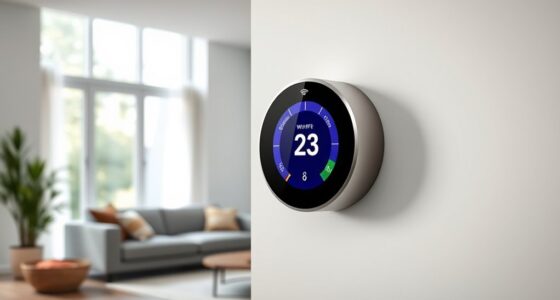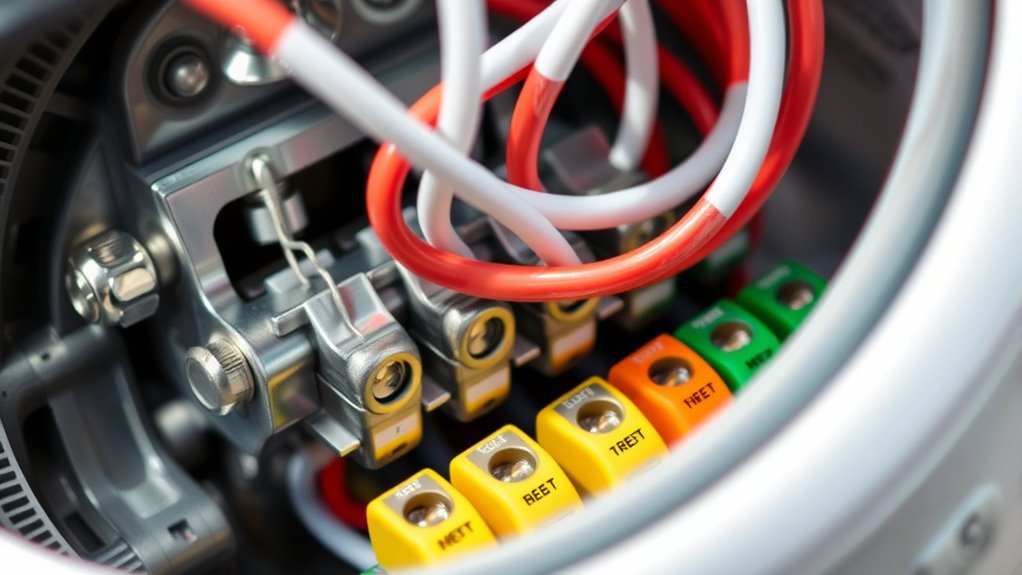

Understanding thermostat wiring and terminals is key to ensuring your heating and cooling system works correctly. Each wire has a specific color and terminal it connects to, like red for power, white for heat, yellow for cooling, and green for fans. Some systems also use a blue or black wire as a common power source. Knowing these basics helps you avoid wiring mistakes and keeps your system running smoothly. If you want to become more familiar with wiring details, there’s more to explore.
Key Takeaways
- Recognize standard wiring color codes: R (power), W (heat), Y (cool), G (fan), and C (common).
- Identify terminal labels on the thermostat to match corresponding wires accurately.
- Confirm the presence of a C wire, which supplies continuous power for many smart thermostats.
- Always turn off power before disconnecting or connecting wires to prevent damage or safety hazards.
- Use wiring diagrams or professional help if encountering unconventional setups or uncertainties.
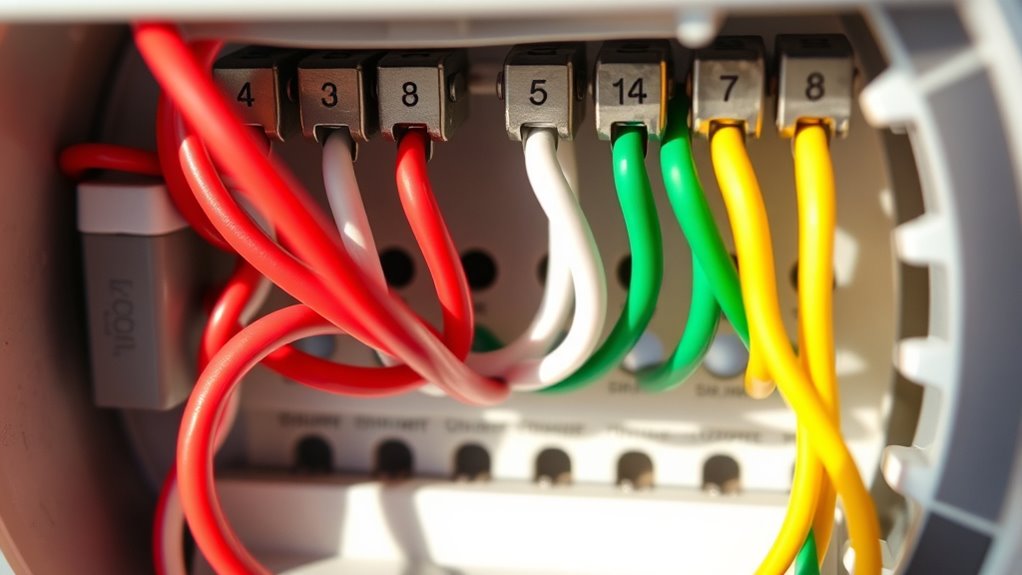
Understanding thermostat wiring is fundamental if you want to troubleshoot or install a new thermostat confidently. When dealing with wiring, knowing how different terminals connect and what the wiring color codes mean can save you a lot of frustration. If you’re considering a smart thermostat, compatibility becomes a key factor; not all smart models work with every existing system, and understanding the wiring setup helps guarantee a smooth upgrade.
First, get familiar with the wiring color codes commonly used. While these can vary slightly depending on the manufacturer, there are standard conventions. For example, the red wire usually supplies power from your transformer, often labeled as R or Rh for heating systems, and Rc for cooling. The white wire typically controls the heating function (W), while the Y wire is associated with cooling (Y). The green wire usually activates the fan (G), and the blue or black wire often serves as a common wire (C), providing continuous power, especially important for smart thermostats that require a constant power source. Knowing these color codes allows you to identify wires quickly and connect them correctly, preventing common mistakes like reversing connections, which could damage your system.
When installing or troubleshooting, always turn off the power before touching any wires. Once the power’s off, you can safely remove the thermostat cover and examine the wiring. Many thermostats have clear terminal labels, making it easier to match wires to their designated ports. For smart thermostats, compatibility with your existing wiring is vital. Some models require a C wire for continuous power, while others can work without one, but that might limit features or require an auxiliary power adapter. Checking your system’s wiring compatibility beforehand ensures you choose a smart thermostat that fits your setup.
Additionally, understanding the Paint Sprayer Zone and how to select appropriate tips, such as the Graco FFLP Fine Finish Low Pressure Reversible Tip, can be crucial when working on projects that involve painting or finishing surfaces, as proper equipment and knowledge can make a significant difference in the quality and efficiency of your work. If your system uses unconventional wiring or if you’re unsure, consulting a professional or referencing the wiring diagrams can prevent costly errors.
Frequently Asked Questions
Can I Upgrade My Thermostat Wiring Without Professional Help?
Yes, you can upgrade your thermostat wiring without professional help if you’re comfortable with DIY installation and understand wiring compatibility. First, turn off power, then carefully remove your old thermostat. Check if the new thermostat’s wiring matches your existing setup. Follow the manufacturer’s instructions closely, ensuring all connections are secure. If you’re unsure about any step, it’s safer to consult a professional to avoid potential damage or safety hazards.
How Do I Troubleshoot Wiring Issues Causing Thermostat Malfunctions?
Wiring issues can turn your thermostat into an unreliable helper. First, turn off power and consult wiring diagrams to understand your setup. Check terminal identification—look for loose or corroded wires and verify they’re securely connected. Use a multimeter to test for voltage. If you spot any inconsistencies, reattach or replace wires as needed. Troubleshooting is about careful inspection; don’t rush, and always prioritize safety.
Are There Compatibility Concerns With Smart Thermostats and Existing Wiring?
Yes, smart thermostats can have compatibility issues with your existing wiring. You need to check wire compatibility and wiring standards before installation. Some smart thermostats require a C-wire for power, while others can work without it, but may need a power extender. Always verify your wiring setup matches the thermostat’s specifications to guarantee proper operation and avoid potential malfunctions. Consult your thermostat’s manual for detailed wiring compatibility information.
What Safety Precautions Should I Take When Handling Thermostat Wiring?
Before handling thermostat wiring, make certain of your safety—this is vital. Turn off the power at the breaker to prevent electrical shocks. Use a voltage tester to confirm no live current is present, emphasizing wiring identification. Wear insulated gloves and avoid working near water. These electrical safety measures protect you while you carefully manage the wiring, preventing mishaps, and guaranteeing a smooth, safe upgrade or repair process.
How Can I Identify the Correct Terminal for New Wiring Additions?
To identify the correct terminal for new wiring additions, start by examining the terminal identification labels on your thermostat, which often indicate their functions. Use wiring color coding as a guide—common colors like red for power, white for heating, and green for cooling. Double-check the wiring diagram or manual to make certain you’re connecting to the right terminal, preventing potential malfunctions or damage. Always turn off power before making connections.
Conclusion
Now that you understand the wiring and terminals, you hold the key to your home’s comfort. Think of it as a delicate dance, each wire a step guiding warmth or coolness to where it’s needed most. With your newfound knowledge, you can confidently take control, turning a tangled web into harmony. Trust yourself—you’re the conductor of your home’s perfect symphony, ensuring every room feels just right, no matter the season.