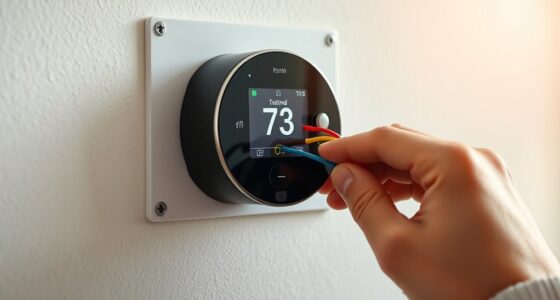
To set up multi-language support on your smart thermostat, go to the settings menu and find the language or preferences option. Choose your preferred language from the list, and the interface will update automatically. You can also configure voice recognition by training it with your speech and adjusting voice command options. Regular updates improve language features and overall performance. Keep exploring to discover how customizing these options can make your thermostat more accessible for everyone.
Key Takeaways
- Access language settings through the thermostat’s menu and select your preferred language from the options.
- Enable and configure voice recognition, including training for accents and speech patterns for better accuracy.
- Adjust UI and display options, such as font size and contrast, to improve readability in your chosen languages.
- Switch between multiple languages seamlessly within the device’s language or voice command settings.
- Keep the device updated with the latest software to ensure optimal language support and voice recognition performance.
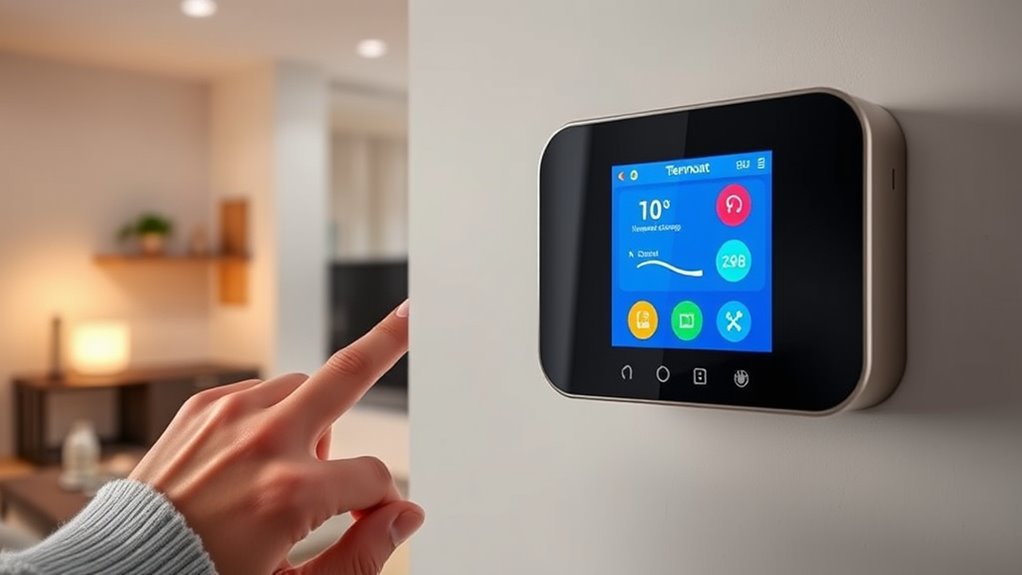
As smart thermostats become more popular, offering multi-language support has become essential for making these devices accessible to a diverse range of users. When you choose a thermostat that supports multiple languages, you guarantee everyone in your household can comfortably interact with it, regardless of their native tongue. One of the key features that enhances this experience is voice recognition. With voice recognition, you can control your thermostat hands-free, using commands in your preferred language. This not only simplifies adjustments but also makes the device more inclusive for users who may have difficulty with traditional user interface methods like touchscreens or buttons.
To set up multi-language support, start by browsing to your thermostat’s settings menu. Most models allow you to select your language from a list, which is usually found under “Language” or “Preferences.” Once you pick your desired language, the user interface automatically updates to display menus, options, and prompts in that language. This is where user interface customization plays a key role. You can often customize how information is presented — such as font size, contrast, or layout — to improve readability and ease of use. This is especially helpful if you or other users have visual impairments or prefer a more accessible interface.
Access your thermostat’s settings to select your preferred language and customize display options for better accessibility.
When it comes to voice recognition, guarantee your device is connected to a stable Wi-Fi network and that you’ve enabled voice commands in the settings. Some thermostats allow you to train the voice recognition system to better understand your speech patterns or specific accents, which enhances accuracy. This customization often involves a brief voice training session, during which you repeat certain phrases. Doing so helps the device distinguish your voice from others, making voice commands more reliable and reducing misinterpretations. Additionally, understanding the reliability of voice recognition systems can help you set realistic expectations for performance.
You should also explore the device’s language-specific voice commands. For example, in some languages, certain phrases or commands might work better, or additional features may be available. Experiment with different commands in your chosen language to see how well the voice recognition responds. Also, keep in mind that some smart thermostats support multiple languages simultaneously, allowing household members to switch easily between languages without reconfiguring the device each time.
Finally, regularly checking for software updates is essential. Updates often include improvements in voice recognition accuracy, expanded language options, and enhanced user interface customization features. By keeping your device current, you guarantee it remains accessible and functional for all users, regardless of language or ability. With thoughtful setup and customization, your smart thermostat can become a truly inclusive device that adapts seamlessly to your household’s linguistic needs.
Frequently Asked Questions
Can I Add More Languages After Initial Setup?
Yes, you can add more languages after the initial setup by performing firmware updates on your smart thermostat. Most devices allow language addition through the settings menu, where you can select and install new language options. Check for available firmware updates, as manufacturers often release new language support this way. Once updated, simply navigate to language preferences and choose your desired language to enhance your user experience.
How Does Language Selection Affect Voice Control Accuracy?
You might think changing the language affects voice control accuracy, and it often does. Different languages and pronunciation variants can challenge voice recognition systems, causing misinterpretations. When you select a language, make certain your pronunciation matches the system’s expectations. If your pronunciation varies or you’re using dialects, recognition accuracy may decrease. So, choosing a language you’re comfortable with and pronouncing words clearly helps improve voice control performance.
Are Regional Dialects Supported Within the Chosen Language?
Regional dialects and language variations are often supported within your chosen language, but support can vary depending on the thermostat model. Some devices recognize common dialects, improving voice command accuracy, while others may only support standard versions of a language. You should check your specific device’s capabilities to see if regional dialects are included, ensuring you get the most accurate and personalized voice control experience.
Can I Switch Languages Temporarily Without Changing Settings?
You can easily do a language toggle for a temporary language change on your smart thermostat. It’s a quick fix to switch languages without diving into the settings menu, so you’re not caught between two worlds. Just select the language toggle option, pick your desired language, and enjoy the change. Remember, this is a temporary language change, and your preferred language will be restored once you restart or manually switch back.
Is Multi-Language Support Available on All Smart Thermostat Models?
Not all smart thermostat models support multiple languages. You should check the specific model’s language compatibility before purchasing. Some models do include multi-language support, but this feature often depends on firmware updates, so make certain your device’s firmware is up-to-date. If multi-language support is vital for you, verify compatibility and update your thermostat to access the full range of language options.
Conclusion
By setting up multi-language support on your smart thermostat, you’re opening the door to a more personalized and inclusive experience. Imagine a device that speaks your language—literally and figuratively—making everyday comfort effortless. Isn’t it time you let technology speak your language? With just a few simple steps, you’ll transform your thermostat into a truly global device, making your home smarter, warmer, and more welcoming—no matter where you or your family are from.