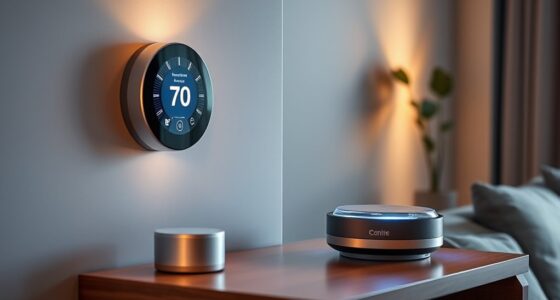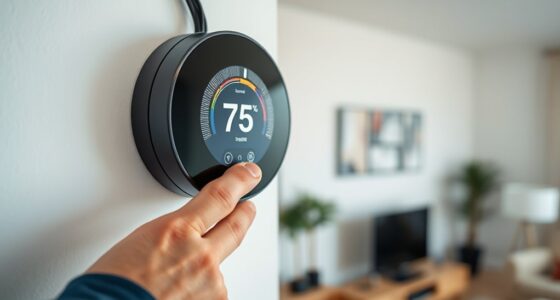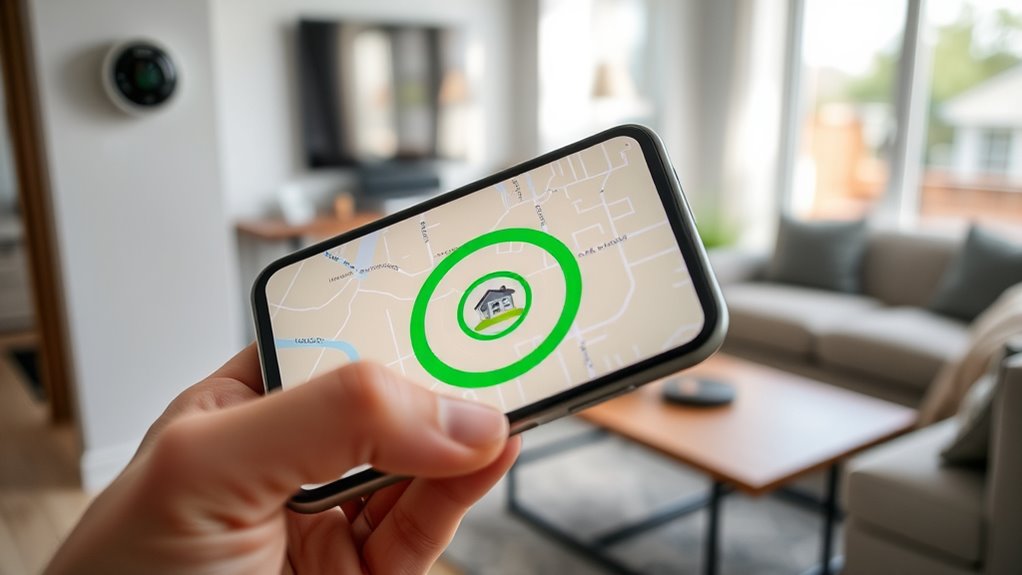

To set up geofencing for your smart thermostat, first make certain your thermostat is connected to Wi-Fi and your smartphone’s location services are enabled with proper permissions. Then, open the app and define a virtual boundary around your home, typically 1-3 miles, to trigger temperature changes when you arrive or leave. Keep devices and apps updated for best performance. Stay tuned to discover more tips to guarantee smooth, reliable operation.

Get home appliances delivered free — and shop member deals
- Fast, free delivery on millions of items
- Access to Prime Big Deal Days deals on October 6–7
- Prime Video, Amazon Music and more included
Key Takeaways
- Connect your thermostat to a stable Wi-Fi network and ensure it supports geofencing features.
- Enable location services on your smartphone and grant necessary app permissions for GPS access.
- Set a geofence boundary around your home, typically 1-3 miles, using the thermostat app.
- Configure automation rules for “home,” “away,” and “sleep” modes within the app’s geofence settings.
- Regularly update the app and check GPS and Wi-Fi connections for consistent geofencing performance.
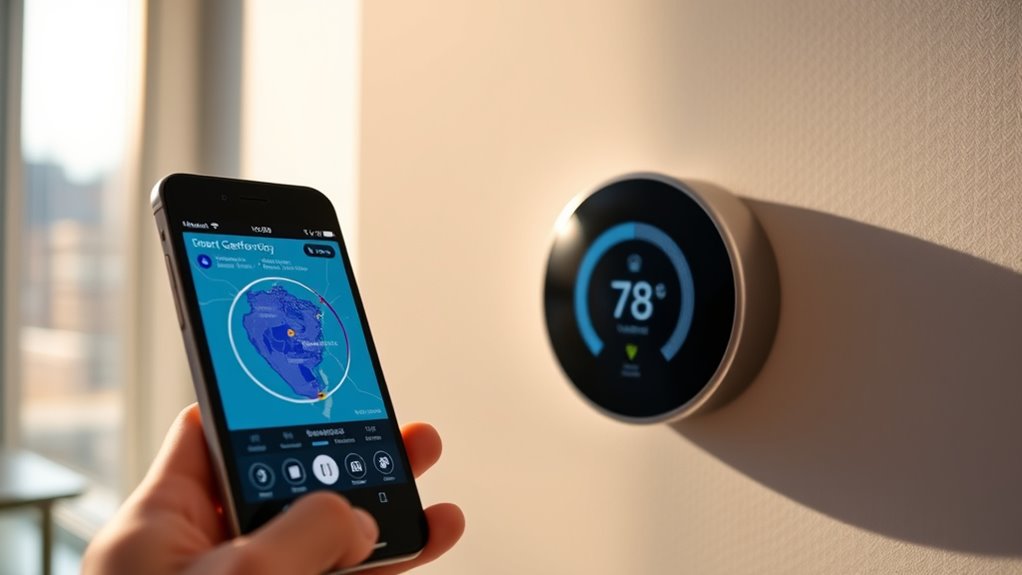
Imagine arriving home after a long day, and your smart thermostat automatically adjusts the temperature to your preferred setting. Thanks to geofencing technology, this seamless experience is now possible. Setting up geofencing for your smart thermostat involves leveraging location tracking and Wi-Fi connectivity to create a smart, responsive environment. When you leave or approach home, your thermostat detects your movement through location tracking and adjusts itself accordingly, saving energy and enhancing comfort.
To get started, guarantee your thermostat is connected to your Wi-Fi network. Reliable Wi-Fi connectivity is vital because it allows your device to communicate with your smartphone or other location-enabled devices. Once connected, you’ll need to enable location services on your smartphone, granting permission for the thermostat app to access your device’s GPS or geolocation data. This step is essential because the thermostat relies on this data to determine your proximity to home.
Next, you’ll set your geofence boundary within the app—usually a radius around your home, such as 1 to 3 miles. This boundary acts as the virtual perimeter that triggers your thermostat to change modes. When your phone crosses this boundary on your way home, the thermostat recognizes your arrival via location tracking and automatically adjusts the temperature to your preferred setting. Conversely, when you leave the boundary, the system can switch to an energy-saving mode, turning down the heat or cooling.
Many smart thermostats also allow you to customize these settings further. You can specify different temperature preferences for when you’re home, away, or sleeping. Some devices even incorporate additional sensors or integrations to refine their accuracy, making sure the system responds correctly whether you’re just passing nearby or genuinely leaving the house. Moreover, the high refresh rates of modern devices ensure smooth and rapid updates, so your thermostat’s response feels natural and timely.
The beauty of combining location tracking with Wi-Fi connectivity is that it minimizes manual adjustments. You don’t need to remember to change the thermostat or worry about wasting energy when you’re not home. The system learns your routines and responds proactively, providing comfort when you need it and saving energy when you don’t. Just make sure your smartphone has a stable internet connection and that the app has the necessary permissions—any disruption in Wi-Fi or location services can interfere with geofencing accuracy.
Frequently Asked Questions
Can Geofencing Work Without a Smartphone App?
No, geofencing typically doesn’t work without a smartphone app because it relies on your phone’s GPS to detect your location. While some devices might use other methods, most require user consent and have privacy concerns since your location data is shared. Without the app, your thermostat can’t accurately monitor your presence, making geofencing ineffective. Always review privacy settings to control how your data is used.
How Accurate Is Geofencing Location Detection?
Geofencing location detection is quite accurate, but GPS precision can vary depending on your device and environment. Outdoors, it usually pinpoints your location within a few meters, ensuring reliable automation. Indoors, accuracy drops due to signal interference, but most smart thermostats use Wi-Fi or Bluetooth to improve indoor accuracy. Overall, you can expect your geofencing to work well, especially when you’re outdoors and your device has a strong GPS signal.
What Happens if My Phone’s Battery Dies?
If your phone’s battery dies, geofencing stops working because the location detection relies on your device. This can cause your smart thermostat to stay in its last setting, potentially wasting energy. To avoid this, keep an eye on your battery drain and recharge regularly. Be aware of privacy concerns, as some apps track your location constantly, so choose settings that balance convenience with your privacy preferences.
Is Geofencing Compatible With All Smart Thermostats?
Think of your smart thermostat as a loyal but selective gatekeeper. Not all models are compatible with geofencing, especially if they lack the necessary smartphone compatibility. Before you set it up, check your device privacy settings and the thermostat’s features. If your thermostat supports geofencing, you’ll enjoy seamless automation. Otherwise, you might need an upgrade to keep your home cozy without lifting a finger.
How Do I Troubleshoot Geofencing Connection Issues?
To troubleshoot geofencing connection issues, start by checking your device’s location privacy settings and guarantee you’ve granted the necessary permissions. Keep in mind, location accuracy challenges can cause false triggers, so calibrate your device’s GPS and keep it updated. Restart your thermostat and app, and make sure your Wi-Fi connection is stable. These steps help improve geofencing reliability and reduce privacy concerns.
Conclusion
By setting up geofencing on your smart thermostat, you turn your home into a genius that knows exactly when to heat or cool, saving you tons of energy and money. It’s like having a personal assistant who’s always on top of things—never wasting a second or a degree. Once you master this feature, you’ll wonder how you ever managed without it. Embrace geofencing today and transform your home into the smartest, most efficient space you’ll ever own!
Fall yard work Picks
leaf blowers
As an affiliate, we earn on qualifying purchases.