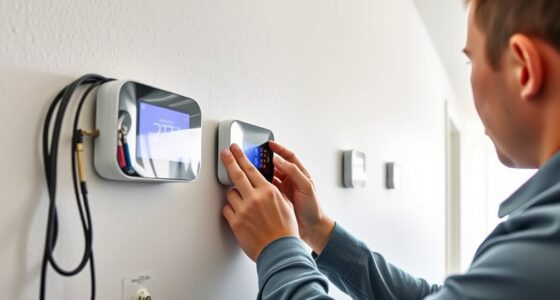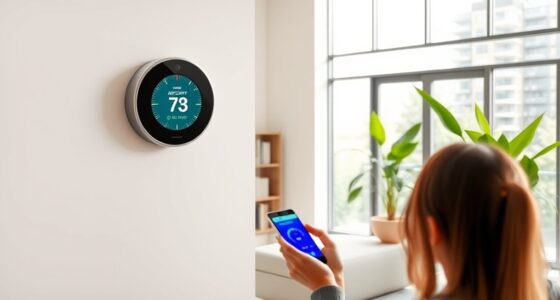

Updating your smart thermostat’s firmware keeps it running smoothly, secure, and with the latest features. It improves performance, energy efficiency, and compatibility with new devices or platforms. Most updates are simple—you can usually get notified automatically or check manually through the app or settings. Installing updates is quick and often just requires a tap. Staying current guarantees better control and security. Continue exploring to discover step-by-step instructions and tips for seamless updates.
Key Takeaways
- Firmware updates enhance device security, performance, and access to new features for your smart thermostat.
- Regular updates optimize energy efficiency and improve temperature control algorithms.
- Check for updates via the device’s app or settings menu, often with automatic notifications.
- Installing updates is quick, usually requiring a tap or prompt, with minimal disruption.
- Keeping firmware current ensures compatibility with new smart home devices and protects against cyber threats.
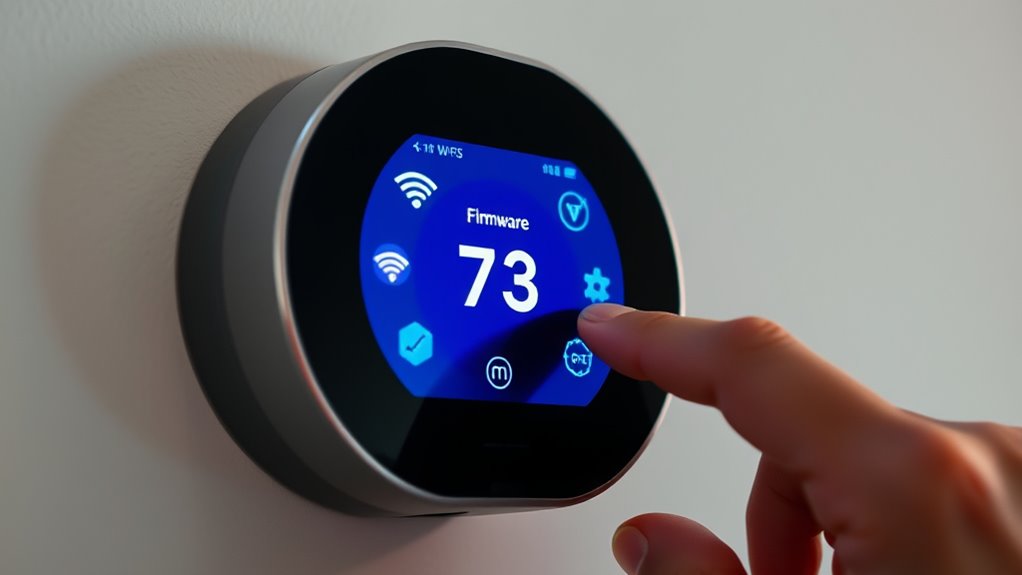
Keeping your smart thermostat’s firmware up to date is essential for ensuring peak performance, security, and access to the latest features. When you update the firmware, you often improve the device’s energy efficiency, helping you save on utility bills and reduce your carbon footprint. Additionally, updates typically enhance the user interface, making it easier for you to navigate settings, customize schedules, and control your heating and cooling systems. An outdated firmware can lead to glitches or slower responses, which may compromise your comfort and the overall effectiveness of your smart thermostat.
Updating your smart thermostat’s firmware ensures optimal performance, security, and a better user experience.
Firmware updates are designed to optimize how your thermostat interacts with your home’s Wi-Fi network and other connected devices. These updates can refine algorithms that regulate temperature, ensuring your home remains comfortable while consuming less energy. As a result, your system becomes more responsive and precise in maintaining your desired climate. The improved user interface often features clearer menus, more intuitive controls, and sometimes even new ways to visualize your energy usage, empowering you to make smarter decisions about your energy consumption. Regularly checking for firmware updates also ensures your device remains compatible with evolving smart home standards and technologies, including software compatibility with new platforms and devices.
To keep your device running smoothly, it’s important to regularly check for firmware updates. Many smart thermostats automatically notify you when a new update is available, but you can also manually check through the device’s app or settings menu. Installing updates promptly guarantees you’re benefiting from the latest advancements and security patches, protecting your device from vulnerabilities. Most updates are quick and straightforward—simply tap a button or follow a prompt, and your thermostat will handle the rest. Sometimes, a brief restart may be necessary, but generally, the process is seamless.
While updating firmware might seem minor, the long-term advantages are significant. You’ll notice a more streamlined user interface that simplifies daily adjustments, and your system will operate more efficiently, leading to energy savings over time. This is particularly useful if you’ve recently added new smart home devices or want to maximize your thermostat’s capabilities. Keeping firmware current also ensures compatibility with your mobile app and other smart home platforms, preventing potential issues down the line. Moreover, staying updated helps maintain security and protect against potential cyber threats targeting connected devices.

ecobee Smart Thermostat Essential - WiFi Thermostat, Energy Star Certified
- Energy Savings: Save up to 23% annually on energy costs
- System Compatibility: Compatible with 85% of HVAC systems
- Easy Temperature Control: Adjust temperature via touchscreen or app
As an affiliate, we earn on qualifying purchases.
Frequently Asked Questions
Can I Update My Thermostat’s Firmware Manually Without Wi-Fi?
You wonder if you can perform a manual update or firmware installation without Wi-Fi. Generally, most smart thermostats require an internet connection for firmware updates because they download the latest software directly from the manufacturer’s servers. Without Wi-Fi, manual updates are usually not possible unless the device supports offline firmware installation via a USB drive or SD card. Check your thermostat’s manual for specific instructions on manual update options.
Will Firmware Updates Improve My Thermostat’S Energy Efficiency?
Imagine your thermostat as a finely tuned engine, ready to run smoother with each update. Firmware updates can boost your device’s performance optimization, leading to better energy savings. When you keep your thermostat current, it adapts more efficiently to your schedule, reducing unnecessary heating or cooling. So, yes—regular updates help improve energy efficiency, making your home more comfortable while trimming down those energy bills.
How Long Does a Typical Firmware Update Take?
You probably wonder about firmware update duration and how long the update process timing takes. Typically, a firmware update on your smart thermostat lasts around 5 to 15 minutes, depending on the device and the size of the update. During this update process timing, avoid turning off or interrupting the device to guarantee a smooth installation. Once completed, your thermostat will restart, ready with the latest features and improvements.
Is It Safe to Interrupt a Firmware Update Process?
Did you know 60% of smart device users worry about firmware security? Interrupting a firmware update isn’t safe because it can corrupt your thermostat’s software, leading to update troubleshooting issues. You should never stop the process mid-way, as it risks bricking the device. To guarantee security and smooth updates, always follow manufacturer instructions and avoid interruptions, protecting your device and maintaining ideal firmware security.
Do All Smart Thermostats Receive Firmware Updates Simultaneously?
Not all smart thermostats receive firmware updates simultaneously, as update schedules vary based on manufacturer, device compatibility, and model. You might find updates rolling out gradually, so your device could get it before or after others. To stay current, check your thermostat’s settings or app regularly. This way, you guarantee your device benefits from the latest features and security improvements, even if the update schedule isn’t the same for all models.

ecobee Smart Thermostat Enhanced, Programmable Wifi Thermostat
- Energy Savings: Save up to 26% on energy costs
- Automatic Temperature Adjustment: Adjusts when you're away for efficiency
- Wide Compatibility: Compatible with 90% of systems
As an affiliate, we earn on qualifying purchases.
Conclusion
Keeping your smart thermostat updated is like tending a well-manicured garden—necessary for peak performance and security. Firmware updates fix bugs, add features, and keep your device running smoothly, preventing it from becoming as outdated as a rotary phone. Don’t wait for a tech catastrophe; stay ahead by updating regularly. Just like the pioneers of the digital age, you’ll enjoy a smarter, safer, and more efficient home. Stay current, and let your smart thermostat do the heavy lifting.

Amazon Smart Thermostat, Save money and energy, Works with Alexa and Ring, C-wire required
- Smart Alexa Thermostat: Easy upgrade from traditional thermostats
- Automated Comfort Zones: Adjusts heating and cooling automatically
- Energy and Cost Savings: Includes rebate information from energy providers
As an affiliate, we earn on qualifying purchases.

Google Nest Thermostat - Smart Thermostat for Home - Programmable Wifi Thermostat - Charcoal
- Energy Star Certified: Helps save energy and stay comfortable
- Wi-Fi Connectivity: Supports 2.4 GHz and 5 GHz networks
- Bluetooth Low Energy: Wireless interconnect for easy setup
As an affiliate, we earn on qualifying purchases.