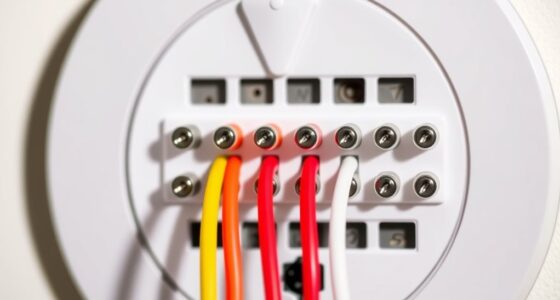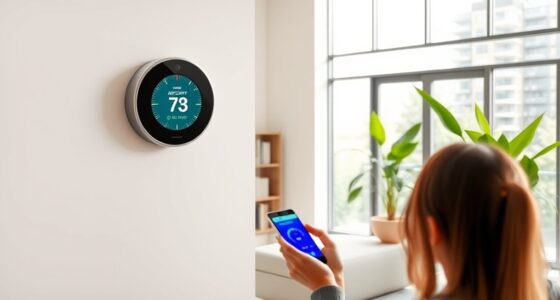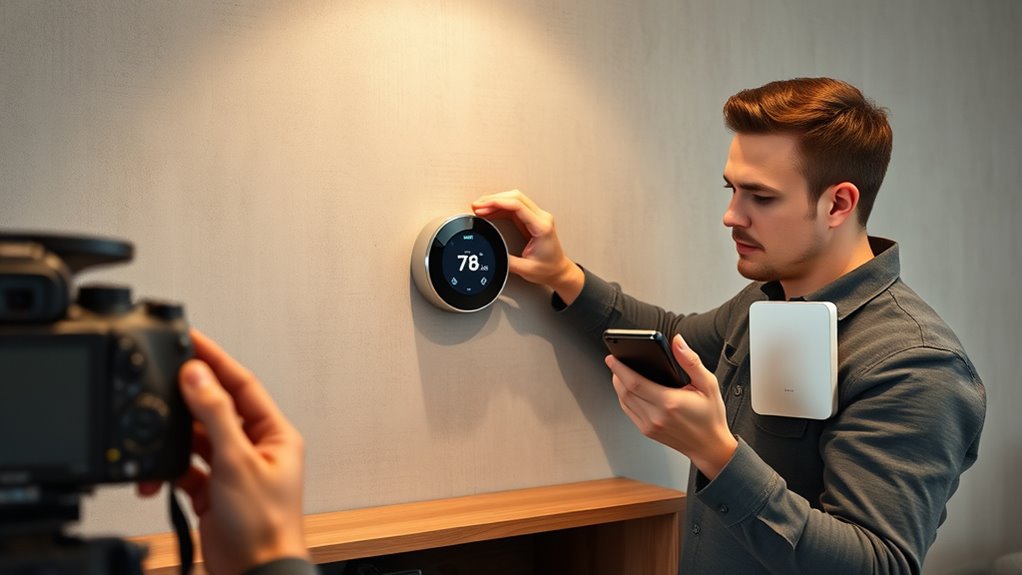
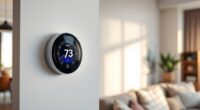
To fix Wi-Fi range issues for your smart thermostat, start by optimizing your router’s placement—position it centrally in an open area away from thick walls or metal objects. Consider upgrading your network hardware, like installing a mesh system or Wi-Fi extenders, to boost coverage throughout your home. Regularly update your router firmware and reduce interference from other electronics. For more detailed tips on improving your connection, stay tuned—there are simple steps that can make a big difference.

Get home appliances delivered free with Prime
- Fast, free delivery on millions of items
- Prime Video, Amazon Music and more included
- Member-only deals all year
Key Takeaways
- Use mesh networks to create seamless Wi-Fi coverage throughout your home, eliminating dead zones.
- Position your router centrally and away from obstructions to improve signal strength near the thermostat.
- Add Wi-Fi extenders or signal boosters midway between the router and thermostat to enhance range.
- Update your router’s firmware and change channels to reduce interference and optimize performance.
- Consider upgrading to dual-band Wi-Fi and combining hardware solutions for the most stable connection.

Smart thermostats rely heavily on Wi-Fi connectivity to function properly, but many users encounter range issues that disrupt their performance. When your thermostat struggles to connect or keeps dropping the signal, it’s often because the Wi-Fi signal isn’t reaching it reliably. To fix this, you need to improve your network’s coverage, and there are several effective strategies you can try. One of the best options is to set up a mesh network. Unlike traditional routers, mesh systems use multiple nodes placed around your home to create a unified, seamless Wi-Fi coverage area. This setup ensures that your smart thermostat can maintain a stable connection, no matter where it’s installed. Mesh networks are especially useful in larger homes or spaces with thick walls that block signals, as they eliminate dead zones and reduce lag.
Using mesh networks ensures seamless Wi-Fi coverage for your smart thermostat throughout your home.
Another simple and cost-effective solution is to use signal boosters or Wi-Fi extenders. These devices amplify your existing Wi-Fi signal and extend its range into areas where it’s weak or nonexistent. By placing a signal booster midway between your router and thermostat, you can considerably improve the connection quality. Just be sure to position the extender in a location where it can pick up a strong signal from your main router; otherwise, it won’t do much to boost the connection. Signal boosters are quick to install and compatible with most home networks, making them a popular choice for homeowners facing Wi-Fi range problems. Additionally, regularly upgrading your router firmware** can help optimize performance and resolve connectivity issues caused by outdated software. Ensuring your network hardware** is current can significantly impact overall stability and speed.
In addition to these hardware solutions, you should also check your router’s settings and placement. Keep the router in a central, open spot away from thick walls, metal objects, and other electronics that could interfere with the signal. Updating your router’s firmware and changing the Wi-Fi channel can also reduce interference from neighboring networks, improving overall stability. If your router supports dual-band Wi-Fi, switching your smart thermostat to a less congested 5 GHz network might enhance performance, though keep in mind that 5 GHz signals typically have shorter ranges than 2.4 GHz signals.
Ultimately, the key to fixing Wi-Fi range issues for your smart thermostat is to enhance your home’s network coverage with tools like mesh networks and signal boosters. These solutions work together to create a more reliable connection, ensuring your thermostat communicates effectively with your Wi-Fi network. Proper router placement and firmware updates can also significantly improve signal strength. By optimizing your setup and reducing dead zones, you’ll enjoy consistent control over your home’s temperature without constant disconnects or lag.
As an affiliate, we earn on qualifying purchases.
Frequently Asked Questions
Can I Use a Wi-Fi Extender With My Smart Thermostat?
Yes, you can use a Wi-Fi extender with your smart thermostat. It helps boost your Wi-Fi signal, ensuring reliable connectivity for features like smart home security and voice control compatibility. Just place the extender within range of your router and close to the thermostat. This setup improves overall performance, prevents dropouts, and keeps your smart home system running smoothly, especially if you have multiple connected devices.
How Does Wi-Fi Interference Affect Smart Thermostat Connectivity?
Imagine your smart thermostat is a traveler trying to send a message through a busy city. Wireless interference acts like noisy traffic, causing signal disruption and making it hard for your thermostat to communicate clearly. When wireless interference occurs, it blocks or weakens the Wi-Fi signal, leading to connection issues. To keep your thermostat connected, reduce interference by moving devices away or changing Wi-Fi channels, ensuring smooth communication.
Is Ethernet Connection Possible for Smart Thermostats?
You might wonder if Ethernet options are available for your smart thermostat. While most models primarily rely on Wi-Fi, some offer wired alternatives like Ethernet ports, providing a more stable connection. Check your thermostat’s specifications to see if a wired alternative exists. If not, consider using a powerline adapter or Ethernet bridge to connect your device securely, ensuring reliable operation even with Wi-Fi interference or range limitations.
What’S the Impact of Neighboring Wi-Fi Networks on My Device?
Neighboring networks can cause Wi-Fi congestion, which impacts your smart thermostat’s performance. When multiple networks operate nearby, they compete for the same bandwidth, leading to slower speeds and potential connectivity drops. You might notice your device struggles to maintain a stable connection or responds slowly. To minimize this, try changing your Wi-Fi channel, move your router to a less crowded spot, or upgrade to a dual-band router to reduce interference from neighboring networks.
Can I Upgrade My Router to Improve Wi-Fi Range?
Think of your Wi-Fi as a garden needing better sunlight. Upgrading your router can act like planting a stronger tree, spreading coverage wider. Consider mesh networking to create interconnected branches, ensuring no corner is in shadow. Proper router placement is key—position it centrally, away from obstacles. This upgrade helps your smart thermostat stay connected, making your home’s digital ecosystem flourish with reliable, expanded Wi-Fi coverage.
Wi-Fi extender for smart thermostats
As an affiliate, we earn on qualifying purchases.
As an affiliate, we earn on qualifying purchases.
Conclusion
To improve your smart thermostat’s Wi-Fi, remember that over 50% of smart device issues stem from weak signals. By optimizing your router placement and reducing interference, you can boost connectivity and enjoy seamless control. A stronger Wi-Fi connection not only improves your thermostat’s performance but also saves energy and money. Don’t let poor Wi-Fi hold back your smart home’s potential—take action today and enjoy consistent, reliable comfort all year round.
As an affiliate, we earn on qualifying purchases.
As an affiliate, we earn on qualifying purchases.
NFL season / tailgating Picks
team gear
As an affiliate, we earn on qualifying purchases.