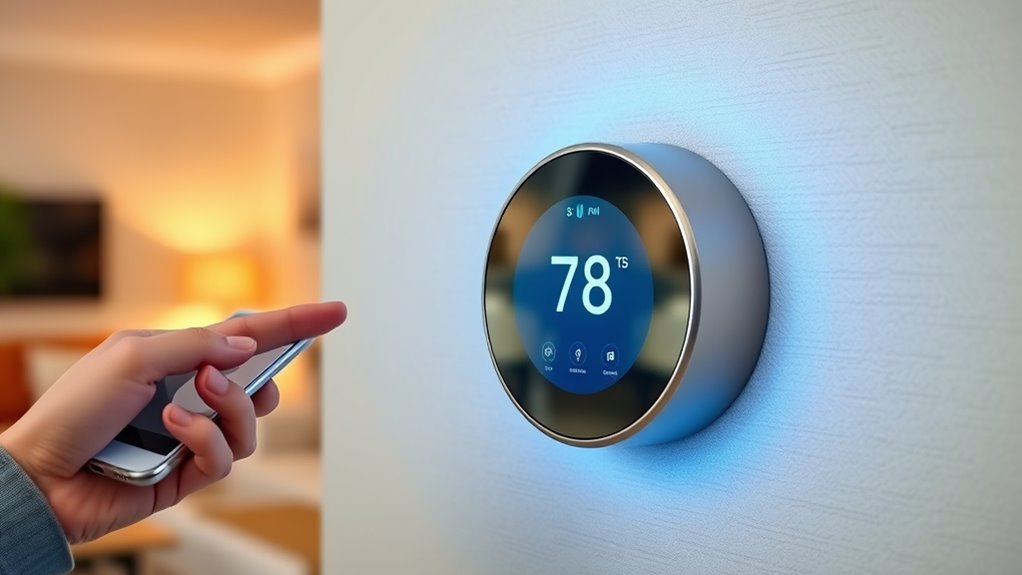

To set your thermostat to follow you around, enable geofencing on your compatible smart home app. Make certain your smartphone’s location services are active and accurate, then customize your geofence boundary for reliable detection. When you arrive or leave, the thermostat automatically adjusts to your preferred temperatures, saving energy and enhancing comfort. For best results and more tips on optimizing and troubleshooting, explore the full steps to make your smart home truly intuitive.
Key Takeaways
- Enable geofencing features through compatible smart thermostat apps to automate temperature adjustments based on your location.
- Set precise geofence boundaries and adjust radius for optimal detection accuracy and responsiveness.
- Regularly review permissions and keep firmware updated to ensure reliable operation and security.
- Use integrated automation platforms like Google Home or Apple HomeKit for seamless device control.
- Test geofencing regularly and enable manual overrides for flexibility and troubleshooting.

Honeywell Home T5 Smart Wi-Fi Thermostat
- Energy Savings: Save 8-16% on heating and cooling bills
- Rebate and Rewards: Eligible for energy rebates and utility programs
- Flexible Scheduling: 7-day programmable schedule or location-based control
As an affiliate, we earn on qualifying purchases.
As an affiliate, we earn on qualifying purchases.
Understanding How Geofencing Works With Smart Thermostats
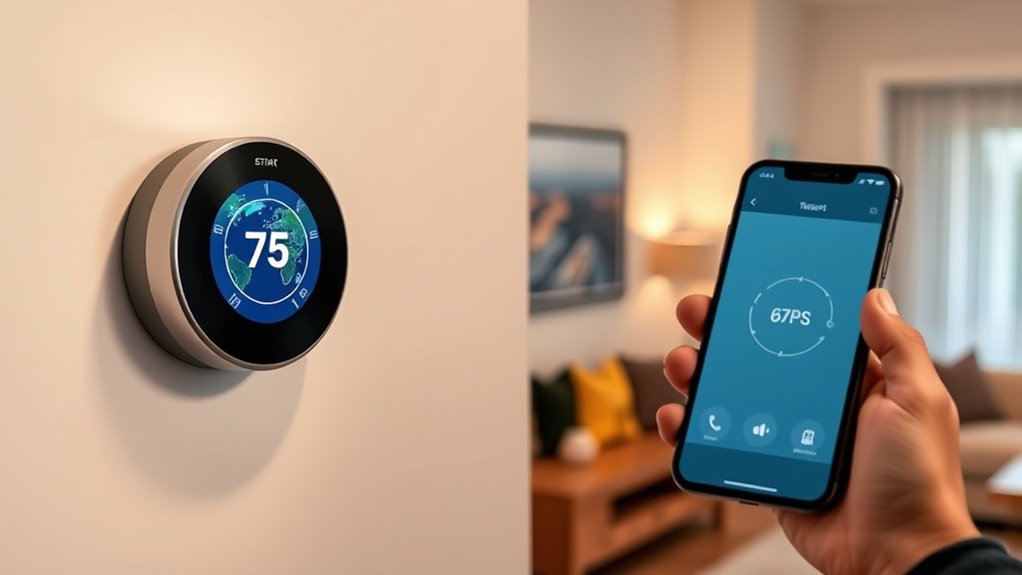
When you set up geofencing with your smart thermostat, it uses your smartphone’s location to automatically adjust the temperature as you come and go. This technology relies on GPS or Wi-Fi signals to detect your presence and trigger temperature changes, saving energy and boosting comfort. However, you might worry about geofencing privacy; your location data is shared with the thermostat provider, so it’s crucial to review their privacy policies. Additionally, using geofencing can slightly increase battery consumption on your phone, as it constantly tracks your location. To minimize this, you can adjust the tracking settings or use low-power modes. Being aware of privacy considerations is important when using geofencing features. Understanding how geofencing technology works helps you optimize comfort and energy savings while managing privacy and battery concerns. For example, some smart thermostats utilize vehicle detection to improve accuracy and responsiveness.

Aqara Smart Thermostat W200 with Apple Adaptive Temperature & Clean Energy Guidance, 4" Touchscreen, Matter Controller, Built-in Radar Sensor, Works with Apple Home, Siri, Google Assistant, Alexa
- Adaptive Temperature Control: Adjusts based on activity and location
- Clean Energy Guidance: Optimizes energy use with grid data
- Wide HVAC Compatibility: Fits most heating and cooling systems
As an affiliate, we earn on qualifying purchases.
As an affiliate, we earn on qualifying purchases.
Choosing the Right Compatible Devices for Your Home
To get the most out of geofencing, you need devices that work well together. Make sure your smart home gadgets are compatible and can integrate seamlessly. Keeping these compatibility basics and smart home tips in mind helps you create a smooth and reliable experience. Additionally, ensuring your devices incorporate automation technology can further enhance their functionality and responsiveness. For example, selecting vetted – Grobal World brand devices can provide added assurance of quality and interoperability. Incorporating mindfulness techniques into your routine can also improve your focus and overall well-being, making your smart home experience more enjoyable and stress-free.
Device Compatibility Basics
Choosing the right devices for your geofencing setup starts with understanding their compatibility. You need devices that support seamless device pairing and can handle firmware updates to stay secure and efficient. Compatibility ensures your system responds reliably as you move around. Look for thermostats and smartphones that work with your chosen platform, like Apple or Google Home. Verify that your devices are compatible with the latest firmware updates, which often fix bugs and improve performance. Also, check if they support geofencing features directly or through apps. Consider these points for better device compatibility:
- Supported operating systems
- Firmware update frequency
- Bluetooth or Wi-Fi connectivity
- Compatibility with your automation hub
- Device pairing ease and security
- Vetted device compatibility to ensure reliable performance and security. Additionally, choosing devices with energy efficiency ratings can enhance your system’s overall sustainability and cost savings. Ensuring long-term firmware support is also crucial for maintaining security and functionality over time.
Smart Home Integration Tips
Selecting compatible devices is the foundation of a smooth and effective smart home setup. To guarantee seamless integration, choose devices that support your preferred ecosystem and are designed to work together. Pay attention to privacy concerns, and verify that devices have robust security features to protect your data. It’s also essential to prioritize user consent; make sure your smart devices clearly ask for permission before accessing location data or other sensitive information. Reading reviews and checking compatibility lists can help you avoid issues later. Additionally, understanding smart home market growth and staying updated on the latest trends can help you select devices that will remain compatible in the future. Being aware of device interoperability ensures your smart home functions cohesively across multiple platforms. Ensuring that devices are future-proofed can save you time and money as technology evolves. By selecting devices with these considerations in mind, you create a smart home environment that’s both functional and respectful of your privacy. This careful approach ensures your geofencing setup operates smoothly and securely.

Sensi Smart Thermostat, Wi-Fi, DIY, Alexa, Energy Star Certified, ST55
- Privacy Protected: Won’t sell your personal data
- Easy DIY Installation: Includes level and step-by-step app guide
- Universal Compatibility: Works with most HVAC systems without c-wire
As an affiliate, we earn on qualifying purchases.
As an affiliate, we earn on qualifying purchases.
Setting Up Your Smartphone for Geofencing Activation
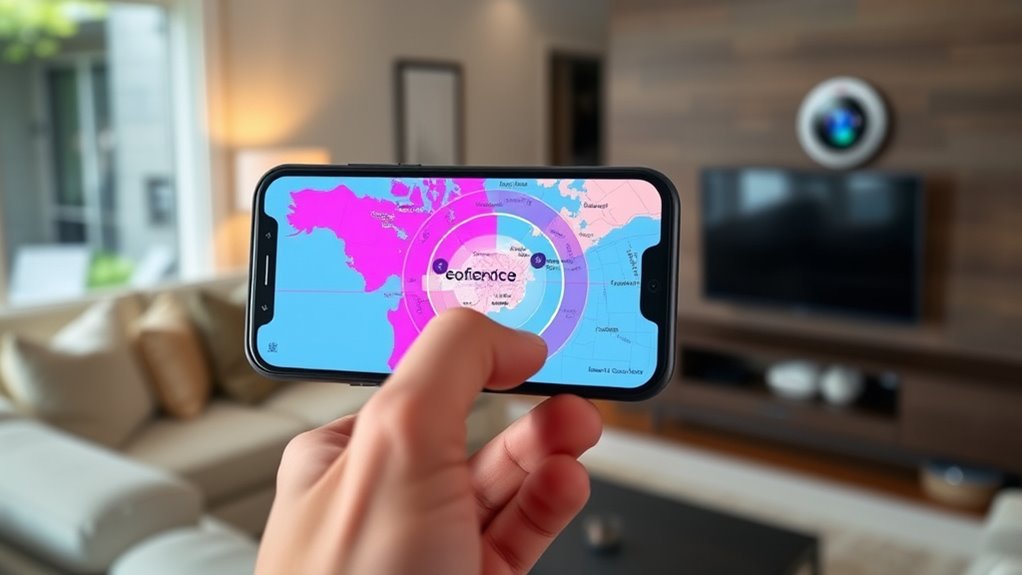
Setting up your smartphone for geofencing activation is a straightforward process that begins with ensuring your device’s location services are enabled. This is essential for accurate detection but can raise privacy concerns if not managed carefully. Also, keep in mind that continuous GPS usage can impact your battery life. To optimize your experience, consider these tips:
- Enable high-accuracy location mode only when needed
- Regularly review app permissions related to location sharing
- Turn off location services when not in use to conserve battery
- Use device settings to limit background location access
- Be aware of privacy implications when sharing location data
- Understanding personality traits can help you better manage privacy settings and recognize potential security risks.
- Be mindful of privacy settings to ensure your location data remains secure and private.
- Adjusting your device configuration can enhance both privacy and functionality during geofencing.

ecobee Smart Thermostat Essential – WiFi Thermostat, Energy Star Certified
- Energy Savings: Save up to 23% annually on energy costs
- System Compatibility: Compatible with 85% of HVAC systems
- Easy Temperature Control: Adjust temperature via touchscreen or app
As an affiliate, we earn on qualifying purchases.
As an affiliate, we earn on qualifying purchases.
Configuring Geofencing in Your Thermostat’s App
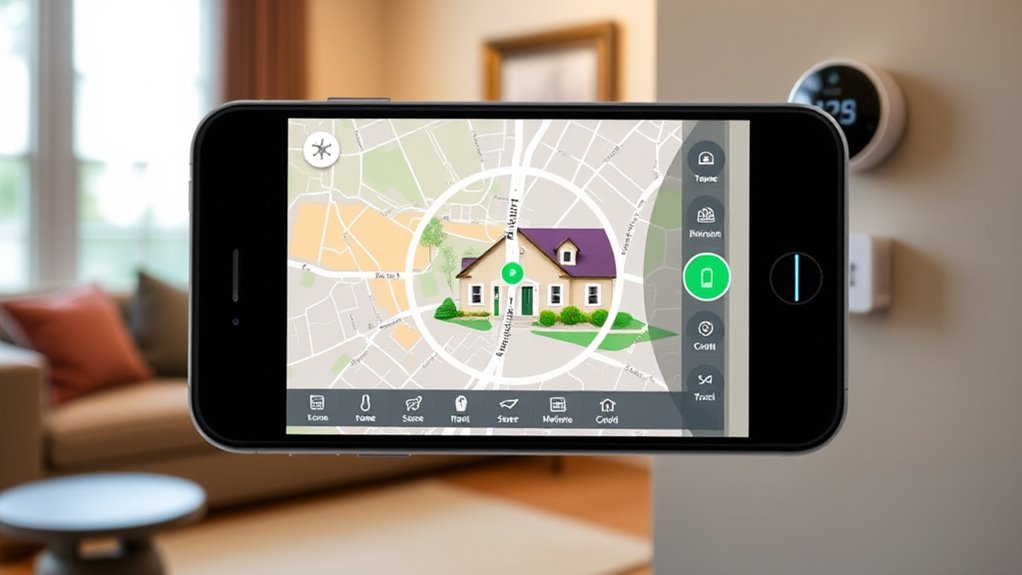
Once your smartphone is properly configured for geofencing, the next step is to set it up within your thermostat’s app. Open the app and locate the geofencing or location-based settings. Here, you’ll need to grant necessary permissions and enable location tracking. Be mindful of privacy concerns; review the app’s privacy policy to understand how your data is used and shared. To safeguard data security, enable any available security features, like two-factor authentication or encryption. Adjust the geofence radius, so it accurately detects your presence without false triggers. Confirm your settings and test the geofencing feature to ensure it works seamlessly. Staying aware of privacy and data security helps protect your information while making your thermostat smarter and more responsive. Additionally, understanding how location tracking works can help you optimize the system’s accuracy and reliability. Incorporating predictive analytics can further enhance the system’s ability to anticipate your needs and improve efficiency. Utilizing behavioral data can also help refine the geofencing experience for better responsiveness.
Customizing Temperature Preferences Based on Your Location
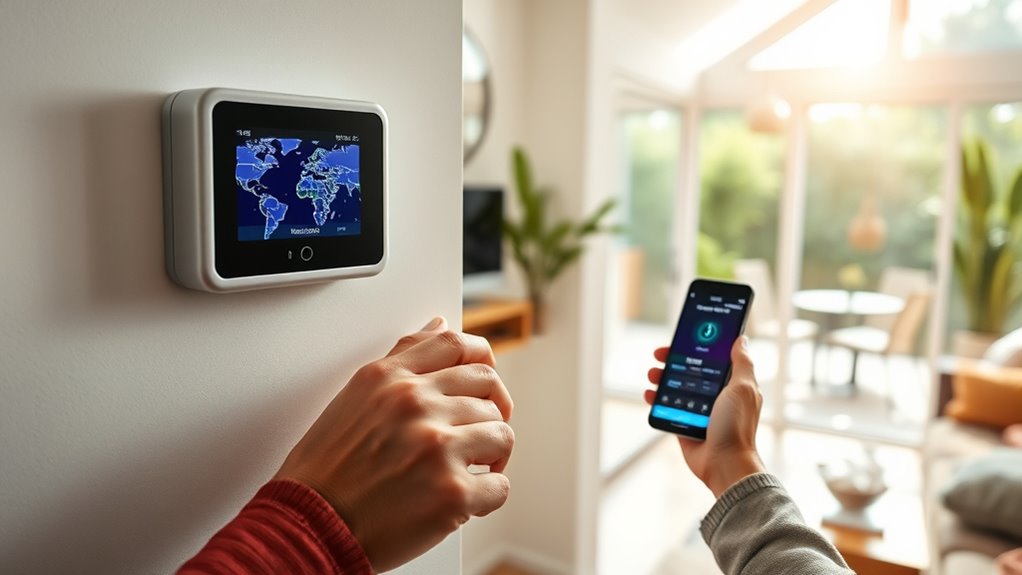
By customizing your temperature preferences based on your location, you can enjoy ideal comfort and efficiency. Location-based adjustments automatically adapt to where you are, while time-sensitive settings ensure your home is cozy when you need it. Personalize your preferences to create the perfect environment no matter where you go. Additionally, integrating smart home technology allows for seamless control of your heat pump, optimizing energy use and maintaining indoor air quality effortlessly. Implementing air quality monitoring can also support eco-friendly transportation options, reducing your carbon footprint while commuting.
Location-Based Temperature Adjustments
When you enable location-based temperature adjustments, your smart device can automatically tailor your environment to suit the weather conditions outside. This feature helps you save energy and stay comfortable without manual input. However, be mindful of privacy concerns and data security, as sharing your location involves sensitive information. To maximize benefits and minimize risks, consider these points:
- Regularly review privacy settings to control data sharing
- Use secure Wi-Fi networks for data transmission
- Opt for devices with strong encryption features
- Limit location sharing to trusted apps only
- Stay informed about updates that enhance security
- Remember that some devices utilize eye patch benefits to improve user comfort and appearance, especially in conditions of fatigue or skin sensitivity. Additionally, understanding privacy controls can significantly enhance your safety and confidence in using location-based features.
Time-Sensitive Settings Activation
Since your smart device can adjust temperature settings based on your location and time of day, you can create a more personalized and energy-efficient environment. Time-sensitive settings activation lets you schedule temperature changes to match your routine, ensuring comfort when you need it most. To do this effectively, consider geofencing privacy concerns—only sharing your location with trusted devices. Also, pay attention to geofence accuracy, as precise boundaries ensure your thermostat adjusts at the right moment without false triggers. By combining time-based schedules with geofencing, you maximize energy savings while maintaining comfort. This approach automatically adapts to your daily movements, making your heating and cooling smarter and more responsive. Additionally, understanding GMC tuning can help you optimize your vehicle’s performance for better efficiency and power, paralleling how smart home adjustments enhance comfort. Just remember to review privacy settings regularly to keep your data secure, especially since privacy considerations are crucial when sharing location data.
Personal Comfort Zone Customization
Personal comfort zone customization takes your smart device’s adaptability a step further by letting you set temperature preferences based on your specific location within your environment. With this feature, you can enjoy tailored comfort levels without manual adjustments, enhancing convenience. However, consider privacy concerns and data management—your device tracks your movements to optimize settings, which requires trust in how your data is handled. To make the most of this feature, keep in mind:
- Regularly review privacy settings and permissions
- Ensure your data is securely stored and shared
- Customize zones to match your daily routines
- Balance comfort with privacy by limiting data access
- Stay informed about your device’s data management policies
- Be aware of running dry in data usage, which can impact device performance and security.
This way, you enjoy personalized comfort while maintaining control over your privacy.
Tips for Optimizing Geofencing Accuracy and Reliability
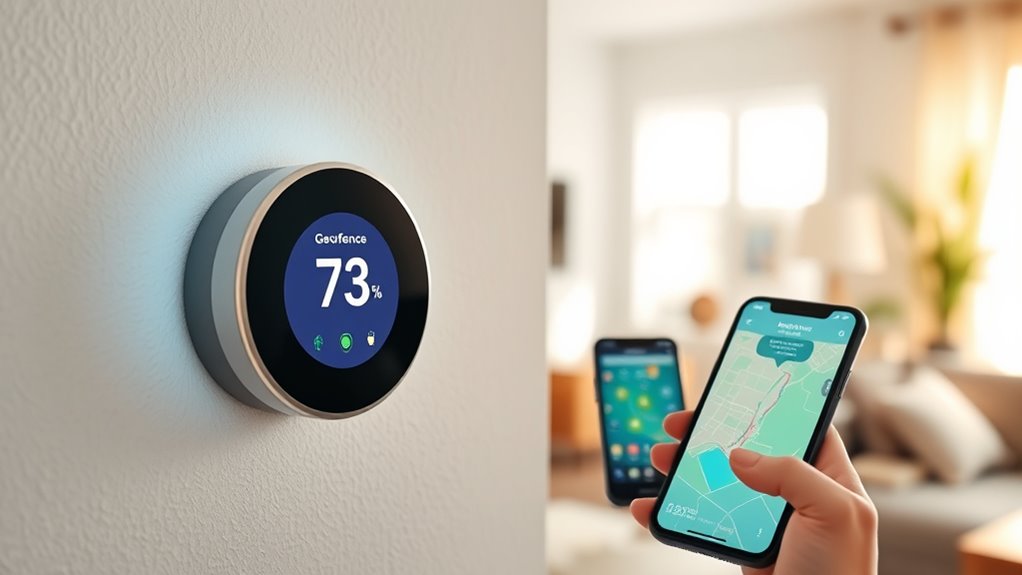
To enhance geofencing accuracy and reliability, focus on fine-tuning your geofence parameters and leveraging precise location data. Adjust the fence size to balance responsiveness with avoiding false triggers. Use high-accuracy GPS when possible, but be mindful of privacy concerns and battery life—constantly tracking location can drain your device. To visualize this, consider the following:
| Geofence Size | Location Accuracy | Battery Impact |
|---|---|---|
| Small | Very precise | Higher drain |
| Medium | Balanced | Moderate drain |
| Large | Less precise | Lower drain |
| Constant GPS | Max accuracy | Significant drain |
| Wi-Fi Only | Lower accuracy | Minimal drain |
Optimizing these settings helps improve reliability without sacrificing privacy or draining your device unnecessarily.
Troubleshooting Common Issues With Geofence Activation
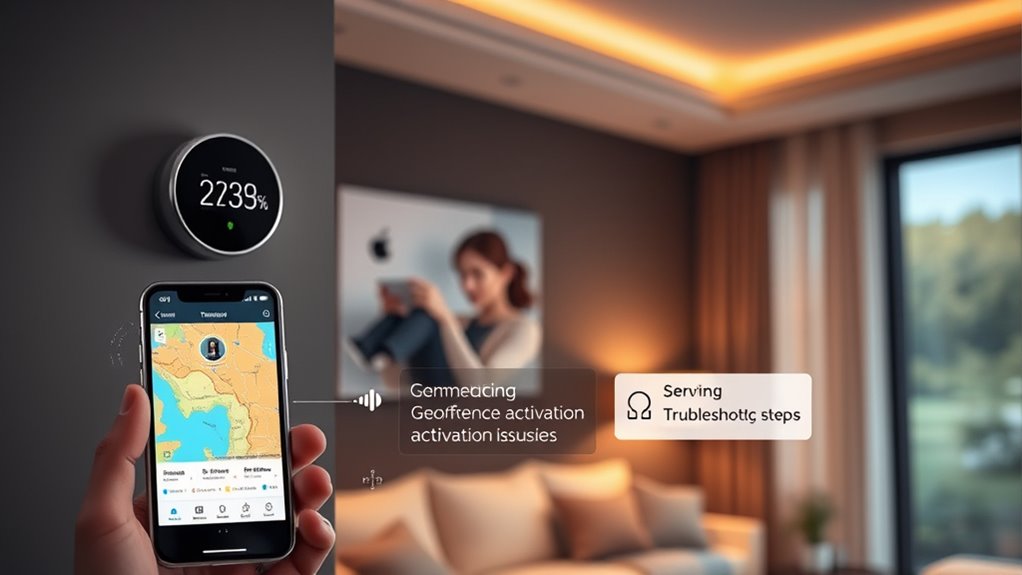
When geofences fail to activate as expected, troubleshooting begins with checking the accuracy of your location data. Poor GPS signals or outdated app permissions can cause activation issues. Also, consider your device’s battery life—low battery can reduce location accuracy or cause the app to shut down prematurely. To resolve these issues:
- Ensure your device’s GPS is enabled and functioning properly
- Verify that the app has all necessary permissions
- Keep your device’s firmware and app updated
- Maintain sufficient battery life for reliable tracking
- Restart your device to refresh location services
Addressing these factors helps improve geofence responsiveness. Remember, outdated app permissions or a dying battery can prevent your thermostat from following you, so regular checks are key.
Enhancing Home Security and Energy Savings Through Geofencing
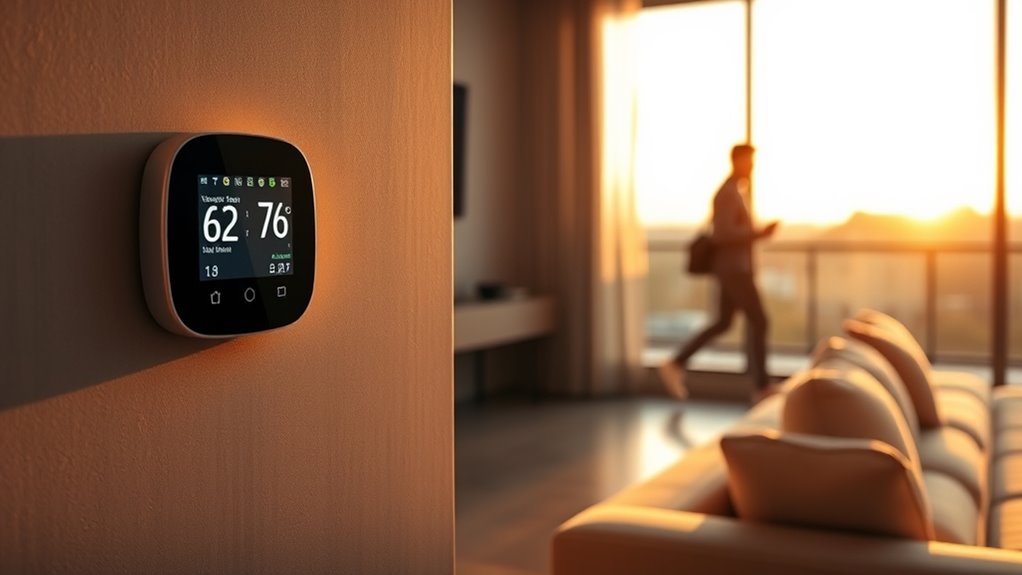
By ensuring your geofencing setup works reliably, you can substantially boost your home’s security and reduce energy costs. When your system accurately detects your presence, you can automate lights, locks, and thermostats to activate only when needed, enhancing energy efficiency. This minimizes unnecessary energy use and lowers utility bills. Additionally, geofencing adds an extra layer of security by alerting you if unexpected movements occur when you’re away. However, be mindful of privacy concerns; sharing location data requires choosing trusted apps and secure connections. Properly configured, geofencing allows you to safeguard your home while optimizing energy consumption. Balancing convenience with privacy helps you get the most out of your smart home setup without compromising your personal information.
Exploring Advanced Features and Integrations for a Smarter Home
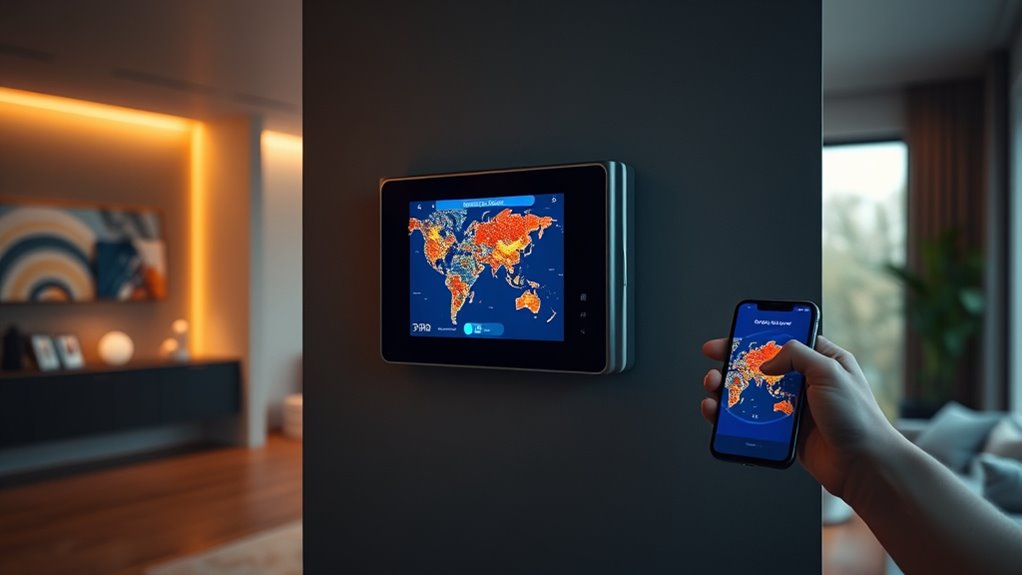
As smart home technology continues to evolve, exploring advanced features and integrations can substantially enhance your living experience. You can connect your geofencing-enabled devices with voice assistants, security systems, or lighting for seamless automation. However, it’s essential to take into account geofencing privacy and smart device security to protect your data.
To maximize benefits, consider:
- Customizing geofence boundaries for specific routines
- Using encryption for data transmission
- Regularly updating device firmware
- Limiting app permissions
- Monitoring connected devices for suspicious activity
These steps help ensure your smart home remains secure while allowing you to leverage powerful integrations. Advanced features can make your home more intuitive, but always prioritize privacy and security to avoid vulnerabilities.
Frequently Asked Questions
Can Geofencing Work With Multiple Family Members’ Smartphones Simultaneously?
Yes, geofencing can work with multiple family members’ smartphones simultaneously. You just need to enable multi-user management and guarantee proper device synchronization. When everyone’s devices are linked to the same system, the thermostat can automatically adjust based on each person’s location. This way, your home stays comfortable and energy-efficient, no matter who’s arriving or leaving. Just make sure all devices are correctly connected for seamless multi-user geofencing.
How Does Geofencing Affect My Daily Energy Consumption and Costs?
Imagine your thermostat as a vigilant guardian, always watching over your energy use. When you use geofencing, it adapts to your routine, trimming unnecessary energy consumption like a gardener pruning excess branches. This smart system boosts energy savings and enhances cost reduction, making your home more efficient. By following your movements, it guarantees comfort while minimizing waste, turning everyday living into a mindful dance of savings and sustainability.
Are There Privacy Concerns Related to Location Tracking With Smart Thermostats?
You might worry about privacy risks with smart thermostats tracking your location. While they offer convenience, they also collect data that could be vulnerable if not properly secured. Be aware of data security measures and privacy policies, and consider adjusting settings or opting out if you’re uncomfortable with location sharing. Staying informed helps you balance the benefits of smart technology with protecting your personal information.
What Should I Do if Geofencing Triggers the Wrong Temperature Adjustments?
If geofencing triggers the wrong temperature adjustments, you should check for calibration issues and false triggers. First, calibrate your thermostat to ensure accurate location detection. Then, review your geofence boundaries; make them more precise to avoid false triggers. If problems persist, update the thermostat’s firmware or reset the device. These steps will help your smart thermostat respond correctly, saving energy and maintaining comfort.
Can I Manually Override Geofence Settings Without Disabling the Feature?
Yes, you can manually override geofence adjustments without disabling the feature. Most smart thermostats allow a manual override option, so you can set a different temperature temporarily. Simply access your thermostat’s control panel or app, select the manual override, and adjust the temperature as needed. This way, you maintain the benefit of geofence adjustments while still having control whenever you want to fine-tune your comfort.
Conclusion
Now that you know the secrets of geofencing, your home’s comfort and energy savings are within reach. But don’t stop here—there’s more to explore and customize. Imagine a future where your thermostat anticipates your every move, seamlessly adapting as you go. Are you ready to access these advanced features and truly transform your smart home? The next step could change how you experience everyday living—are you prepared to take it?