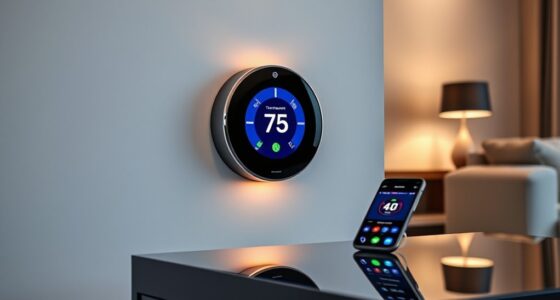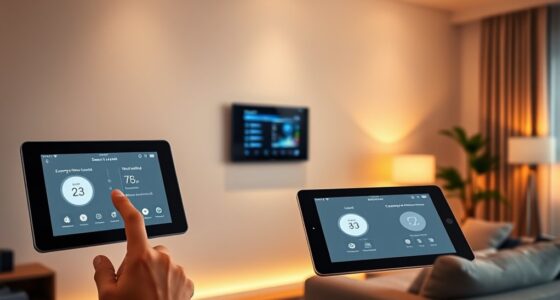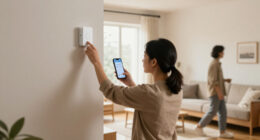
You can automate your home’s comfort with smart thermostat scenes in Home Assistant by creating tailored routines that match your daily schedule and external conditions. For example, set scenes to preheat your house in the morning or lower temperatures at night for better sleep. You can also integrate weather forecasts and sunlight levels to optimize energy savings and comfort. Keep exploring to discover how customizing scenes and automation options can make your home smarter and more efficient.

Get home appliances delivered free with Prime
- Fast, free delivery on millions of items
- Prime Video, Amazon Music and more included
- Member-only deals all year
Key Takeaways
- Create personalized scenes in Home Assistant to automatically adjust thermostat settings based on time, occupancy, or external weather conditions.
- Use Home Assistant automation features to trigger scene changes, enhancing comfort and energy efficiency seamlessly.
- Configure scenes easily with a user-friendly interface, allowing quick adjustments to match evolving routines.
- Integrate weather forecasts and sunlight data to proactively modify thermostat settings for optimal comfort.
- Leverage AI analytics within Home Assistant for predictive climate control, balancing comfort with energy savings.
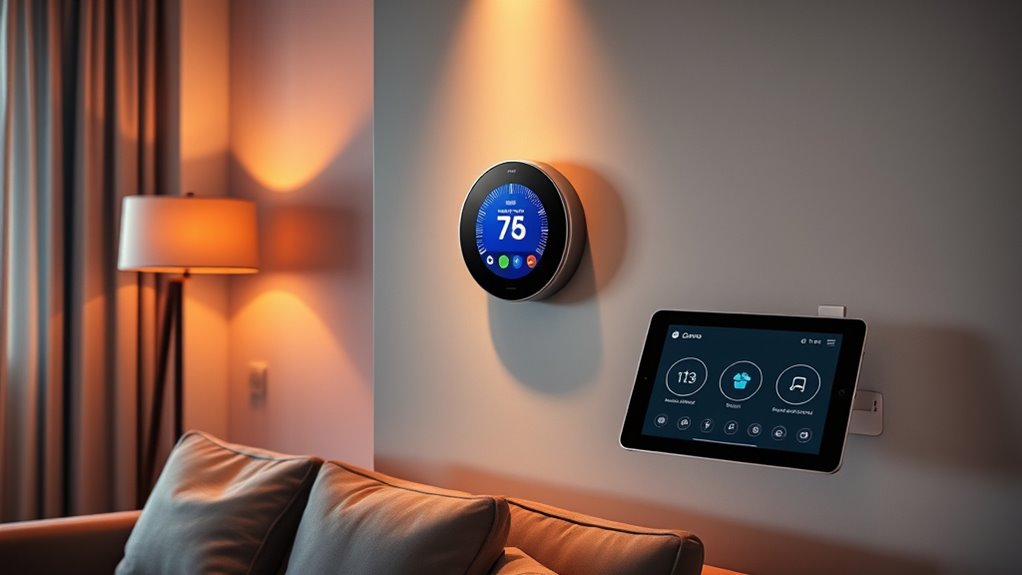
Creating smart thermostat scenes with Home Assistant allows you to customize your home’s climate effortlessly, ensuring comfort and energy efficiency. When you set up these scenes, you gain precise control over your heating and cooling systems, enabling you to tailor your environment to match your daily routines and personal preferences. By doing so, you not only enhance your comfort but also optimize energy consumption, reducing unnecessary waste and lowering utility bills. This combination of energy efficiency and user customization makes smart thermostat scenes a powerful tool for managing your home’s climate effectively.
Customize your home’s climate effortlessly with Home Assistant’s smart thermostat scenes for comfort and energy savings
With Home Assistant, you can design scenes that respond to your lifestyle. For example, you might create a morning scene that preheats the house before you wake up, ensuring a warm start to your day. In the evening, a scene could lower the temperature to save energy while you sleep. During the workday, you could activate a scene to turn down the heating or cooling, avoiding energy waste when the house is empty. These scenes are easy to customize, so you can adjust temperatures, set specific times, or trigger based on conditions like weather or occupancy. This level of user customization allows you to craft a climate control routine that fits your habits perfectly.
Integrating your smart thermostat with Home Assistant also means you can automate scenes based on external factors, such as weather forecasts or sunlight levels. For instance, if a cold front is approaching, your system can automatically increase the temperature, maintaining comfort without manual intervention. Conversely, on sunny days, you could reduce cooling costs by adjusting settings to capitalize on natural warmth. This dynamic adaptation maximizes energy efficiency while keeping your space comfortable, all with minimal effort on your part. Additionally, leveraging AI-powered data analytics can further optimize your climate control by predicting your preferences and adjusting settings proactively.
Furthermore, Home Assistant’s user-friendly interface makes it straightforward to create and tweak scenes. You don’t need advanced technical skills; a few clicks and some basic configurations are enough to set up a system that responds exactly how you want. Over time, you can refine these scenes as your routines change or as you discover new ways to optimize your climate control. This flexibility ensures that your smart thermostat remains aligned with your lifestyle, providing consistent comfort and savings. Additionally, understanding the importance of contrast ratio in projectors can help you choose a display that matches your ideal home cinema setup for maximum visual quality.
smart thermostat with scene control
As an affiliate, we earn on qualifying purchases.
As an affiliate, we earn on qualifying purchases.
Frequently Asked Questions
Can I Integrate Smart Thermostats From Multiple Brands in Home Assistant?
Yes, you can achieve multi-brand integration with Home Assistant, allowing you to control various smart thermostats from different brands seamlessly. Home Assistant supports a wide range of device compatibility, making it easy to connect and automate multiple thermostats within a single platform. By setting up integrations for each device, you can create custom scenes and automations that work across brands, enhancing your home’s comfort and energy efficiency effortlessly.
How Secure Is My Data When Automating Thermostats With Home Assistant?
Imagine your data as a treasured diary, vulnerable if left unprotected. When automating thermostats with Home Assistant, your privacy concerns are valid, but robust data encryption shields your information like an unbreakable lock. You control access, ensuring your routines stay private. Trust in the security measures, and you can enjoy comfort without fear, knowing your data remains safe behind encrypted barriers, like a secret kept safe within your home.
Does Home Assistant Support Geofencing for Automatic Scene Activation?
Home Assistant does support geofencing for automatic scene activation, allowing you to set scenes based on your location. You can customize geofence accuracy to guarantee reliable triggers while maintaining location privacy. Just be mindful that high accuracy may require more precise data, potentially raising privacy concerns. By configuring settings carefully, you can enjoy seamless automation without compromising your location privacy or geofence accuracy.
Can I Manually Override Scenes Without Disrupting Automation?
Your smart home feels like a finely tuned symphony, but you’re wondering if a manual override can jam the music without causing scene disruption. The good news is, yes—you can manually adjust your thermostat or scene settings without disrupting automation. Just be aware that some overrides might temporarily pause or reset scenes. With careful tweaks, you keep control without losing the seamless automation flow you love.
What Troubleshooting Steps Are Recommended for Scene Activation Failures?
When facing scene activation errors, start with scene troubleshooting by checking your configuration for typos or incorrect settings. Confirm your devices are online and responsive. Review logs for errors or conflicts and verify that automations aren’t disabled or blocked. Test scene activation manually to pinpoint issues. If problems persist, update your Home Assistant and device firmware, and consider restarting your system to resolve temporary glitches.
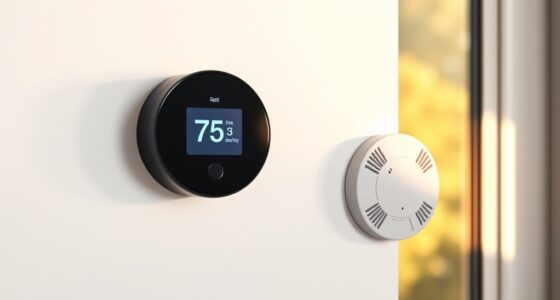
Home Assistant compatible smart thermostat
As an affiliate, we earn on qualifying purchases.
As an affiliate, we earn on qualifying purchases.
Conclusion
By setting up smart thermostat scenes with Home Assistant, you take control of your comfort effortlessly. You’ll save energy, customize your environment, and enjoy a cozy home — all without breaking a sweat. Think of it as having your very own JARVIS, but for temperature tuning. With just a few clicks, you turn your house into a perfect sanctuary, proving that even in the age of smart tech, simple comforts remain timeless.
As an affiliate, we earn on qualifying purchases.
smart home climate control system
As an affiliate, we earn on qualifying purchases.
As an affiliate, we earn on qualifying purchases.
Fall yard work Picks
leaf blowers
As an affiliate, we earn on qualifying purchases.