
Setting up energy-saving routines with voice assistants is easy and highly effective. You can automate tasks like dimming lights at bedtime, adjusting thermostats, or turning off unused devices with simple commands. Customize these routines to match your daily schedule and preferences, helping you reduce energy waste and lower bills. By integrating smart devices, you’ll create a more efficient home environment. Keep exploring to discover how to optimize your routines further for lasting savings.
Key Takeaways
- Connect compatible smart devices to your voice assistant for centralized control of lighting, thermostats, and appliances.
- Create custom routines triggered by voice commands or scheduled times to automate energy-saving tasks.
- Use natural language commands to activate or modify multiple energy-efficient actions simultaneously.
- Regularly review and update routines to improve efficiency and adapt to changing household needs.
- Ensure device reliability by choosing certified products and integrating them seamlessly for consistent performance.
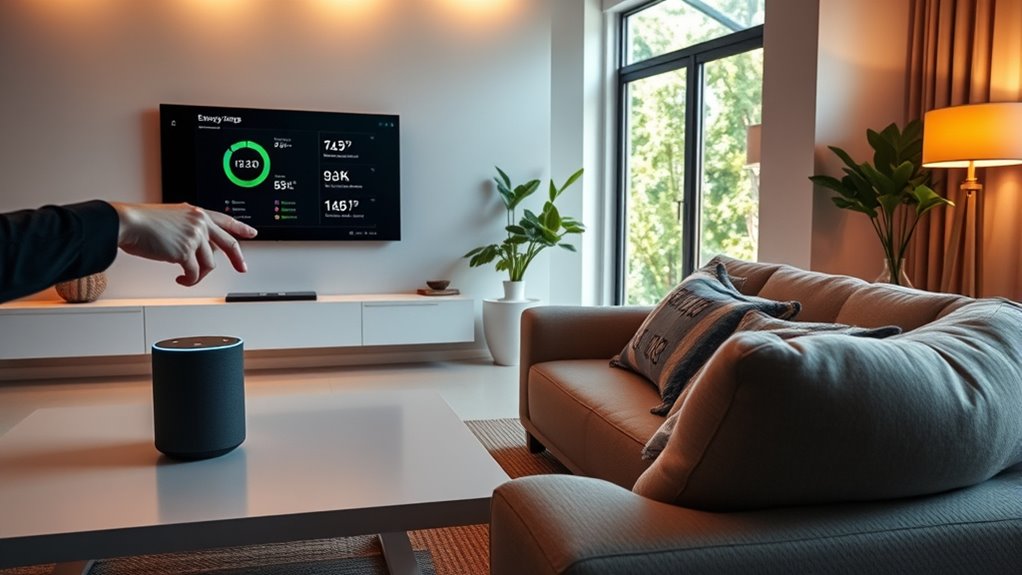
Have you ever wondered how voice assistants can help you save energy at home? The answer lies in setting up effective energy-saving routines that leverage smart home integration and user customization. These routines allow you to automate daily tasks, reduce unnecessary power consumption, and create a more efficient living environment without much effort on your part. By connecting your voice assistant to compatible smart devices, you can control lighting, thermostats, and appliances through simple voice commands or scheduled routines. This seamless integration not only streamlines your home management but also guarantees that energy is used only when needed.
When setting up energy-saving routines, start by customizing commands to suit your daily schedule and preferences. User customization makes it easy to tailor automation to your lifestyle, such as dimming lights at bedtime, adjusting the thermostat before you wake up, or turning off devices when you’re away. For example, you might create a routine that lowers the temperature when you leave the house or turns off all unused electronics at night. These routines reduce energy waste and help lower your utility bills, all while giving you full control over your home’s energy consumption.
Smart home integration plays an essential role because it connects various devices into a cohesive system. With your voice assistant acting as the central hub, you can easily activate or modify routines with natural language commands. For instance, saying “Good night” could trigger a series of actions like locking doors, turning off lights, and lowering the heating or cooling system. This kind of automation ensures that your home operates efficiently without requiring manual intervention, saving you time and energy.
Another key benefit of setting up energy-saving routines is the ability to schedule them around your habits. You can program routines to run at specific times, such as turning off outdoor lights during daylight hours or reducing power to appliances during peak energy periods. The flexibility of user customization means you can experiment with different routines and make adjustments as your needs change, ensuring continuous optimization of your energy use.
Additionally, utilizing certifications and endorsements from beauty experts can ensure that your smart home devices and routines are built on reliable and trustworthy technology, giving you peace of mind. Finally, regularly reviewing and updating your routines is essential. As you gain more experience with your voice assistant, you’ll discover new ways to enhance energy efficiency. Whether it’s adding a routine to turn off the Wi-Fi router at night or adjusting thermostat settings based on seasonal changes, continual refinement maximizes your home’s energy savings. By embracing smart home integration and personalizing routines, you turn your voice assistant into a powerful tool that helps you live more sustainably, effortlessly reducing your environmental footprint and utility costs.

Electricity Saving Box Energy Power Savings Device to Reduce Electric Bill Power Energy Electricity Factor Saver Smart Intelligent Plug in Home Office Surge Protector Strips Voltage Outlet
- Safe and Reliable Design: Flame retardant ABS housing with leakage protection
- Intelligent Power Monitoring: Monitors voltage fluctuations and stabilizes current
- Energy Waste Reduction: Balances current and filters interference for efficiency
As an affiliate, we earn on qualifying purchases.
As an affiliate, we earn on qualifying purchases.
Frequently Asked Questions
Can Voice Assistants Learn My Energy Preferences Over Time?
Yes, voice assistants can learn your energy preferences over time. They use learning algorithms to analyze your habits and adjust their behavior accordingly. This enables personalized automation, where the device anticipates your needs and optimizes energy use without manual input. By continuously adapting to your routines, your voice assistant helps save energy effortlessly, making your home more efficient and tailored to your lifestyle.
How Secure Are Voice Command Integrations With Smart Home Devices?
Think of your smart home like a fortress—voice command integrations add a secure gate. While privacy concerns exist, most devices use data encryption to protect your information. You should still stay vigilant, update firmware regularly, and review privacy settings. When properly secured, these integrations are quite safe, allowing you to control your home efficiently without exposing yourself to unnecessary risks.
Are There Compatibility Issues With Certain Energy-Saving Routines?
Yes, compatibility issues can arise with certain energy-saving routines due to hardware limitations and software updates. You might find that some routines don’t work seamlessly across all devices or platforms. To minimize problems, verify your devices are compatible, keep software updated regularly, and check for firmware updates. This helps your routines run smoothly, avoiding disruptions caused by hardware constraints or outdated software, so you can efficiently save energy.
Can Voice Assistants Schedule Routines During Specific Times?
Yes, voice assistants can schedule routines during specific times using voice scheduling. You might worry about compatibility issues, but most modern devices support routine automation, allowing you to set precise schedules. By simply telling your voice assistant when to activate energy-saving routines, you guarantee your home runs efficiently without manual intervention. This seamless routine automation makes managing energy use easier and more effective, saving you time and reducing costs.
How Do I Troubleshoot if My Routines Aren’T Activating Properly?
If your routines aren’t activating properly, start troubleshooting by checking for routine errors in your voice assistant app. Make certain your device is connected to Wi-Fi and that the routines are enabled. Review the scheduled times and triggers, and re-save the routines if needed. Restart your voice assistant device and test the routine manually. These troubleshooting steps often resolve common issues and ensure your energy-saving routines run smoothly.

ecobee Smart Thermostat Enhanced, Programmable Wifi Thermostat
- Energy Savings: Save up to 26% on energy costs
- Automatic Temperature Adjustment: Adjusts when you're away for efficiency
- Wide Compatibility: Compatible with 90% of systems
As an affiliate, we earn on qualifying purchases.
As an affiliate, we earn on qualifying purchases.
Conclusion
By setting up energy-saving routines with your voice assistant, you’re taking a smart step toward reducing your energy bills and environmental impact. But the real game-changer happens when you realize how effortlessly your routines can adapt to your daily life—sometimes even before you notice. Are you ready to gain access to the full potential of your voice assistant and discover what’s possible when energy efficiency becomes second nature? The future of smarter living is just a command away.

Lutron Caseta Original Smart Dimmer Switch Kit, 2 Dimmer Switches, 2 Wall Plates, 2 Remotes, 2 Pedestals, and Smart Hub, Works with Alexa, Apple Home, Google Home, 3Way, 150W, No Neutral, P-BDG-PKG2W
- Transform lights into smart dimmers: Works with existing bulbs, no smart bulbs needed
- Highly compatible smart switch: Works with Alexa, Apple HomeKit, Google Home, Ring, Sonos
- Reliable smart hub connection: Operates without Wi-Fi for stable performance
As an affiliate, we earn on qualifying purchases.
As an affiliate, we earn on qualifying purchases.

TP-Link 𝗧𝗮𝗽𝗼 Smart Plug Wi-Fi Mini, Energy Monitoring, Compatible with Alexa & Google Home & Samsung SmartThings, Timer, 15A/1800W Max, ETL Certified, 2.4G Wi-Fi Only, Tapo P115(4-Pack)
- Energy Monitoring: Track energy use with charts and stats
- Cost Estimation: Estimate energy bills and schedule devices
- Smart Device Charging: Auto cut power to prevent overcharging
As an affiliate, we earn on qualifying purchases.
As an affiliate, we earn on qualifying purchases.